

Buying a Bluetooth speaker should be simple, but the box is full of confusing numbers: 40W, IPX7, Bluetooth 5.3, 24-hour battery, TWS. And once you get it home, a new set of problems can start. It won’t pair, it connects but plays no sound, or the battery dies far sooner than promised.
This guide clears all of that up in one place. You’ll learn what the specs actually mean, which ones matter for how you’ll use your speaker, and how to pair it, fix it, and connect two speakers together.
How Bluetooth Speakers Actually Work
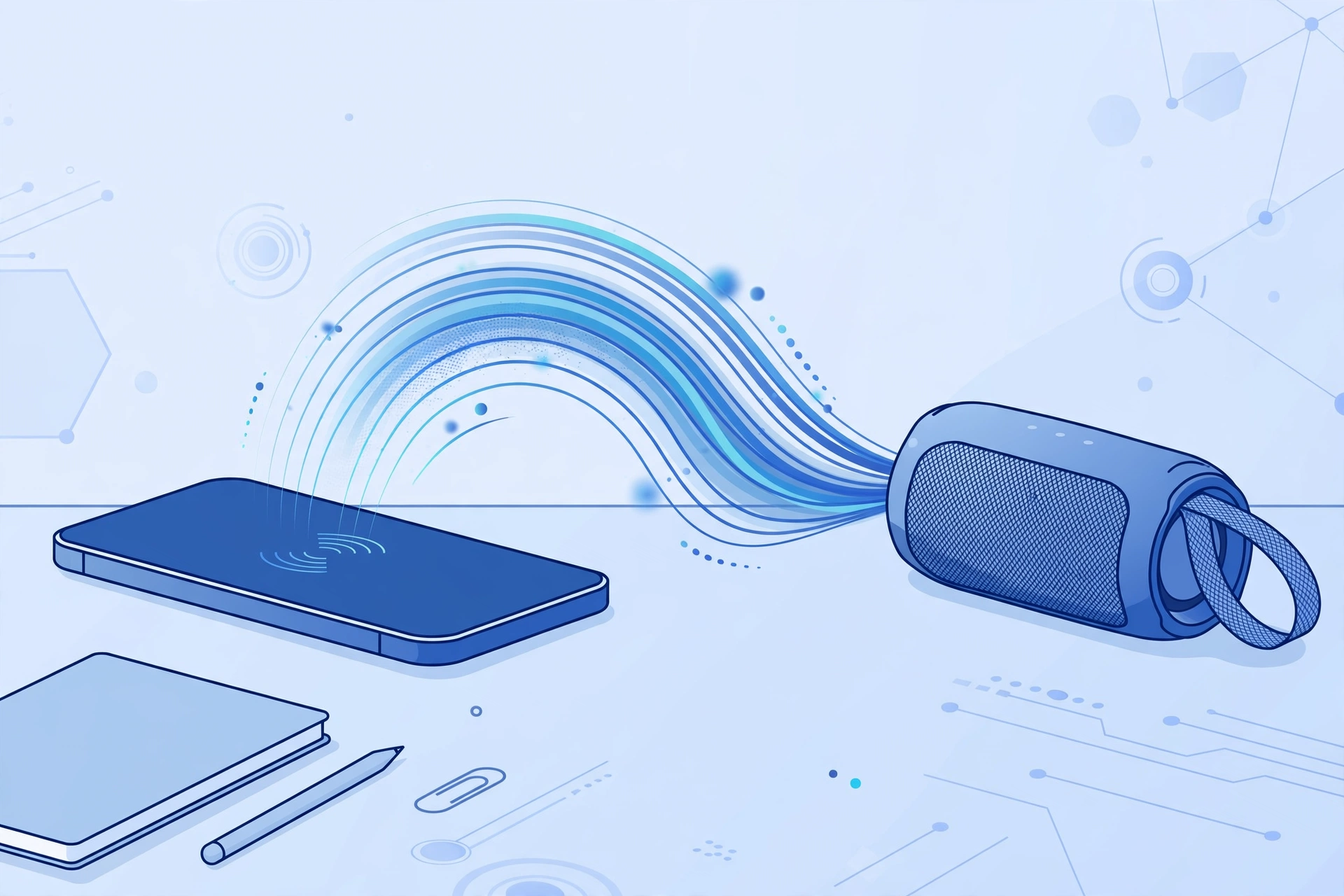
A Bluetooth speaker plays music sent from your phone or laptop without any wires. Here’s what happens in that split second:
- Your phone takes the song and shrinks it into a smaller package using a codec (a method for packing audio, like SBC or AAC).
- It sends that package to the speaker using radio waves on the 2.4GHz band, following the Bluetooth rules both devices understand.
- The speaker unpacks the sound. A small chip called a DAC (digital-to-analog converter) turns the digital data into a real sound signal.
- An amplifier boosts that signal, and the speaker’s drivers move air to make the sound you hear.
Because all of this needs power, a portable speaker always balances three things: how loud it gets, how long the battery lasts, and how big and heavy it is.
Learn how Bluetooth audio codecs like SBC and AAC work.
5 Things to Check Before Buying a Bluetooth Speaker
1. Output Power (Watts) and Volume
Watts tell you roughly how much power the speaker’s amplifier can use. More watts usually means louder sound, but there’s a catch: brands measure it in two different ways.
- RMS watts: the power the speaker can deliver steadily. This is the honest number.
- Peak watts: the highest burst it can hit for a moment. It’s often double the RMS number or more, so it looks better on the box.
Always compare RMS to RMS. If a listing only shows “peak” or “max” power, the real output is lower.
A rough guide for how much power you need:
| Where you’ll use it | Rough RMS power |
|---|---|
| Desk, bathroom, small bedroom | Under 15W |
| Living room or larger bedroom | About 15 to 30W |
| Backyard, beach, outdoor parties | 40W and up |
Watts aren’t everything. Speaker size, design, and bass radiators also affect how full and loud it sounds. A well-built 20W speaker can sound better than a cheap 40W one.
2. Battery Life vs. Portability
That “24 hours of playtime” on the box is real, but it’s usually measured in easy conditions: moderate volume, with lights and bass boost switched off.
In real use, three things drain the battery much faster:
- Playing at or near max volume. This is the biggest drain.
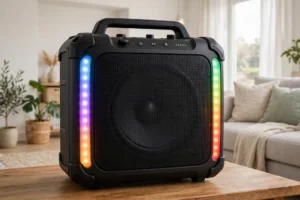
- RGB party lights. Glowing lights use power the whole time they’re on.
- Bass boost or “party” sound modes. Deep bass takes more energy to produce.
Use all three at once and you can get far fewer hours than advertised. If long battery life matters to you, choose a speaker rated well above what you need.
There’s also a size trade-off. A bigger battery and louder output mean a heavier speaker. A small speaker you clip to a bag won’t play as loud or as long as a large party speaker.
3. Waterproof IP Ratings Explained
“Waterproof” on the box can mean very different things. The IP rating tells you exactly how much water and dust a speaker can handle.
The first number is dust protection. The second number is water protection. An X just means it wasn’t tested for dust.
| Rating | What it can handle | Good for |
|---|---|---|
| IPX4 | Splashes from any direction | Bathroom shelf, light rain |
| IPX5 | Strong sprays of water | Rain, poolside splashes |
| IPX7 | Being dropped underwater (up to 1 meter for about 30 minutes) | Pool, beach, boat |
| IP67 | Fully dust-tight and the same water protection as IPX7 | Beach sand, camping, the pool |
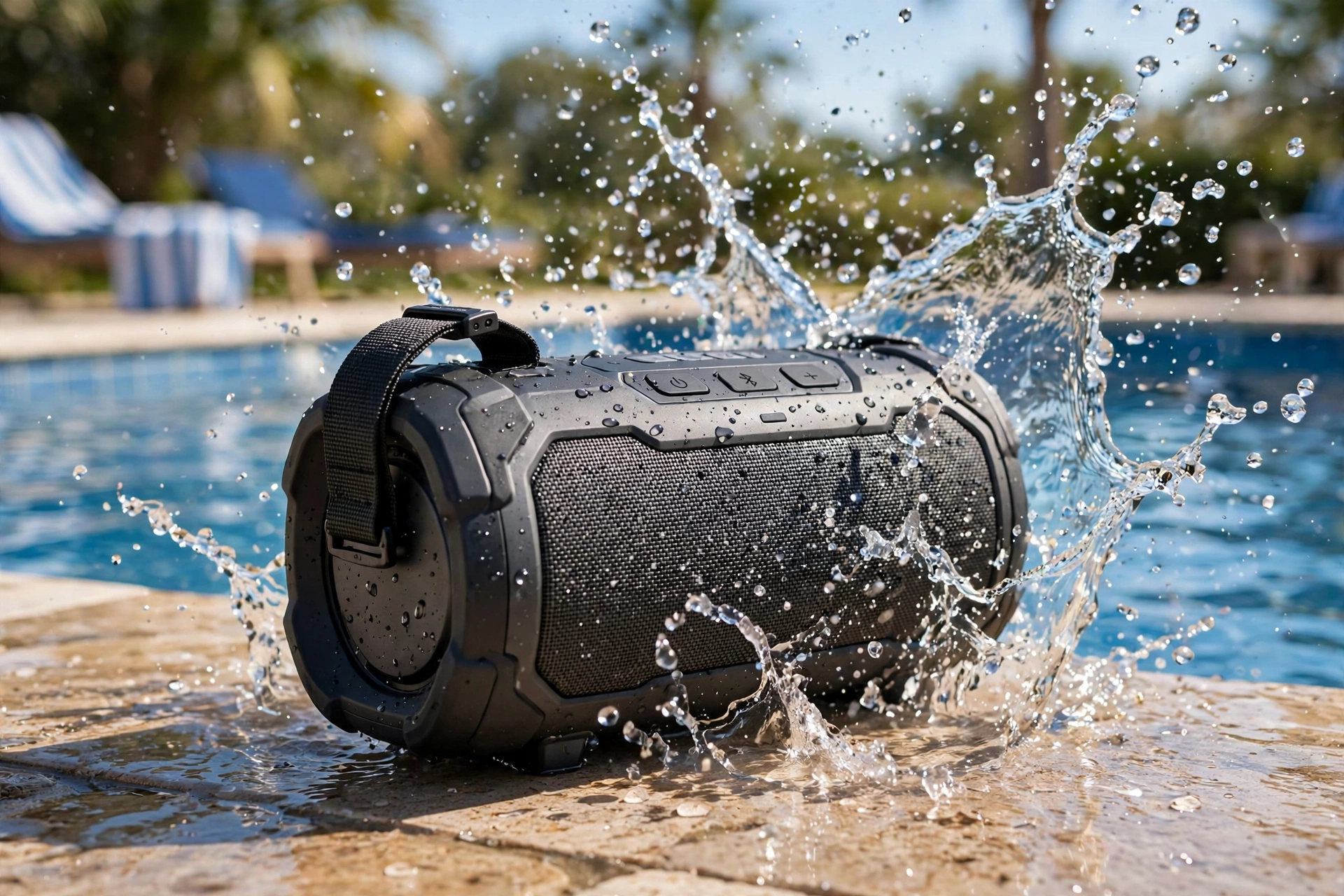
So an IPX4 speaker is fine on a shelf near the shower, but not in the shower spray or in the bath. For the pool, look for IPX7 or IP67.
Two tips: these ratings are tested in fresh water, so rinse your speaker after salt water or a chlorine pool. And make sure any charging port cover is closed before it gets wet.
See the best waterproof Bluetooth speakers.
4. Bluetooth Versions (5.0 vs 5.3)
Newer Bluetooth versions mostly improve the connection, not the sound.
- What a newer version helps with: a steadier connection, better range, lower power use, and faster pairing.
- What it doesn’t change: sound quality. That depends on the speaker’s drivers, its build, and the codec it uses.
Any speaker with Bluetooth 5.0 or newer is fine for most people. Newer versions also support LE Audio, a newer standard for wireless sound, but very few speakers use it yet, and your phone has to support it too.
Also remember that both devices use the lower version they share. A Bluetooth 5.3 speaker paired with an older Bluetooth 4.2 phone works like a 4.2 connection.
See Bluetooth versions compared from 1.0 to 6.0.
5. TWS (True Wireless Stereo) Capability
TWS lets you pair two speakers together so one plays the left channel and the other plays the right. That gives you real stereo sound, like a home speaker system.
To use TWS, you usually need two speakers of the same model, or two models from the same brand that support it. Your phone connects to one speaker, and that speaker shares the sound with the second one.
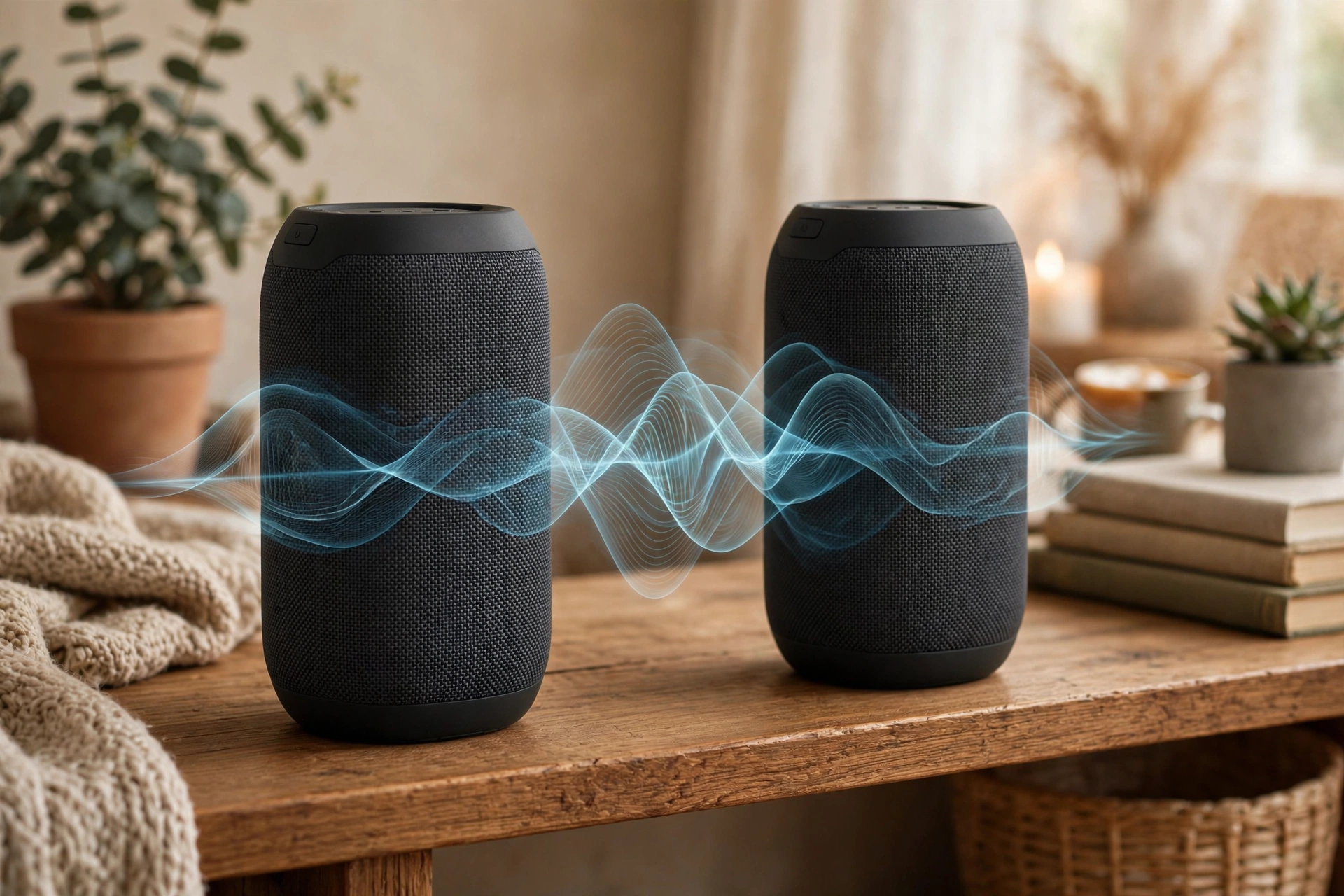
Some brands also offer a party mode, which links several speakers to play the same sound everywhere instead of splitting left and right. Check the brand’s app or manual for which mode your speaker supports.
Other extras worth a look: a 3.5mm AUX input for devices without Bluetooth, NFC tap-to-pair (tap an Android phone on the speaker to connect), and a companion app for EQ and firmware updates.
How to Put Your Speaker in Pairing Mode
Most new speakers enter pairing mode automatically the first time you turn them on. If yours doesn’t, there are two common ways:
- A dedicated Bluetooth button: press and hold it (often marked with the Bluetooth symbol) until the light flashes.
- The power button: on some speakers, you keep holding the power button after it turns on until the light flashes or you hear a tone.
A flashing light usually means pairing mode. A solid light usually means it’s already connected to something. Then open Bluetooth on your phone or computer and tap the speaker’s name.
For the complete walkthrough, see our full step-by-step guide to pairing a Bluetooth speaker on any device.
Common Bluetooth Speaker Problems & Fixes
Speaker Won’t Connect or Pair
The usual causes are simple: the speaker isn’t in pairing mode, it already reconnected to another phone, or an old pairing is stuck. Turn off Bluetooth on other nearby devices, remove the speaker from your phone’s Bluetooth list, and pair again from scratch.
For the full fix, see how to fix a Bluetooth speaker that won’t connect.
If it connects but plays no sound, the audio is probably going to the wrong output, like your phone’s own speaker or a different device. See what to do when Bluetooth is connected but there’s no sound.
Sound too quiet even at full volume? That’s often a phone setting, not the speaker. Learn why your Bluetooth speaker volume is too low.
How to Factory Reset a Buggy Speaker
A factory reset clears the speaker’s saved pairings and settings. It’s the best fix when the speaker freezes, keeps refusing one phone, or acts strangely after an update. Most speakers reset by holding a button combination for several seconds, but it’s different for every brand.
See how to reset a Bluetooth speaker by brand.
Pairing Multiple Speakers Together
Want bigger sound for a party, or real left and right stereo? You can link two or more speakers using TWS, a brand’s party mode, or a companion app. Most of the time, the speakers need to be from the same brand, and often the same product family.
Learn how to pair two Bluetooth speakers together.
Frequently Asked Questions
How many watts is a good Bluetooth speaker?
For a bedroom or desk, under 15W RMS is plenty. For a living room, look for about 15 to 30W. For outdoor parties, aim for 40W or more. Compare RMS watts, not peak watts.
What does TWS mean on a speaker?
True Wireless Stereo. It lets two matching speakers play left and right channels separately for real stereo sound.
How long does a portable speaker’s battery last?
Small speakers often last around 10 to 20 hours, and some larger ones last longer. Real playtime drops a lot at high volume, with lights on, or with bass boost turned on.
Can I take an IPX4 speaker into the shower?
Not into the direct spray. IPX4 only protects against splashes, so keep it on a shelf nearby. For direct water or the pool, choose IPX7 or IP67.
Why does my speaker connect to my phone but not play sound?
Your phone may still be sending audio to another output, or the volume on the speaker or phone is muted. Check the audio output on your phone and turn up both volumes.
Does a higher Bluetooth version mean the speaker sounds better?
No. Newer versions improve connection stability, range, and battery use. Sound quality depends on the speaker’s hardware and the codec.
For speaker recommendations, start with our Bluetooth buying guides.


4 Comments
Pingback: Bluetooth Speakers: How to Choose, Set Up & Fix Issues
Pingback: How to Pair Two Bluetooth Speakers Together
Pingback: How to Reset a Bluetooth Speaker: Easy Steps
Pingback: Does HomePod Use Bluetooth? Honest Answer + How It Connects