

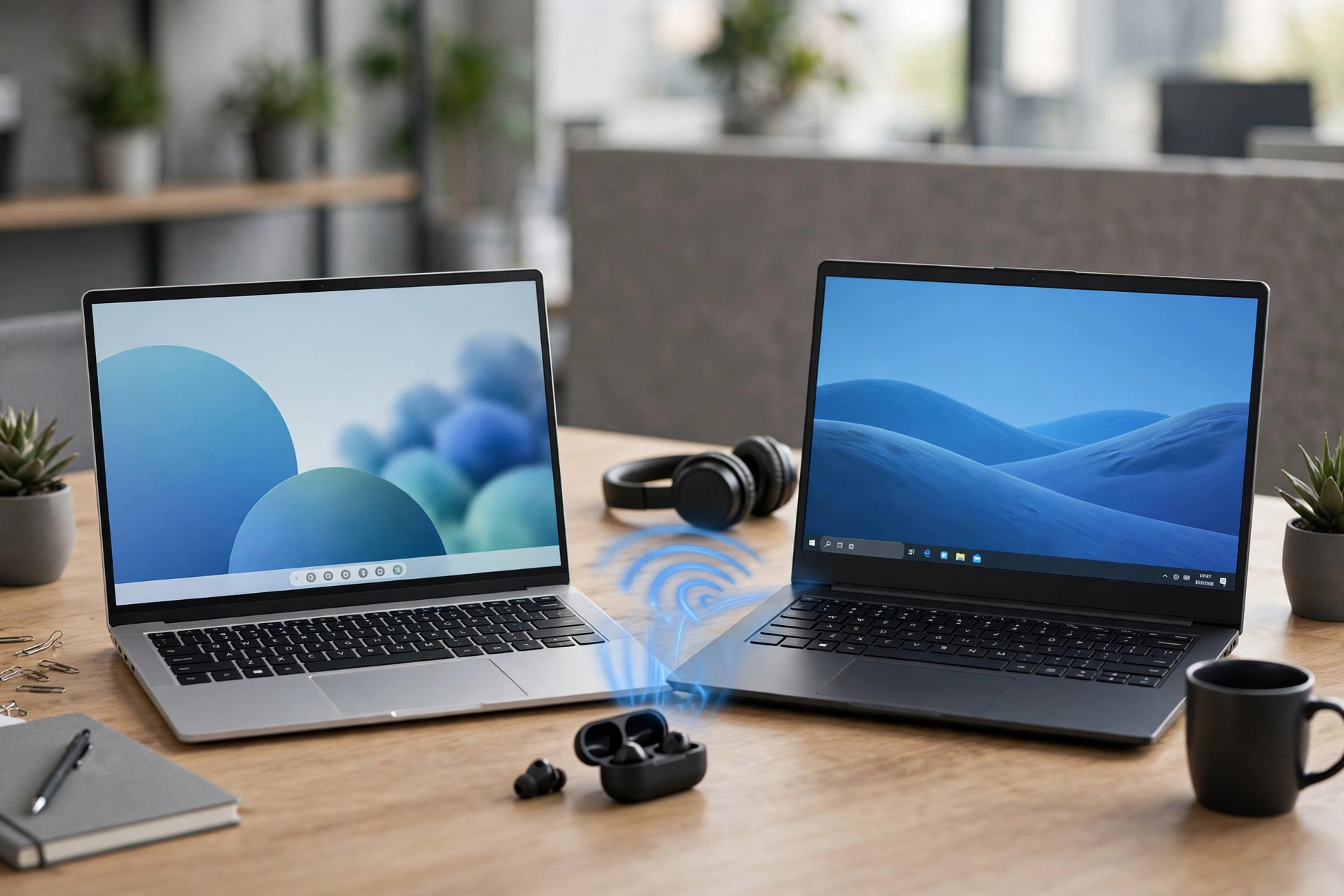
If you’re comparing Windows 11 vs Windows 10 Bluetooth, you probably want one simple answer: will upgrading make your headphones sound better or connect more easily? Maybe your headset sounds muddy on Discord or Teams calls, and you’ve heard Windows 11 fixes that.
Here’s the honest answer. For most regular Bluetooth headphones, Windows 11 works about the same as Windows 10, with a nicer menu. The big upgrade is Bluetooth LE Audio, and you only get it if your PC’s Bluetooth hardware and your headphones both support it. This guide shows what changed, what didn’t, and how to check if your setup can use the new features.
Quick Summary: The Core Differences at a Glance
| Feature | Windows 10 | Windows 11 |
|---|---|---|
| Bluetooth LE Audio (LC3 codec) | Not supported | Supported on compatible hardware |
| Stereo sound while using the mic | No. Sound drops to low-quality mono on calls | Yes, with LE Audio headsets (Windows 11 24H2 and newer) |
| Regular (Classic) Bluetooth headphones | Works | Works about the same |
| Quick controls | Action Center tile turns Bluetooth on or off | Quick Settings lets you see and connect devices from the taskbar |
| Main settings page | Devices, then Bluetooth & other devices | Bluetooth & devices |
| Future updates | Support ended October 14, 2025 | Still getting new Bluetooth features |
The short version: if you use normal Bluetooth earbuds or a mouse, upgrading won’t change much. If you buy a newer LE Audio headset and your PC supports it, Windows 11 is a real step up, especially for calls and gaming chat.
1. The Biggest Upgrade: Bluetooth LE Audio & LC3 Support (Windows 11 Exclusive)
Bluetooth LE Audio is a newer way of sending sound over Bluetooth. It uses a new codec called LC3. A codec is the method used to pack sound so it can travel wirelessly. LC3 is more efficient than SBC, the basic codec most Bluetooth headphones use. In simple terms, it can deliver similar or better sound while using less data. That leaves room for better battery life, steadier connections, and features like stereo sound with a microphone.
Windows 10 doesn’t support LE Audio at all. Its Bluetooth system only handles the older type, called Bluetooth Classic. So even if you buy LE Audio earbuds, Windows 10 will connect to them the old way, if they support it, and you won’t get the new features. Windows 11 added LE Audio support, and Microsoft has kept improving it in later updates. But there’s a catch: Windows 11 alone isn’t enough. Your PC’s Bluetooth chip, its driver, and your headphones all need to support LE Audio. More on that in section 4.
Will Windows 11 Make My Current Headphones Sound Better?
For most regular Bluetooth headphones (AirPods, Sony WH-1000XM5, Bose QC), upgrading won’t improve sound quality. What you get:
- A nicer Bluetooth menu. Quick Settings makes connecting and switching devices faster.
- Small stability improvements. Microsoft has fixed bugs over the years, but your headphones sound the same.
- Future-proofing. Windows 10 support ended on October 14, 2025, so new Bluetooth features will only come to Windows 11.
- If you want the best wireless call quality in 2025+, look for an LE Audio headset rather than relying on a Windows upgrade alone.
See what LE Audio support on Windows looks like today and what Bluetooth LE Audio and Auracast are.
2. Solving the Mic Problem: Stereo Sound During Voice Calls
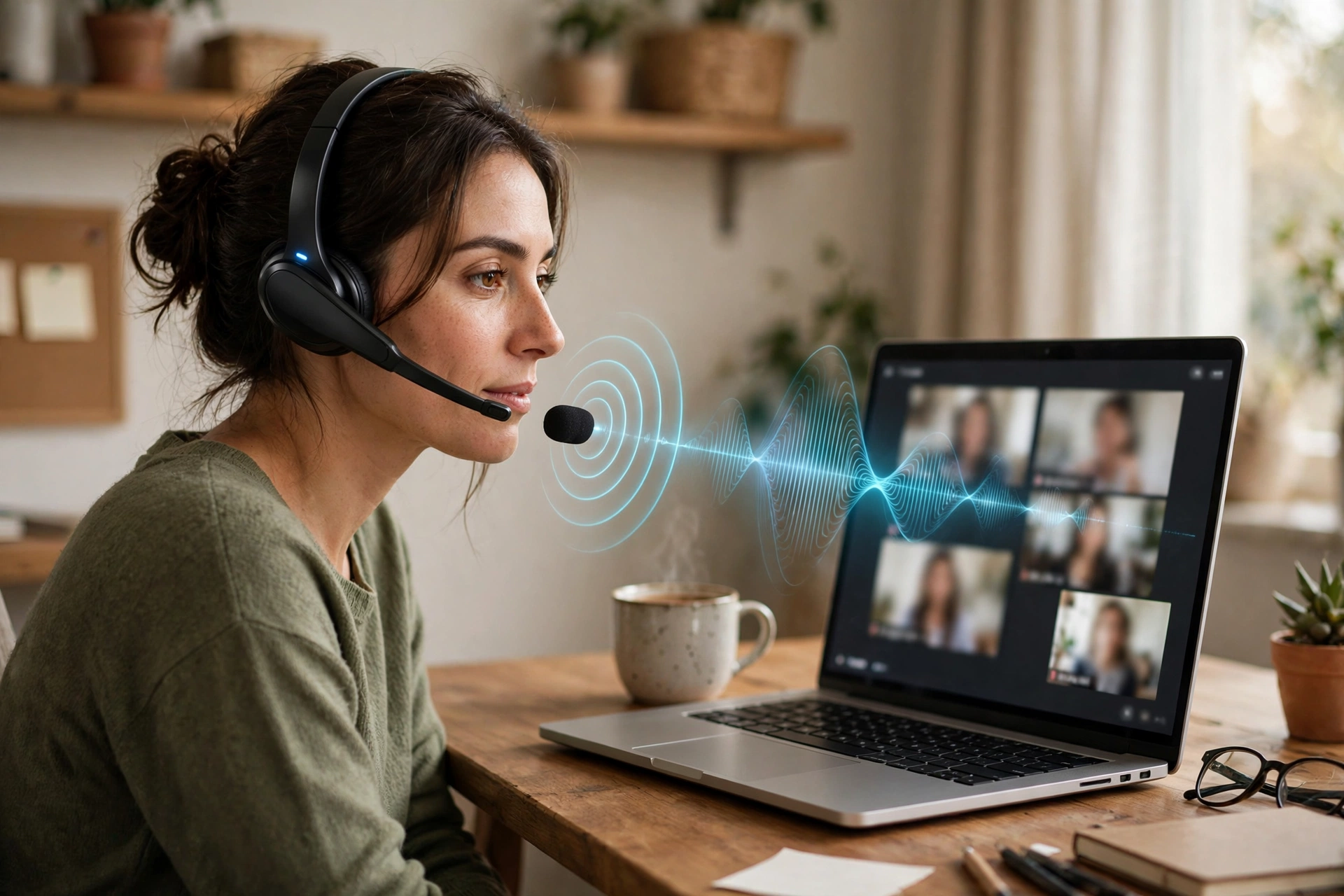
This is the change most people actually notice, so here’s what’s going on. You’re playing a game or watching a video with Bluetooth headphones. It sounds great. Then you join a Discord, Teams, or Zoom call, and suddenly everything sounds flat, muffled, and like an old phone call. Your game audio turns to mush too.
Why does that happen? Classic Bluetooth headphones use two different modes, called profiles:
- A2DP for music and videos: good stereo sound, but no microphone.
- HFP (Hands-Free Profile) for calls: the microphone works, but sound drops to low-quality mono.
Classic Bluetooth can’t do both at full quality at once. So the moment an app turns on your headset’s mic, Windows switches everything to HFP. It’s like squeezing your music and your voice through a narrow pipe built for phone calls. This happens on both Windows 10 and Windows 11 with regular Bluetooth headphones. Upgrading alone won’t fix it.
What Windows 11 changes: with an LE Audio headset, Windows 11 version 24H2 and newer can keep stereo sound while the microphone is on. Microsoft calls this super wideband stereo. Your game or music stays clear while you talk.
Easy workarounds if you’re on Classic headphones:
- Use your PC’s built-in mic or a separate USB mic, so the headset stays in stereo mode.
- In Sound settings, check that the call app uses your headset’s Headphones or Stereo output, not the Hands-Free one, if you don’t need its mic.
- For gaming, a headset with its own USB wireless dongle avoids the problem entirely.
See how to fix Bluetooth mic problems on calls and how Bluetooth profiles like A2DP and HFP work.
3. User Interface & Control: Quick Settings vs. Action Center
Day to day, this is the change you’ll see most often. Windows 10 uses the Action Center (the speech bubble icon next to the clock, or Windows + A). Its Bluetooth tile mostly turns Bluetooth on or off. To manage devices, you usually open Settings, then Devices, then Bluetooth & other devices.
Windows 11 replaced the Action Center with Quick Settings (click the Wi-Fi, volume, and battery icons, or press Windows + A). Click the small arrow next to the Bluetooth tile, and you can:
- See your paired devices.
- Connect or disconnect one with a single click.
- Jump to Bluetooth settings if you need more.
You can also click the arrow next to the volume slider to switch sound between your speakers and your Bluetooth headphones, without opening Settings. Windows 11 also has a cleaner settings page called Bluetooth & devices, which puts pairing, device lists, and options in one place.
See how to turn Bluetooth on in Windows 11 and 10 and every Windows Bluetooth setting explained.
4. Hardware Requirements & Radio Compatibility
This is where many people get disappointed. Upgrading to Windows 11 doesn’t upgrade your Bluetooth chip. To use LE Audio, you need all three of these:
| You need | What to check |
|---|---|
| Windows 11 | Use the newest version (24H2 or later) for the best LE Audio features |
| A Bluetooth adapter that supports LE Audio | Usually a newer Bluetooth 5.2 or 5.3 chip with an LE Audio driver from your PC or chip maker |
| LE Audio headphones | The box or product page should say “LE Audio” or “LC3” |
Two important points:
- Older adapters can’t do it. A PC with Bluetooth 4.0 or 4.2 can run Windows 11 fine, but it can’t use LE Audio. Software can’t add it.
- A new Bluetooth version number isn’t a guarantee. Some Bluetooth 5.2 or 5.3 adapters don’t support LE Audio, or need a newer driver first. Check your PC or adapter maker’s specs.
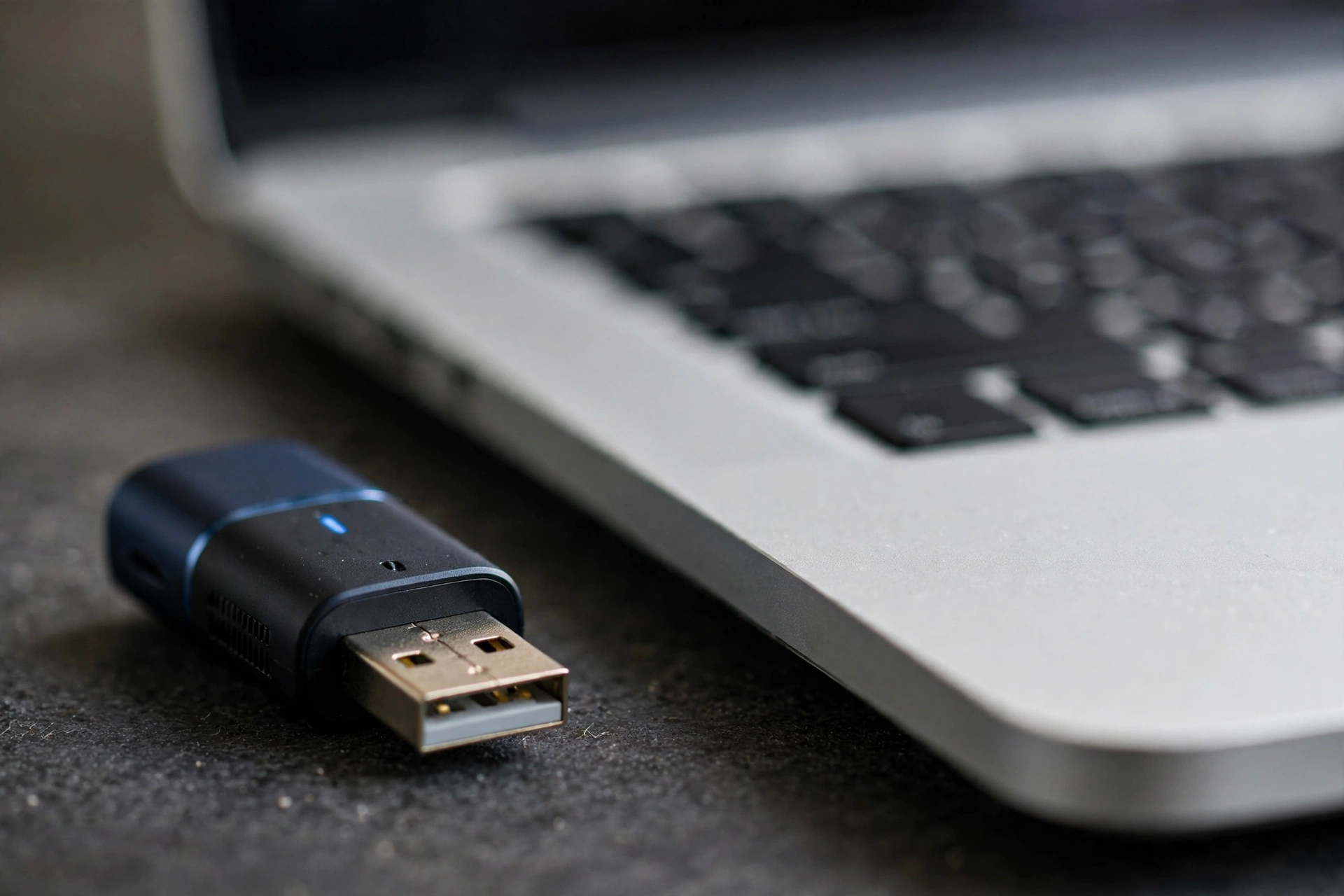
If your PC’s Bluetooth is too old, a newer USB Bluetooth adapter is the cheapest upgrade. Look for one that lists LE Audio support for Windows 11.
See how to check which Bluetooth version your PC has and the best USB Bluetooth adapters for PC.
Frequently Asked Questions
Is Bluetooth better on Windows 11 than Windows 10?
For regular Bluetooth headphones, mice, and keyboards, they work about the same. Windows 11 is better if you use LE Audio headphones with a compatible PC, and its Quick Settings make managing devices faster.
Will upgrading to Windows 11 fix bad sound on calls?
Only with an LE Audio headset and compatible PC hardware. Regular Bluetooth headphones still switch to low-quality mono when the mic is on, on both versions.
Does Windows 10 support Bluetooth LE Audio?
No. Windows 10 only supports Classic Bluetooth audio.
Can I get LE Audio with my current Bluetooth adapter?
Only if the adapter and its driver support LE Audio. Older Bluetooth 4.x adapters can’t, even on Windows 11.
Should I stay on Windows 10 for Bluetooth?
Windows 10 support ended on October 14, 2025, so it won’t get new Bluetooth features or fixes beyond security updates for enrolled PCs. If your PC can run Windows 11, that’s the better long-term choice.
For more Windows Bluetooth help, visit the complete guide to Bluetooth on Windows.
