

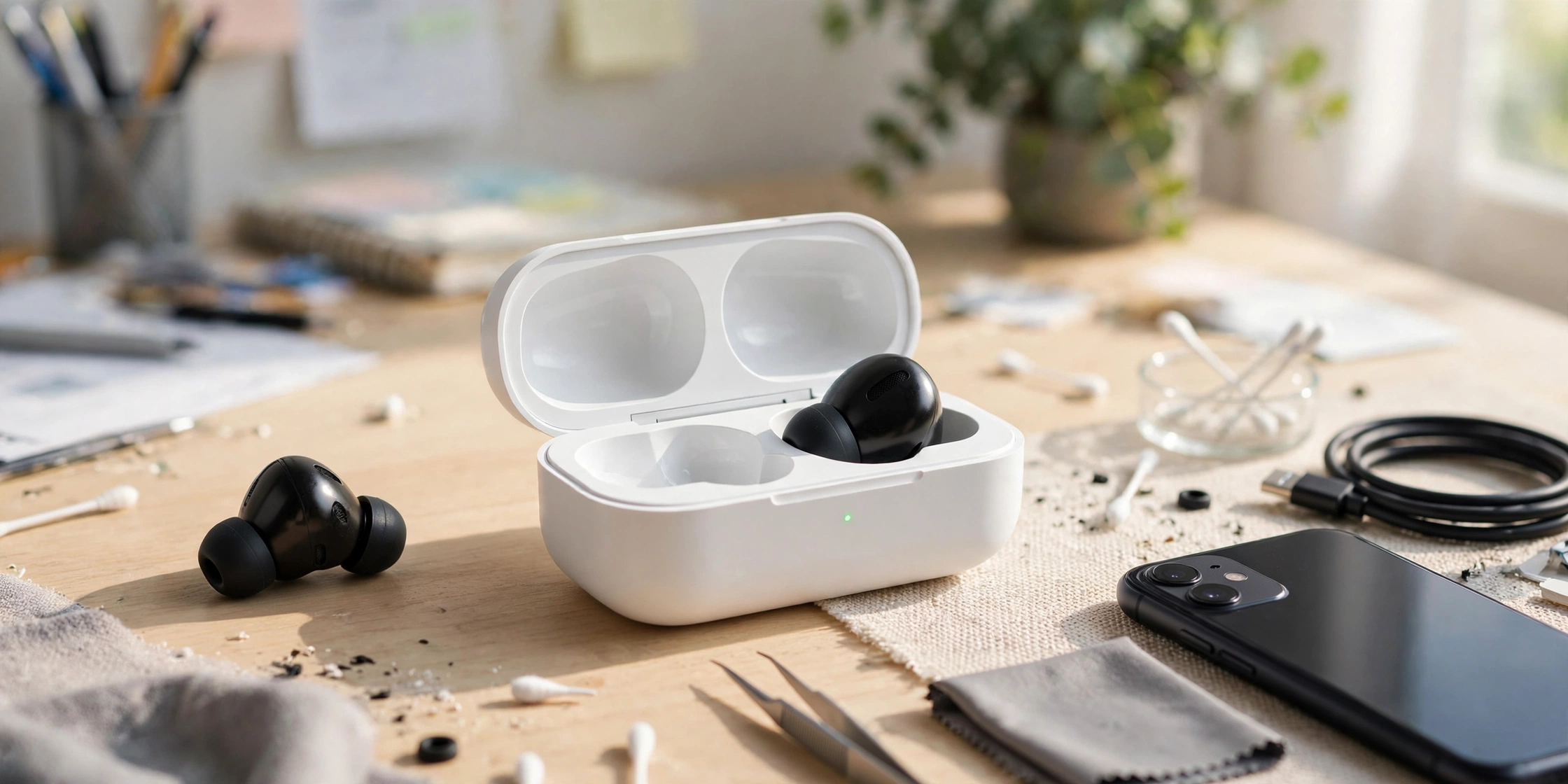
If one earbud is not working, you may hear sound from only the left or right side, even though both earbuds appear connected to your phone. You might also notice that one earbud will not charge, has a very low volume, or refuses to sync with the other. This can be frustrating, especially when your earbuds worked fine the day before. The problem does not always mean your earbud is broken. It could be caused by dirty charging contacts, a lost Bluetooth connection, blocked speaker mesh, or an incorrect audio balance setting.
Before buying a replacement, try these six steps to find the cause and fix it. First, check whether the silent earbud is charging and turning on. Then check the connection between both earbuds, reset them if needed, review your phone’s audio balance, and clean the speaker mesh if the sound is very quiet. These checks can help you tell the difference between a simple connection problem and a possible hardware fault.
Diagnose the Problem: Power, Sync, or Sound?
Start by checking what the silent earbud actually does. This helps you choose the right fix instead of trying random solutions.
| What you notice | Possible cause | Where to start |
|---|---|---|
| No light or sign of charging | Dirty contacts, empty battery, or charging fault | Step 1 |
| Both earbuds turn on, but only one connects | Left and right earbuds are not synced | Step 2 |
| Both appear connected, but one has no sound | Audio balance, blocked mesh, or software issue | Steps 3 and 4 |
| One earbud plays sound very quietly | Earwax or dirt blocking the speaker mesh | Step 5 |
| One earbud still fails after all checks | Battery or hardware damage | Warranty section |
These are clues, not guaranteed diagnoses. Some earbuds have no visible light, and indicator behavior varies by model.
Step 1: Inspect and Clean the Charging Contacts
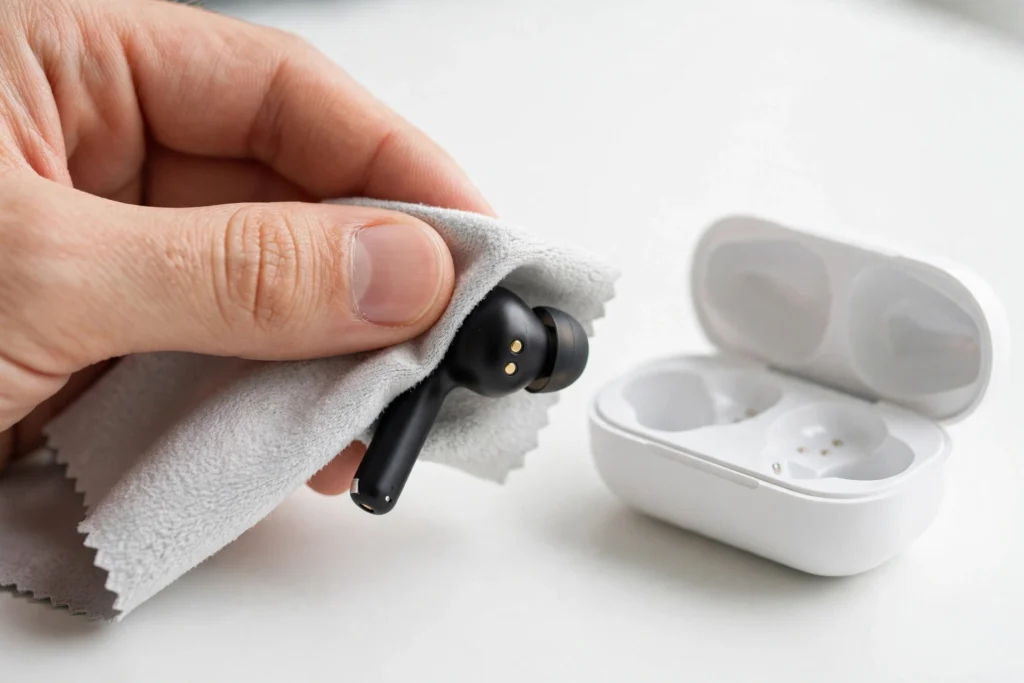
One common reason a Bluetooth earbud stops working is that it did not charge properly in its case. Sweat, skin oil, dust, and pocket lint can collect on the small metal charging contacts. Even a thin layer of dirt may prevent a good connection.
How to check the charging contacts
- Put both earbuds in the charging case.
- Check whether the silent earbud sits correctly in its slot.
- Look for a charging light or other sign that the earbud is receiving power.
- Remove the earbud and inspect the metal contacts on both the earbud and case.
- If the earbud is new, check for protective film covering the contacts.
How to clean them safely
- Remove the earbuds from the case and unplug the case from its charger.
- Gently wipe the metal contacts with a clean, dry, lint-free cloth.
- If the manufacturer permits it, use a cotton swab lightly dampened with isopropyl alcohol on the metal contacts only.
- Let everything dry completely before placing the earbuds back in the case.
- Charge the earbuds and check whether both are detected.
Do not pour liquid into the case, scrape the contacts with metal tools, or force the earbuds into their slots.
What if the earbud says it is charging but never works? The charging indicator may not prove that the battery is holding power. Try a known working cable and charger for the case, and check the contacts again. If the earbud still will not turn on after adequate charging, its battery or charging circuit may need service.
Step 2: Re-Sync the Left and Right Earbuds
True Wireless Stereo (TWS) earbuds work as a left and right pair. Depending on the model, the earbuds may need to connect to each other before they can work together with your phone. If they lose sync, one earbud may work while the other stays silent or appears separately in Bluetooth settings.
This can happen after one earbud runs out of battery, the earbuds are reset separately, or one is connected to another device.
Try this general re-sync process
- On your phone, open Bluetooth settings.
- Find the earbuds and select Forget or Unpair. If the left and right buds appear as separate entries, remove the relevant entries.
- Turn Bluetooth off temporarily.
- Place both earbuds in the case.
- Confirm that both earbuds are charging.
- Close the lid and wait briefly, following your model’s instructions.
- Open the case and use the manufacturer’s pairing or re-sync method.
- Wait for the earbuds to connect to each other, if your model uses a separate sync step.
- Turn Bluetooth back on and pair the earbuds again.
Not every model syncs in the same way. Some enter pairing mode automatically when the case opens, while others require a case button or touch controls. Check your model’s instructions if the two earbuds still do not work together.
Step 3: Reset Your Bluetooth Earbuds
If re-syncing does not work, a factory reset may help. It can clear saved connections and return the earbuds to their default pairing state.
Important: Reset steps vary by model. The methods below are common approaches, not universal button combinations.
Apple AirPods
- Put both AirPods in their charging case.
- Close the lid and wait about 30 seconds.
- On your iPhone, open Settings > Bluetooth.
- Tap the information icon beside your AirPods and select Forget This Device.
- Open the case and follow the reset instructions for your exact AirPods model.
- When the status light signals that setup is ready, hold the case near your iPhone and reconnect.
AirPods models use different reset controls. Some cases have a setup button on the back, while newer models may use touch controls on the front of the case. Check Apple’s instructions for your specific generation rather than trying a button sequence meant for another model.
Samsung Galaxy Buds
If your earbuds still connect to the Galaxy Wearable app:
- Open the Galaxy Wearable app on your phone.
- Select your Galaxy Buds.
- Open Earbuds settings.
- Look for Reset and confirm the action.
Menu names may vary by model. If one earbud is not detected by the app, place both buds in the case, confirm that they are charging, and consult Samsung’s instructions for your exact model.
Soundcore and Other Bluetooth Earbuds
For Soundcore and other brands, check the official companion app or user manual for the reset procedure.
Some models use a button on the case, while others require holding touch controls or following a specific case sequence. Do not assume that holding both earbuds for 10 or 15 seconds will work for every pair.
After a successful reset, remove any old saved Bluetooth entry from your phone and pair the earbuds again.
Step 4: Check Your Phone’s Audio Balance
Sometimes both earbuds connect correctly, but your phone sends more sound to one side. This can make one earbud seem broken when the problem is actually an audio setting.
On iPhone
- Open Settings.
- Tap Accessibility.
- Select Audio & Visual.
- Find the Balance slider.
- Move it to the center.
Play audio again and check both earbuds.
On Android
The exact menu depends on your phone brand and Android version.
- Open Settings.
- Select Accessibility.
- Look for Hearing enhancements, Audio adjustment, or a similar sound setting.
- Find the left and right audio balance control.
- Move the slider to the center.
On some Samsung phones, the setting is under Accessibility > Hearing enhancements. If you cannot find it, search Settings for “audio balance.”
Also check the sound balance in any music player or video app that has its own audio controls.
Step 5: Clean the Speaker Mesh if One Earbud Is Quiet
If the silent earbud turns on, connects, and responds to controls but produces very little sound, the speaker mesh may be blocked by earwax or dirt.
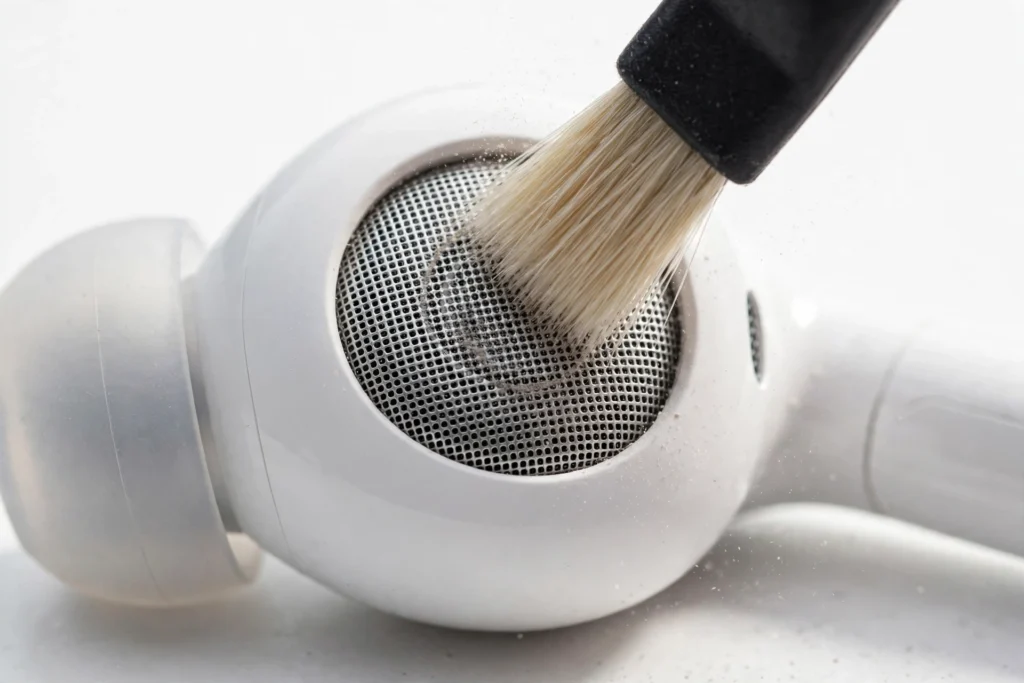
The speaker mesh is the small screen covering the sound outlet. Cleaning it is different from cleaning the metal charging contacts.
How to clean the speaker mesh
- Remove the earbud from your ear and switch it off if the model allows it.
- Remove the silicone ear tip if it comes off easily.
- Use a clean, soft, dry brush to gently remove visible debris from the mesh.
- Keep the opening facing downward when possible so loose dirt can fall away.
- Clean the removable ear tip separately and let it dry completely before putting it back.
Do not pour water or alcohol onto the speaker mesh. Avoid needles, sharp tools, and forceful air that could push debris deeper or damage the speaker.
Test the earbud at a low volume after cleaning. If it remains much quieter than the other one, the mesh may need professional cleaning or the speaker may be damaged.
Step 6: Update the Earbuds and Check for Software Problems
If the earbuds connect but one side keeps dropping out, check whether the manufacturer offers a firmware update.
Firmware is the software inside your earbuds. An update may fix certain connection bugs, although it will not repair a damaged battery or speaker.
- Install the official companion app, if your model has one.
- Connect the earbuds to a compatible phone.
- Open the app and look for a firmware update.
- Follow the instructions and keep the earbuds charged during the update.
- Test both earbuds after the update finishes.
If no update is available, restart your phone and test the earbuds with another compatible device. If both earbuds work properly on another device, your original phone’s settings or Bluetooth connection may be the cause.
When to Claim Warranty or Replace an Earbud
If one earbud still does not work after these checks, it may have a hardware fault.
Consider contacting the manufacturer if:
- The earbud never shows signs of charging after you clean the contacts and check the case.
- It repeatedly disconnects even after the correct reset procedure.
- The speaker remains silent or extremely quiet after safe cleaning.
- The earbud or case has visible damage or signs of liquid entry.
Stop using and charging the earbud if its battery appears swollen, the casing has opened, or it becomes unusually hot. Do not attempt to repair a damaged battery yourself.
Before buying a replacement, check your warranty and whether the manufacturer sells a single replacement earbud. Some brands can help pair a replacement bud with your existing case and earbud, but compatibility depends on the model.
Frequently Asked Questions
Why is my left earbud not working, but my right one is?
The left earbud may not be charging, may have lost sync with the right earbud, or may have blocked speaker mesh. Check its charging contacts first, then re-sync the pair and inspect your phone’s audio balance.
How do I fix an earbud that has no sound?
First, confirm that it connects and is charged. Check the audio balance, clean the speaker mesh with a dry, soft brush, and test the earbud with another device. If it still produces no sound, follow the manufacturer’s reset instructions.
Why does one earbud say it is charging but still not work?
The case may detect the earbud without the battery holding enough power to run it. Dirty contacts, a weak battery, or a charging fault may be responsible. Clean the contacts safely and check whether the earbud works after charging.
Can I replace just one earbud?
Often, yes, but it depends on the brand and model. Confirm that the replacement is compatible with your charging case and existing earbud before buying it.
Final Thoughts
When one Bluetooth earbud stops working, identify whether the problem is power, sync, or sound before trying a fix. Clean the charging contacts if it will not charge, re-sync the pair if one side will not connect, check audio balance if sound comes from only one side, and clean the speaker mesh if the volume is low.
If these steps do not help, use the reset instructions for your exact model and check for firmware updates. A replacement may be necessary if the earbud has a damaged battery or speaker, but it is worth ruling out the common problems first.
