
Bluetooth Range Estimator
How far will your Bluetooth connection reach? Pick your device details below and get a realistic range estimate in meters and feet.
Not sure? Most phones, earbuds and speakers are Class 2. Pick the weaker device if the two are different, because the weaker side sets the real range.
Your estimated range
Estimates are based on the standard Bluetooth power classes: Class 1 is rated at about 100 meters, Class 2 at about 10 meters, and Class 3 at about 1 meter in ideal conditions. Bluetooth 5.0 and newer can reach further outdoors with LE Coded PHY (Long Range mode), but walls, interference and the weaker device always cut the real range. Your actual range may be shorter.
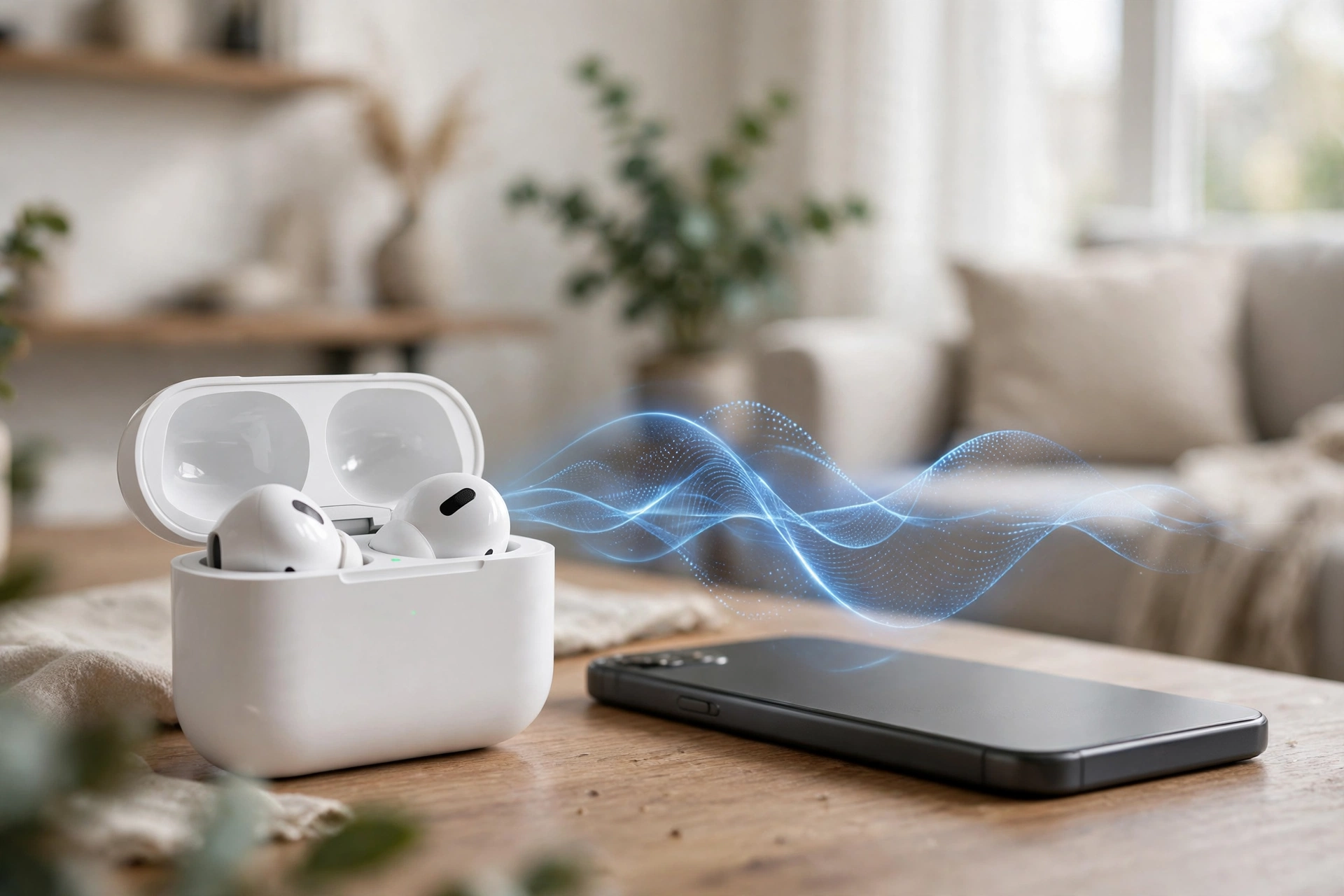
How far can Bluetooth really go? The box may say 10 meters, or 100 meters, but your real range depends on three simple things: the power class of your device, your Bluetooth version, and what sits between the two devices. This free bluetooth range estimator puts those three things together and gives you a realistic number in meters and feet, plus one tip to stretch it further.
Most people are surprised by the answer. A pair of earbuds rated at 10 meters may only reach 4 meters through two walls in your home.
How the Estimate Works
The tool starts with the standard Bluetooth power classes. Class 1 devices are rated at about 100 meters, Class 2 devices at about 10 meters, and Class 3 devices at about 1 meter in ideal conditions. Then it adjusts for your environment. Open air keeps the full range, a room with no walls trims it a little, and 1 to 2 walls can cut it to about 40 percent. A busy office trims it too, because Wi-Fi and other devices share the same 2.4 GHz band.
Your Bluetooth version matters most outdoors. Bluetooth 5.0 and newer versions support LE Coded PHY, a long range mode that can push the signal further when there is a clear line of sight. Indoors, walls and interference matter more than the version number, so the estimator does not add extra range there. If you want the full story behind these numbers, read our guide on how Bluetooth range works and our guide to Bluetooth versions explained.
Why Range Changes From Room to Room
Bluetooth uses radio waves, and radio waves get weaker as they pass through solid things. A plaster wall takes a small bite, a brick wall takes a bigger one, and a human body can block the signal too. That is why your earbuds may cut out when your phone is in a back pocket but play fine from a front pocket.
Interference is the other big factor. Microwaves, Wi-Fi routers and dozens of nearby phones all use the same crowded band. Moving a few steps away from a router often fixes stutters that look like a range problem. If your audio also sounds delayed, the cause is usually the codec, not the distance, and our comparison of Bluetooth audio codecs explains which one your devices use.
Three Quick Ways to Get More Range
First, keep a clear path between the two devices and keep them at waist height or higher. Second, move the source device closer to the room where you listen, so the signal crosses fewer walls. Third, if you need real distance outdoors, use a Class 1 adapter or a device with LE Coded PHY support on both ends, because one strong side cannot carry a weak side.
Try the estimator above with your own setup. Change the environment and watch the number move, and see what costs you the most range.