
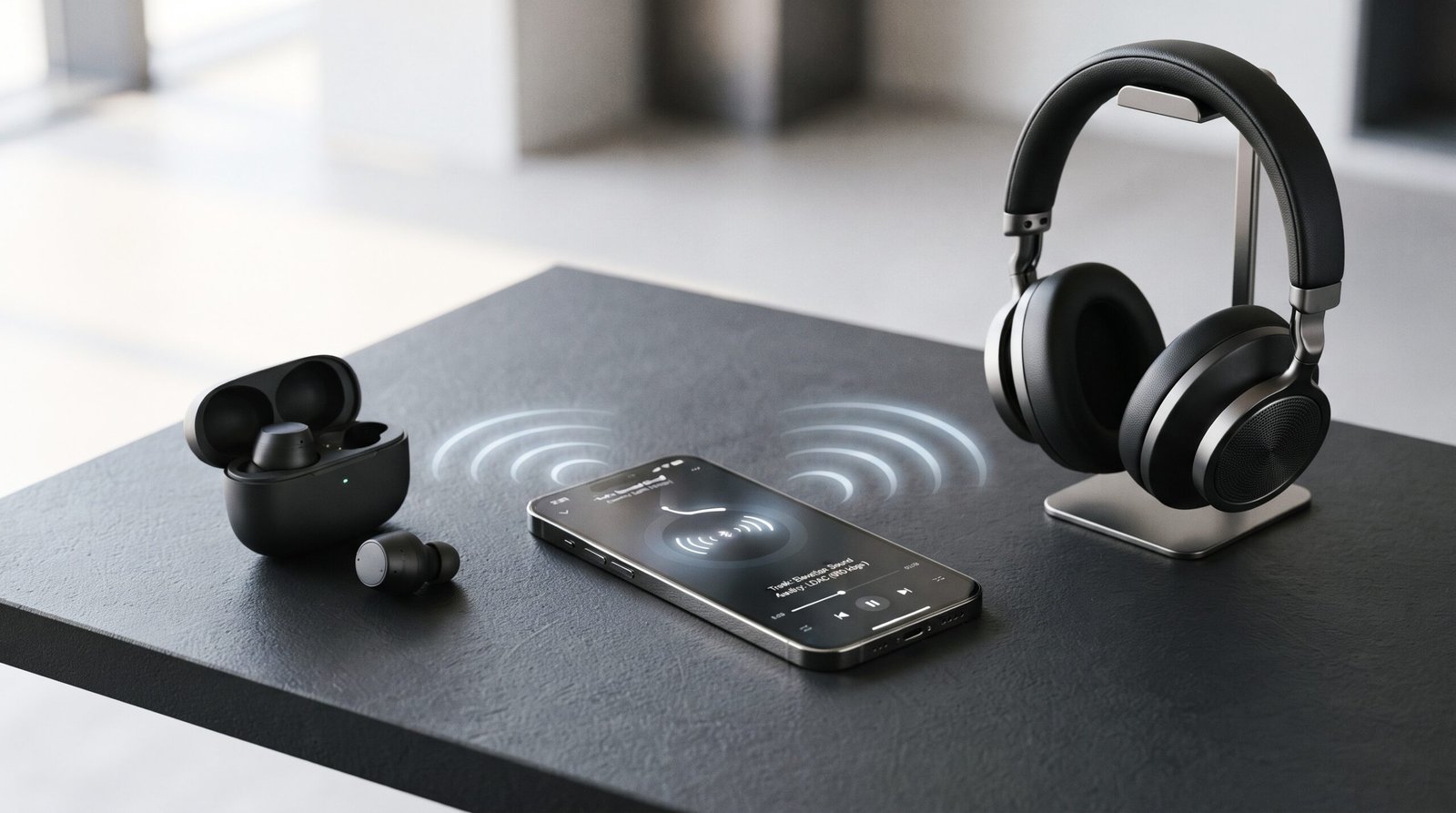
If you use wireless earbuds, headphones, or speakers, you may have seen names like SBC, AAC, aptX, LDAC, and LC3.
These names are called Bluetooth audio codecs. A codec controls how audio is prepared, compressed, sent over Bluetooth, and decoded by your headphones or speaker.
The important thing to know is that there is no single best Bluetooth codec for everyone.
Some codecs focus on broad compatibility. Others focus on higher audio quality, lower latency, better power efficiency, or newer Bluetooth LE Audio features.
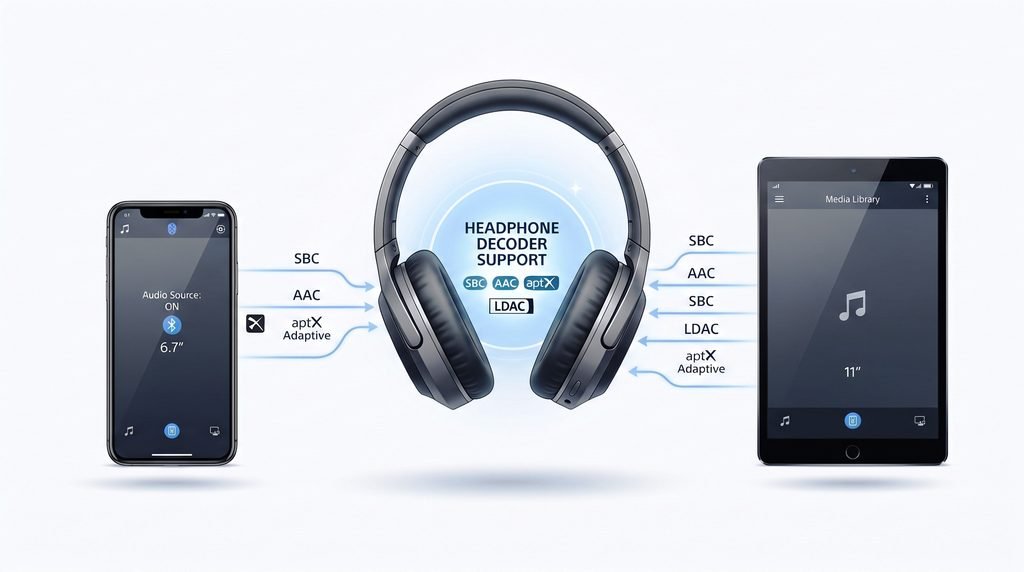
Your phone and headphones also need to support the same codec before you can use it.
Bluetooth Audio Codecs Compared at a Glance
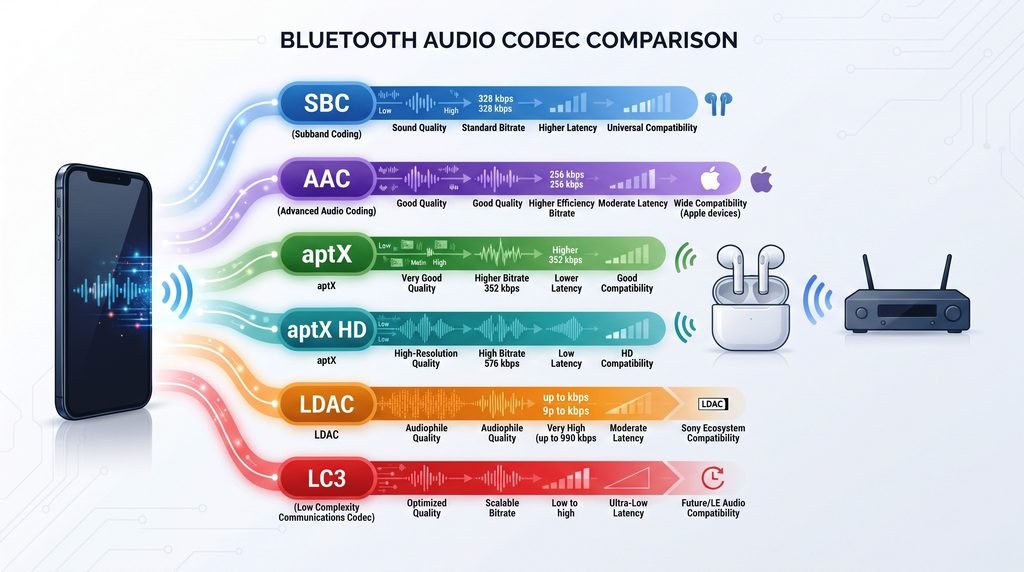
Here is a simple overview of the main codecs you are likely to see.
| Codec | Main Strength | Typical Use | Compatibility | Main Focus |
| SBC | Broad compatibility | General Bluetooth audio | Very broad | Reliability and compatibility |
| AAC | Good audio performance | Apple devices and many other devices | Broad, but implementation varies | Audio quality |
| aptX | Consistent wireless audio | Compatible Android and audio devices | Requires support on both sides | Quality and latency |
| aptX HD | Higher data rate | Higher quality wireless audio | More limited than SBC/AAC | Audio quality |
| aptX Adaptive | Adjusts to connection conditions | Music, video, gaming | Supported devices only | Quality and latency balance |
| aptX Lossless | Lossless audio capability | Supported premium audio systems | Requires compatible ecosystem | Lossless audio |
| LDAC | High bitrate transmission | High quality wireless audio | Supported devices only | High quality and bitrate |
| LC3 | Efficient modern Bluetooth LE audio | LE Audio devices | Requires LE Audio support | Efficiency and modern audio |
This table should not be read as a simple best to worst ranking. A codec that is useful for gaming may not have the same advantage for general music listening.
What Is a Bluetooth Audio Codec?
A Bluetooth audio codec is a system that prepares digital audio for wireless transmission.
Your music starts on a source device, such as a phone, tablet, computer, or TV.
The source device uses a codec to encode the audio. The audio is then sent over the Bluetooth connection. Your headphones, earbuds, or speaker decode the information and turn it back into sound.
A simple way to understand it is:
Music → Codec → Bluetooth connection → Codec → Headphones or speaker
The codec matters because wireless connections have limited bandwidth.
A codec decides how the audio data is represented so it can be transmitted efficiently.
Different codecs make different tradeoffs between:
- Audio quality
- Bitrate
- Latency
- Power use
- Connection conditions
- Compatibility
Bluetooth Codec vs Bluetooth Version
These two terms are often confused.
Bluetooth version describes the Bluetooth technology and features supported by a device.
Bluetooth codec describes how audio is encoded for Bluetooth transmission.
So a phone having Bluetooth 5.3 does not automatically mean it supports every modern audio codec.
Likewise, a pair of headphones can support a particular codec even though the Bluetooth version alone does not tell you which codec is being used.
SBC Explained
SBC, or Subband Codec, is the basic Bluetooth audio codec that provides very broad compatibility.
It is commonly associated with Bluetooth Classic audio and the A2DP profile.
One reason SBC is so important is simple:
It is widely supported.
When two Bluetooth audio devices do not share a more advanced codec, SBC can often provide the compatible connection.
That makes SBC an important fallback.
Is SBC Bad Quality?
Not necessarily.
Online discussions sometimes describe SBC as automatically poor quality. That is too simple.
Actual audio performance depends on the implementation and settings used by the devices.
For everyday listening, SBC can provide perfectly usable wireless audio.
Its biggest advantage is not a special high quality feature. It is compatibility.
If you buy a Bluetooth headset and connect it to many different devices, broad codec support can be more useful than chasing a single high specification.
When Does SBC Make Sense?
SBC is useful when:
- Your devices do not support another codec
- You need broad compatibility
- You are using older Bluetooth equipment
- Connection stability matters more than advanced codec features
- You simply want Bluetooth audio to work
AAC Explained
AAC, or Advanced Audio Coding, is another widely used audio codec.
It is especially important in the Apple ecosystem.
You may find AAC support in products such as:
- iPhones
- iPads
- Mac computers
- Wireless headphones
- Earbuds
- Bluetooth speakers
AAC is also supported on many Android devices.
However, AAC performance can vary between platforms and implementations.
That means it is not accurate to say:
AAC is always better than SBC.
The actual result depends on the source device, headphones, implementation, connection, and listening conditions.
AAC vs SBC
Both codecs can provide useful Bluetooth audio.
AAC is particularly relevant when using Apple devices, while SBC has extremely broad Bluetooth compatibility.
If your phone and headphones both support AAC, the connection may use AAC instead of SBC.
The important thing is to check what both devices actually support.
aptX Codecs Explained
aptX is a family of Bluetooth audio codecs, not just one codec.
This is important because aptX, aptX HD, aptX Adaptive, and aptX Lossless have different goals.
The aptX family is associated with Qualcomm technology and appears in many compatible Android phones, headphones, earbuds, and other wireless audio products.
aptX
The original aptX codec was designed to provide wireless audio with a focus on efficient audio transmission.
It has been used widely in Bluetooth headphones and other audio devices.
However, your phone and headphones both need compatible support before the connection can use aptX.
If one side does not support it, the devices can use another mutually supported codec.
aptX HD
aptX HD was designed for higher quality Bluetooth audio than the standard aptX implementation.
It supports audio up to 24-bit and 48 kHz under its specification.
The important point is that aptX HD is not simply “aptX but louder.”
It uses a different codec profile with a higher data rate and a focus on higher quality wireless audio.
However, both the source and receiving device need aptX HD support.
If your phone supports aptX HD but your headphones only support SBC and AAC, aptX HD cannot be used.
aptX Adaptive
aptX Adaptive takes a different approach.
Instead of using one fixed operating point all the time, it can adjust its behavior based on connection conditions and the needs of the application.
This makes it useful for situations where you want a balance between:
- Audio quality
- Latency
- Connection conditions
- Data rate
For example, video and gaming can benefit from lower latency, while music may place more emphasis on audio quality.
The adaptive approach is designed to respond to changing wireless conditions instead of treating every connection exactly the same.
aptX Lossless
aptX Lossless focuses on lossless CD quality audio when the required compatible devices and conditions are available.
The word lossless is important.
Lossless means the encoded audio can preserve the original digital information rather than permanently removing audio information in the same way a lossy codec does.
However, seeing “aptX Lossless” in a product specification does not mean every Bluetooth connection will automatically use lossless transmission.
The source and receiving device need the required support.
The complete audio chain also matters.
That is why you should check the actual codec support of both devices rather than choosing a product based only on the name.
LDAC Explained
LDAC is a Bluetooth audio codec developed by Sony.
It is known for supporting higher bitrate Bluetooth audio than many traditional Bluetooth audio codecs.
This makes LDAC popular with people who want high quality wireless music.
However, there is an important detail:
The maximum bitrate is not necessarily the bitrate used all the time.
The actual operating mode can depend on the connection and device settings.
Wireless conditions can change, and a device may use a different bitrate to maintain the connection.
This means you should not look at the highest LDAC number and assume that your headphones are always transmitting at that maximum.
LDAC Compatibility
LDAC needs support from the devices involved.
For example, if your phone supports LDAC but your headphones do not, the connection cannot use LDAC.
Another codec supported by both devices must be used instead.
This is why codec compatibility is just as important as codec specifications.
LC3 and Bluetooth LE Audio
LC3 is part of the newer Bluetooth LE Audio system.
It is different from the traditional Bluetooth audio approach used by many older wireless headphones.
LC3 was designed with efficiency and modern Bluetooth LE audio applications in mind.
Bluetooth LE Audio can support new types of wireless audio experiences and is designed to work efficiently with Bluetooth Low Energy.
This makes LC3 important for the future of Bluetooth audio.
Is LC3 Automatically Better Than SBC?
Not in a simple “better or worse” way.
LC3 has different design goals and belongs to Bluetooth LE Audio.
Its value includes efficient audio transmission and support for modern Bluetooth LE features.
A codec should be judged in the context of:
- Audio quality
- Bitrate
- Power use
- Latency
- Connection conditions
- Device support
- The application being used
That is more useful than declaring one codec the winner.
Bluetooth Codec Specifications Explained
Bluetooth codec specifications can look confusing because manufacturers often list numbers such as:
- kbps
- kHz
- Bits
- Bitrate
- Sample rate
Understanding these terms makes codec comparisons much easier.
What Is Bitrate?
Bitrate describes how much data is used to transmit audio over time.
It is usually shown in kbps, or kilobits per second.
A higher bitrate can allow more audio information to be transmitted.
But there is an important warning:
A higher bitrate does not automatically mean better sound.
Different codecs use different methods to compress and represent audio.
So comparing two codecs only by their maximum bitrate can give you the wrong idea.
For example, a codec with a lower bitrate may still produce very good audio because its compression system is designed differently.
What Is Sample Rate?
Sample rate describes how many audio samples are taken each second.
It is usually shown in kHz.
Common audio sample rates include:
- 44.1 kHz
- 48 kHz
- 96 kHz
A higher sample rate is not automatically proof that a Bluetooth codec will sound better.
The entire audio chain matters.
What Is Bit Depth?
Bit depth describes how much digital information is available for each audio sample.
Common values include:
- 16-bit
- 24-bit
A codec supporting 24-bit audio may be useful in a high quality audio chain, but that specification alone does not guarantee that you will hear a difference.
The source recording, device hardware, codec, headphones, and listening environment all matter.
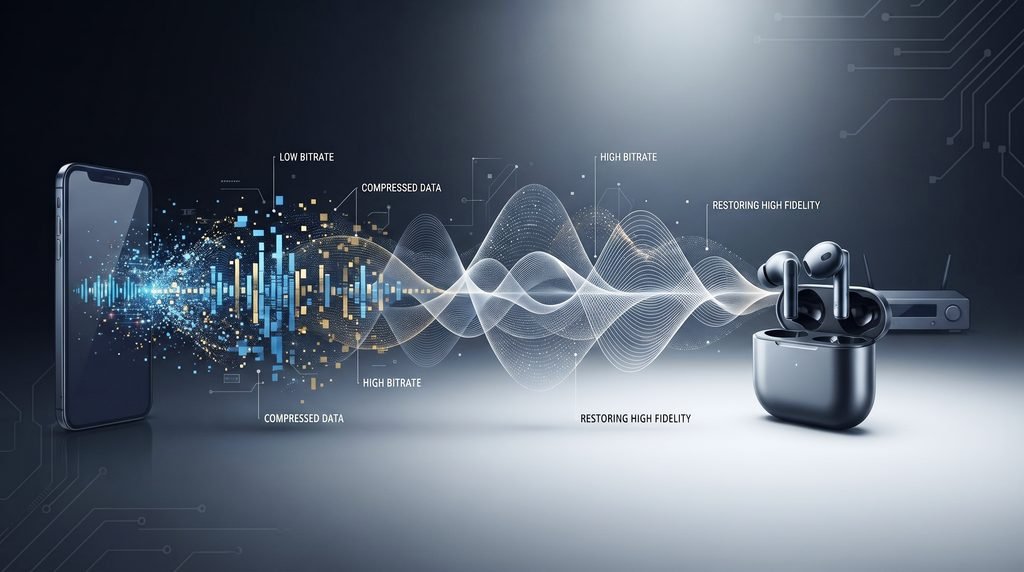
Why Higher Bitrate Does Not Always Mean Better Sound
This is one of the biggest mistakes people make when comparing Bluetooth codecs.
It is tempting to create a table like this:
Higher bitrate = better codec
But that is not a reliable way to compare different codecs.
Think about it like different ways of packing a suitcase.
Two people may pack the same amount of clothing into bags of different sizes because they organize the clothes differently.
Codecs work differently too.
They use different compression methods.
So bitrate should be considered alongside:
- Codec design
- Audio source
- Connection quality
- Device implementation
- Latency requirements
- Listening equipment
This is why a practical codec comparison is more useful than simply sorting codecs by their biggest number.
Bluetooth Codec vs Bluetooth Version
Bluetooth versions and audio codecs solve different problems.
For example, Bluetooth versions such as:
- Bluetooth 4.2
- Bluetooth 5.0
- Bluetooth 5.2
- Bluetooth 5.3
- Bluetooth 5.4
describe generations of Bluetooth technology and their supported features.
A codec such as:
- SBC
- AAC
- aptX
- LDAC
- LC3
describes how audio is encoded and transmitted.
Does Bluetooth 5.3 Automatically Improve Audio Quality?
No.
A newer Bluetooth version does not automatically mean better audio.
The device must support the codec and features needed for the desired audio experience.
For example, buying headphones simply because they say “Bluetooth 5.3” does not tell you whether they support LDAC, aptX Adaptive, AAC, or another codec.
Always check the detailed specification.
How Bluetooth Chooses a Codec
This is one of the most useful things to understand.
Your phone and headphones do not simply use the highest codec listed on one device.
They need a codec that both devices support.
Think of it like this:
Phone: SBC + AAC + LDAC
Headphones: SBC + AAC + LDAC
Result:
LDAC can be used if the required conditions and settings allow it.
Now consider:
Phone: SBC + AAC + LDAC
Headphones: SBC + AAC
Result:
LDAC cannot be used.
The devices must use another codec they both support.
This is why a phone with advanced codec support does not automatically make every pair of Bluetooth headphones use that codec.
Why Does Bluetooth Fall Back to SBC?
Sometimes you expect a connection to use AAC, aptX, or LDAC, but it uses SBC instead.
There can be several reasons.
The Headphones Do Not Support the Codec
If your headphones do not support LDAC, your phone cannot use LDAC with those headphones.
The Phone Does Not Support the Codec
The same rule works in reverse.
If the phone does not support aptX, headphones that support aptX cannot force the phone to use it.
The Codec Is Not Enabled
Some devices provide codec settings that allow you to choose or control supported options.
Compatibility or Connection Conditions
A device may choose another supported mode depending on its implementation and connection conditions.
So if your headphones show SBC, it does not automatically mean something is broken.
It may simply be the codec that both devices can use at that moment.
Which Bluetooth Codec Matters for Music, Gaming and Video?
There is no single codec choice that makes sense for every situation.
Your priorities change depending on what you are doing.
For Music
For music, focus on:
- Audio quality
- Codec support
- Connection stability
- Source quality
- Your headphones or earbuds
Higher bitrate codecs such as LDAC can be attractive for users who want higher quality wireless audio.
aptX variants can also offer different quality and performance options.
But compatibility comes first.
A codec that your headphones cannot use provides no benefit.
For Gaming
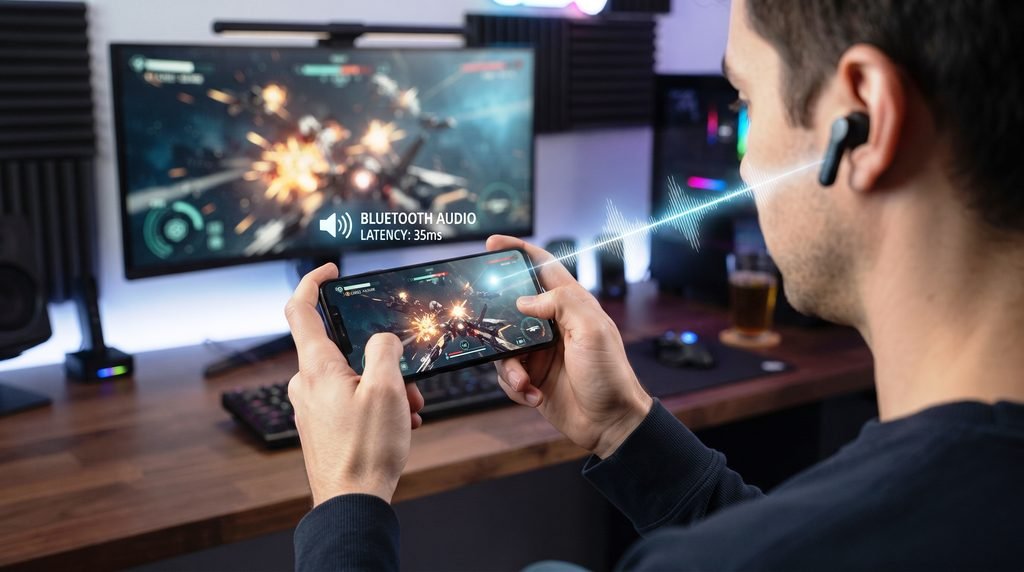
For gaming, latency can be more important than maximum bitrate.
Latency is the delay between an action and the sound you hear.
For example, if you press a button in a game and hear the sound noticeably later, the delay can become annoying.
This is why codecs and Bluetooth systems designed to manage latency can be useful for gaming.
Do not choose a gaming setup only by looking at the highest audio bitrate.
For Movies and YouTube
For video, audio synchronization matters.
If the sound arrives noticeably after the picture, voices may not match the speaker’s lips.
For this reason, latency and device compatibility can be more important than simply choosing the codec with the biggest bitrate.
Your phone, computer, TV, headphones, and operating system can all affect the final experience.
For Everyday Listening
For everyday listening, you may care more about:
- Stable connection
- Good sound
- Battery life
- Compatibility
- Simple setup
In this situation, an advanced codec is not automatically necessary.
A reliable connection using a widely supported codec can be more useful than a high specification that your devices cannot consistently use.
Does Bluetooth Audio Support Lossless Music?
This question needs a little care.
A music service can provide a lossless audio source.
That does not automatically mean the entire Bluetooth playback path remains lossless.
There are several parts to consider:
- The original music source
- The codec used for Bluetooth transmission
- The source device
- The receiving headphones or speaker
- The actual playback chain
For example, if your music source is lossless but your Bluetooth connection uses a lossy codec, the final wireless transmission is not lossless.
A codec designed for lossless transmission can preserve the original audio data under the required conditions, but the source and receiving hardware must support it.
This is why “lossless music” and “lossless Bluetooth” are not automatically the same thing.
Should You Choose Headphones Based on Bluetooth Codec Support?
Codec support is useful, but it should not be the only thing you consider.
Before buying headphones or earbuds, check:
1. Your Phone
Find out which Bluetooth codecs your phone supports.
2. Your Headphones
Check which codecs the headphones support.
3. Your Main Use
Ask yourself whether you care most about:
- Music
- Gaming
- Movies
- Calls
- Battery life
- Connection stability
4. Your Operating System
Codec support can vary between Android, iPhone, Windows, macOS, and other platforms.
5. The Actual Product Specification
Do not assume that a product supports a codec simply because it has a newer Bluetooth version.
Look for the codec name in the manufacturer’s specifications.
Bluetooth Codecs for iPhone vs Android
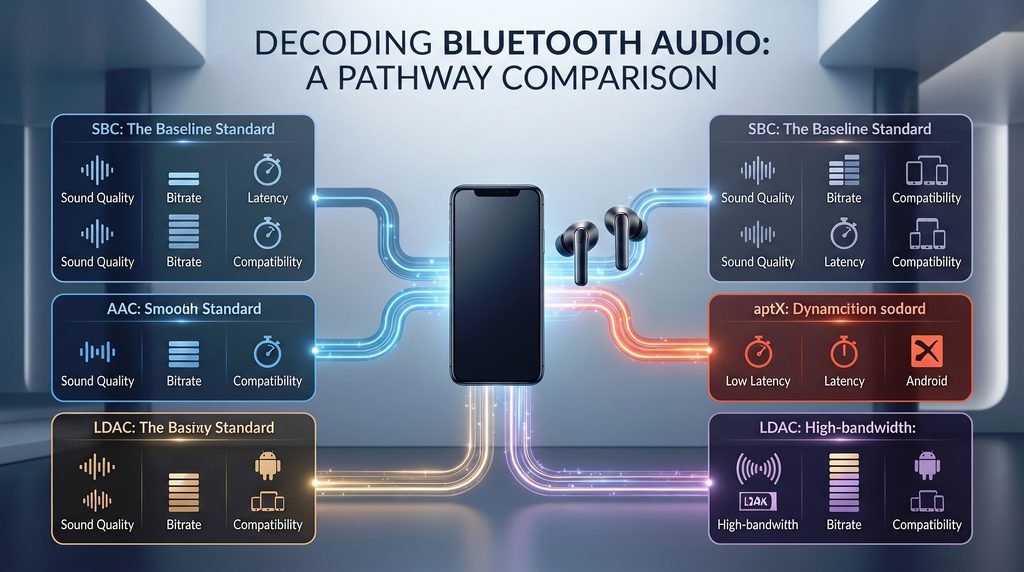
Your phone platform can make a big difference.
iPhone
AAC is especially important in the Apple ecosystem.
If you use an iPhone with Bluetooth headphones, check the codec support of both products before buying.
Do not assume that an Android focused codec will automatically work on iPhone.
Android
Android devices can support a wider range of Bluetooth audio codecs depending on the phone manufacturer, Android version, chipset, and device settings.
Some Android phones support codecs such as:
- SBC
- AAC
- aptX
- aptX HD
- aptX Adaptive
- LDAC
But support varies by device.
The safest approach is always to check the exact phone model and headphones.
What About LHDC and Other Bluetooth Codecs?
You may also see codec names such as LHDC and proprietary audio systems from different manufacturers.
These can be important for specific phones and headphones.
However, not every codec needs a full section in a beginner guide.
The most useful starting point is to understand:
- SBC
- AAC
- aptX family
- LDAC
- LC3
Once you understand these, other codec names become much easier to understand.
The main rule remains the same:
Both sides of the Bluetooth connection need compatible support.
Frequently Asked Questions
What is a Bluetooth audio codec?
A Bluetooth audio codec prepares digital audio for wireless transmission. It affects how audio is compressed, transmitted, and decoded by the receiving device.
Which Bluetooth codec has the best sound quality?
There is no universal answer.
Codec performance depends on the codec, device implementation, source audio, connection conditions, and headphones.
A higher bitrate alone does not prove that one codec will sound better to every listener.
Is LDAC better than aptX?
LDAC and aptX are different codec systems, and aptX itself includes several variants.
LDAC focuses on high bitrate Bluetooth audio, while aptX Adaptive focuses on balancing factors such as quality, latency, and connection conditions.
The better fit depends on your devices and what you use them for.
Is AAC better than SBC?
AAC and SBC have different strengths.
AAC is especially relevant to Apple devices, while SBC offers extremely broad Bluetooth compatibility.
Actual performance depends on the device implementation.
What is LC3?
LC3 is an audio codec used with Bluetooth LE Audio.
It is designed for efficient wireless audio and is part of the newer Bluetooth LE Audio system.
Does Bluetooth version affect audio quality?
Not by itself.
Bluetooth version and codec are different things.
A newer Bluetooth version can add useful features, but the audio codec and device implementation also determine the wireless audio experience.
Do both devices need to support the same codec?
Yes, the source and receiving devices need compatible support for a codec to be used.
If they do not share a codec, they use another compatible option.
Why does Bluetooth fall back to SBC?
If your phone and headphones do not share a more advanced codec, SBC may be used because it provides broad compatibility.
Other reasons can include device settings and the way the products handle codec selection.
Which codec is best for gaming?
Gaming places more importance on low latency.
Instead of choosing a codec based only on bitrate, look for a system designed to keep audio delay low and check whether your phone, computer, and headphones all support it.
Is Bluetooth audio lossless?
Some Bluetooth technologies and codecs can support lossless audio under suitable conditions.
However, a lossless music source does not automatically mean your Bluetooth playback is lossless.
The codec and complete playback chain matter.
Does a higher Bluetooth bitrate always sound better?
No.
Different codecs use different compression methods.
Bitrate is useful information, but it should not be used alone to rank different codecs.
Does Bluetooth 5.0 improve audio quality?
Bluetooth 5.0 does not automatically improve audio quality.
The Bluetooth version and audio codec are separate parts of the system.
Your actual audio experience depends on the supported codec, device hardware, and other factors.
Final Takeaway
Bluetooth audio codecs can look confusing at first, but the basic idea is simple.
SBC is widely supported and provides a common Bluetooth audio option.
AAC is especially important for Apple devices and is also supported by many other products.
aptX is a family of codecs that includes standard aptX, aptX HD, aptX Adaptive, and aptX Lossless.
LDAC is designed for high bitrate wireless audio.
LC3 belongs to Bluetooth LE Audio and represents a newer approach to Bluetooth audio.
The most important lesson is that there is no single codec that is best for every person and every situation.
For music, audio quality and codec support may matter most.
For gaming, latency can matter more.
For movies, audio and video synchronization is important.
For everyday listening, compatibility and connection stability may be the most useful priorities.
And remember one simple rule:
Your phone and headphones need compatible codec support before that codec can be used.
So when comparing Bluetooth headphones, do not look only at the Bluetooth version or the biggest bitrate number.
Check the codec support, device compatibility, latency needs, audio source, and real-world use case together. That will give you a much clearer idea of what your Bluetooth audio system can actually do.
