
Bluetooth Multipoint Checker
Multipoint lets your earbuds stay connected to two devices at once, so you can watch a video on your laptop and still hear a call from your phone. Not every pair of earbuds supports it, and Apple handles it in its own way. Pick your earbuds or headphones and the second device below, and this tool tells you if multipoint works, how to turn it on, and what to do when it does not.
How the checker works. Each model in the list has a multipoint status taken from the maker published specifications: full multipoint for two devices, three-device multipoint for the Technics EAH-AZ80, Apple automatic switching for AirPods, or no multipoint at all. A model with full multipoint stays connected to two devices and switches the sound between them by itself. AirPods do not use classic multipoint. They switch automatically between Apple devices signed in to the same iCloud account, and they cannot switch to a Windows laptop, an Android phone, or a TV by themselves. New models may add multipoint with a software update, so if your exact model is missing, pick the closest match in the list.
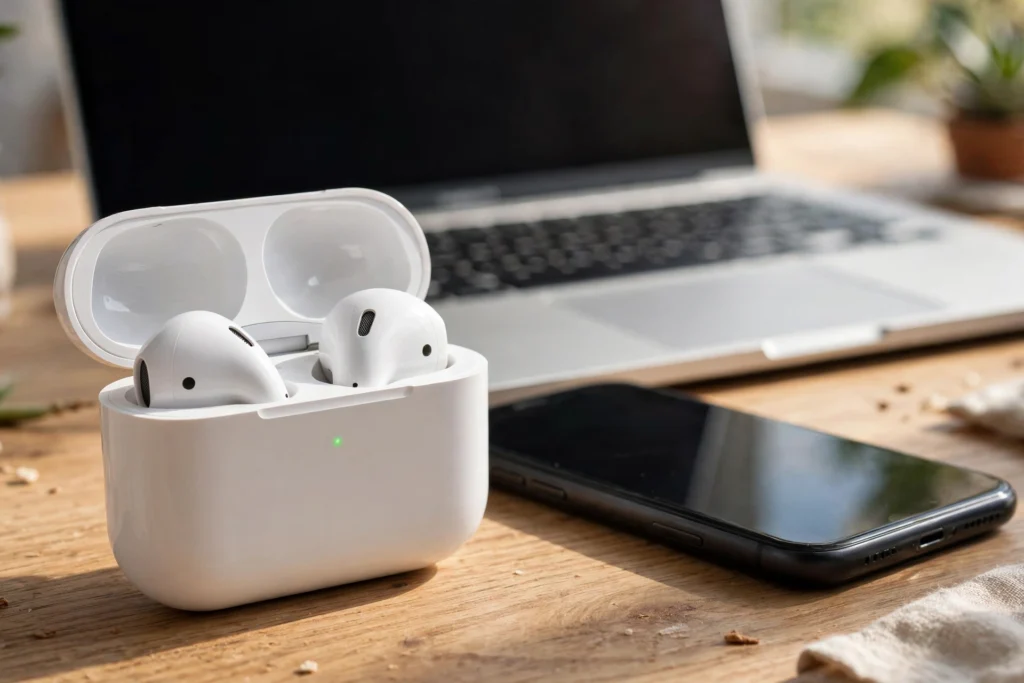
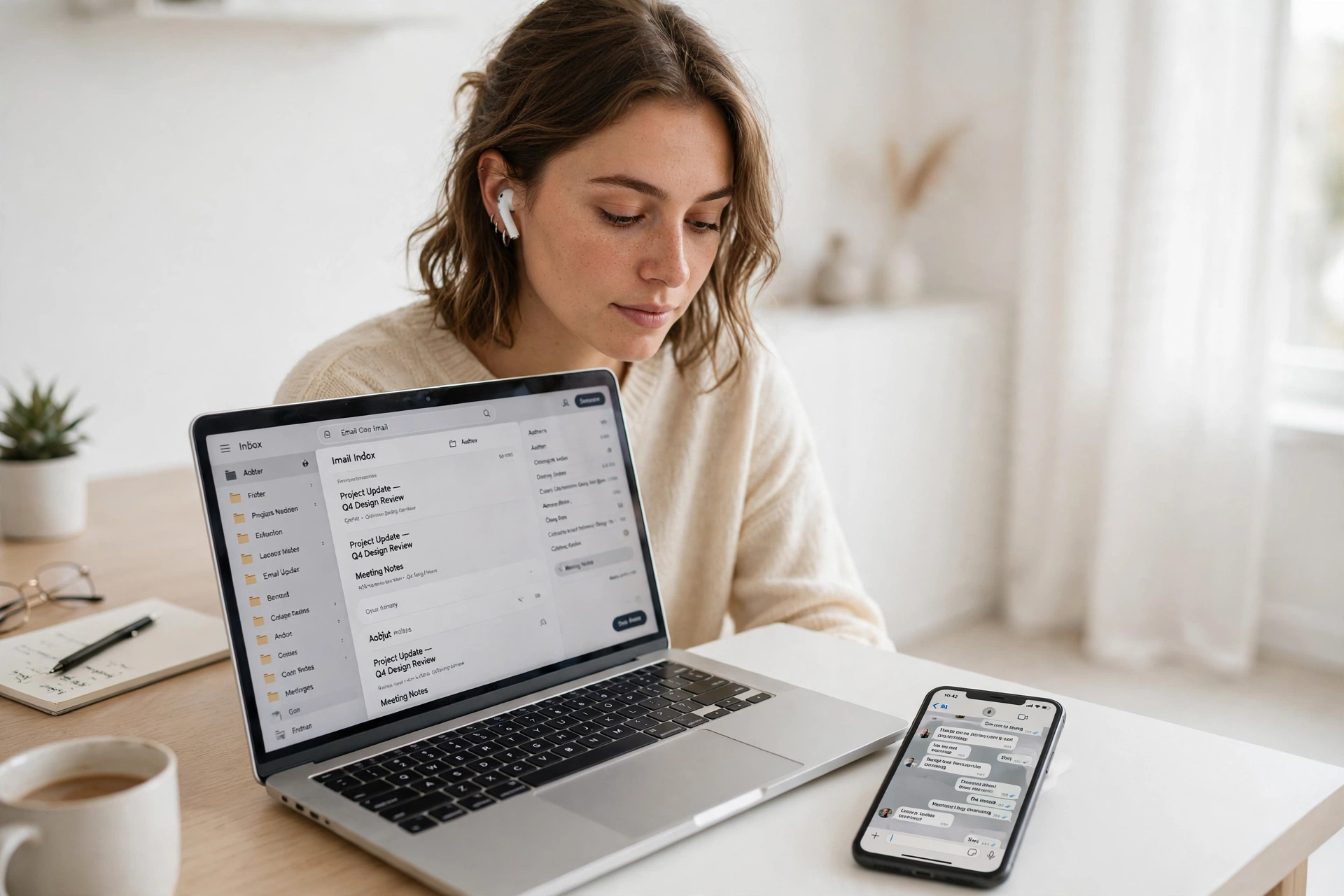
You are watching a video on your laptop when your phone rings. With multipoint, your earbuds switch to the call by themselves, and the video waits for you. Without it, you miss the call or you fumble through Bluetooth menus while the phone keeps ringing. Our free bluetooth multipoint checker tells you in seconds if your earbuds can stay connected to two devices at once, how to turn it on, and what to do when yours cannot.
What multipoint actually does
Multipoint is a Bluetooth feature that keeps your earbuds connected to two devices at the same time. Only one device plays sound at a time, but the earbuds listen to both. Start music on your laptop and it plays there. A call comes in on your phone and the earbuds switch to the phone, then hand the sound back when the call ends. Most multipoint earbuds connect to two devices. The Technics EAH-AZ80 is a rare exception and connects to three. The feature lives in the earbuds, not in the phone, so a phone cannot add multipoint to earbuds that do not have it.
The AirPods difference
Apple earbuds do not use classic multipoint. AirPods Pro 2 and AirPods Max switch automatically between Apple devices signed in to the same iCloud account, which feels the same when all your devices are Apple. The moment a Windows laptop, an Android phone, or a TV enters the picture, the magic stops. Those devices cannot join automatic switching, so you have to connect by hand. If your second device is not Apple, treat AirPods as a one-device pair and plan around it.
How to turn multipoint on
Multipoint is often off when earbuds leave the box. Sony, Jabra, Sennheiser, Soundcore, Technics, and most other brands hide the switch in their app, under a name like Dual Connections or Connect to 2 devices. Turn it on, then pair the second device while the first stays connected. If the earbuds refuse the second pairing, the switch is still off, or the first device is holding an active call. Bose turns multipoint on by default, so Bose owners usually only need to pair the second device. The checker shows the exact steps for your model.
When your earbuds have no multipoint
Some good earbuds skip multipoint entirely, including the Beats Studio Buds Plus and Beats Studio Pro. The fix is a habit, not a purchase. Keep both devices paired, disconnect from one in its Bluetooth menu, and connect from the other. It takes a few taps. For a TV, a small Bluetooth transmitter plugged into the TV gives you a steady link without touching the earbuds settings. Before you buy your next pair, check the multipoint status here first, then check which codecs your phone and earbuds share with our Bluetooth codec finder. If pairing itself keeps failing, our Bluetooth pairing troubleshooter walks you through the fix step by step.