
Bluetooth Codec Finder
Your earbuds may promise LDAC or aptX Lossless on the box, but your phone decides what you actually hear. A Bluetooth codec only works when both sides of the pair support it, so the best codec is the best one your phone and your earbuds share. Our free bluetooth codec finder takes your phone and your earbuds and shows you the shared codecs, the best one to use, and any premium codec that stays switched off on your pair.
Bluetooth Codec Finder
Your earbuds may support LDAC or aptX, but your phone decides what you actually hear. A Bluetooth codec only works when both sides support it, so the best codec is the best one your phone and your earbuds share. Pick your phone and your earbuds or headphones below, and this tool shows you the codecs you share, the best one to use, and any premium codec that stays switched off on this pair.
How the finder works. Every phone and every pair of earbuds in the lists has a set of audio codecs it can send or receive. The pair can only use a codec that appears on both lists, so the tool takes the shared codecs, ranks them by sound quality, and picks the best one. The ranking runs from SBC at the bottom, through AAC and aptX, up to aptX HD, LHDC, LDAC and aptX Lossless at the top. A codec your earbuds support but your phone does not send stays unused, no matter what the box promises. Codec lists come from the makers published specifications and from Android developer options on each phone. New models may add a codec with a software update, so if your exact model is missing, pick the closest match in the list.
What a codec does to your sound
A codec squeezes music into a Bluetooth signal and unpacks it at the other end. SBC is the baseline every device supports, AAC is the codec Apple tunes best, and aptX, LDAC, LHDC and aptX Lossless carry more detail at higher bitrates. The difference is real: LDAC moves up to 990 kbps, almost four times the data of AAC, so music keeps more detail. But none of that matters if your phone cannot send the codec your earbuds can receive. The pair always falls back to the best codec both sides share, and that fallback is often SBC or AAC.
The iPhone trap
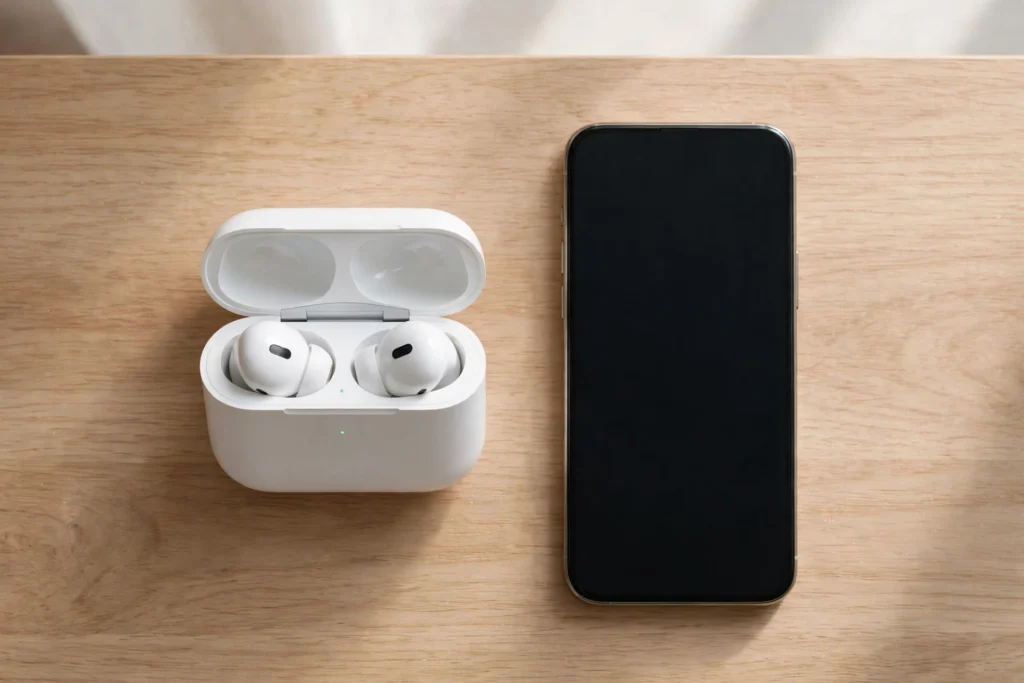
This is where most people lose sound quality without knowing it. iPhones only send SBC and AAC, so LDAC or aptX earbuds paired with an iPhone never use their best codec. A Sony WF-1000XM5 sounds good on an iPhone, but its LDAC stays switched off. The same earbuds on a Pixel or a OnePlus phone unlock LDAC at up to 990 kbps. The reverse happens too: AirPods Pro 2 only use AAC anyway, so they lose nothing on an iPhone, and they gain nothing on Android either. Before you pay extra for Hi-Res earbuds, check what your phone can actually send.
How to use the finder
Pick your phone from the list, pick your earbuds or headphones, and press Find My Codec. The tool lists every codec the pair shares with its top bitrate, marks the best one, and tells you which codecs stay unused. If the result shows only SBC, your pair is stuck on basic sound, and the tip tells you what to change. On Android you can also check the active codec yourself in Developer Options under Bluetooth audio codec, and switch it there if your phone picks a lower one by default. For the full story on each codec, read our Bluetooth codec comparison, and if video delay worries you, our Bluetooth audio latency calculator shows how each codec affects lip sync. Find the match first, then buy the earbuds that fit your phone.