

In this article:
- The 3 Ways to Connect Multiple Bluetooth Devices
- Scenario 1: Bluetooth Multipoint (One Headset, Two Devices)
- Why Does My Music Stop When My Phone Gets a Notification?
- Scenario 2: Audio Sharing (One Phone, Two Headsets)
- How to Use Samsung Dual Audio
- How to Share Audio on iPhone and iPad
- What About Two Speakers Instead of Two Headsets?
- What About Other Phones?
- Scenario 3: Connecting Multiple Devices to a PC or Mac
- Why Can’t I Connect Multiple Devices? (Troubleshooting)
- Frequently Asked Questions
Trying to pair multiple Bluetooth devices at once, but only one of them works? You’re probably not doing anything wrong. “Multiple devices” can mean three different setups, and each one needs its own steps. Mixing them up is why a headset connects but stays silent, or a second pair of earbuds refuses to pair.
It’s annoying when all you want is your headphones on your phone and your laptop, or a song shared with a friend. The fix is easy once you know which setup you need. Use the table below to pick yours: multipoint for one headset on two devices, Dual Audio or Audio Sharing for two headsets on one phone, or normal pairing for a keyboard, mouse, and headset on a PC. Then follow the steps in that section.
The 3 Ways to Connect Multiple Bluetooth Devices
| Your goal | What it’s called | What you need |
|---|---|---|
| One headset connected to your phone and your laptop | Multipoint | A headset that supports it |
| Two headsets or speakers playing from one phone | Dual Audio or Audio Sharing | A supported phone (Samsung Galaxy, iPhone, iPad) |
| A keyboard, mouse, and headset on one PC | Normal Bluetooth pairing | A working Bluetooth adapter |
The most common mistake is mixing these up. Multipoint does not let two headsets play from one phone. Dual Audio does not let one headset talk to two phones. Different tools, different jobs.
how many Bluetooth devices one phone can connect to
Scenario 1: Bluetooth Multipoint (One Headset, Two Devices)
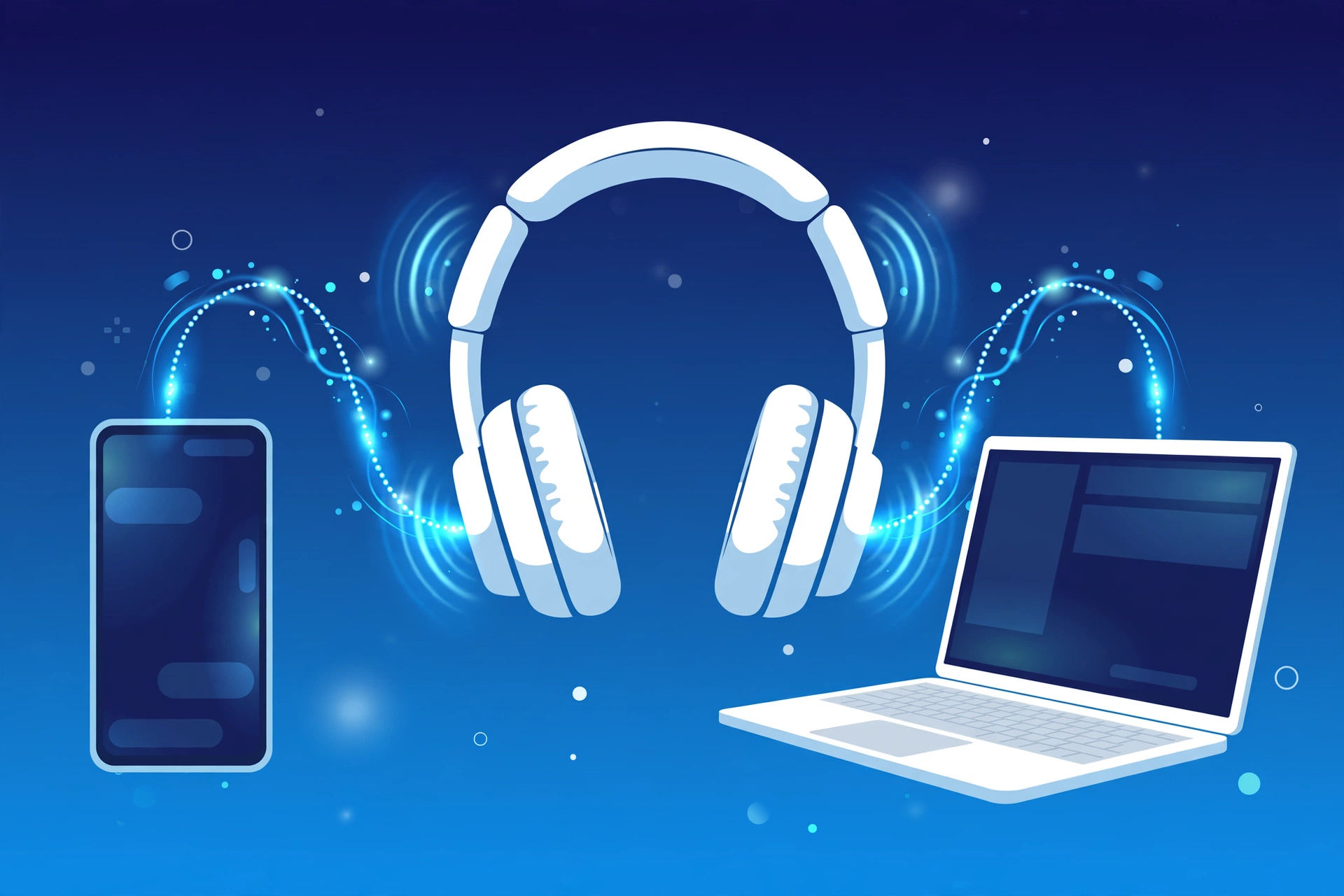
Multipoint lets one pair of headphones stay connected to two devices at once, like your phone and your laptop. You can watch a video on the laptop and still get a phone call on your headphones.
Here’s the part many guides skip: only one device plays music at a time. Multipoint keeps both connections open, but your headphones play audio from just one source. This is why people use the word “switching” for it.
Under the hood, music uses the A2DP profile, and calls use the HFP profile. A call usually gets priority. When a call comes in, your headphones jump to the phone. When it ends, they return to your music.
Why Does My Music Stop When My Phone Gets a Notification?
If your laptop is playing music and your phone buzzes, your headphones may jump over to the phone for that sound. Sometimes they don’t jump back on their own. This is normal multipoint behavior, not a fault. Pause the phone’s audio, or turn off the phone’s notification sounds, and the laptop usually takes over again.
Scenario 2: Audio Sharing (One Phone, Two Headsets)
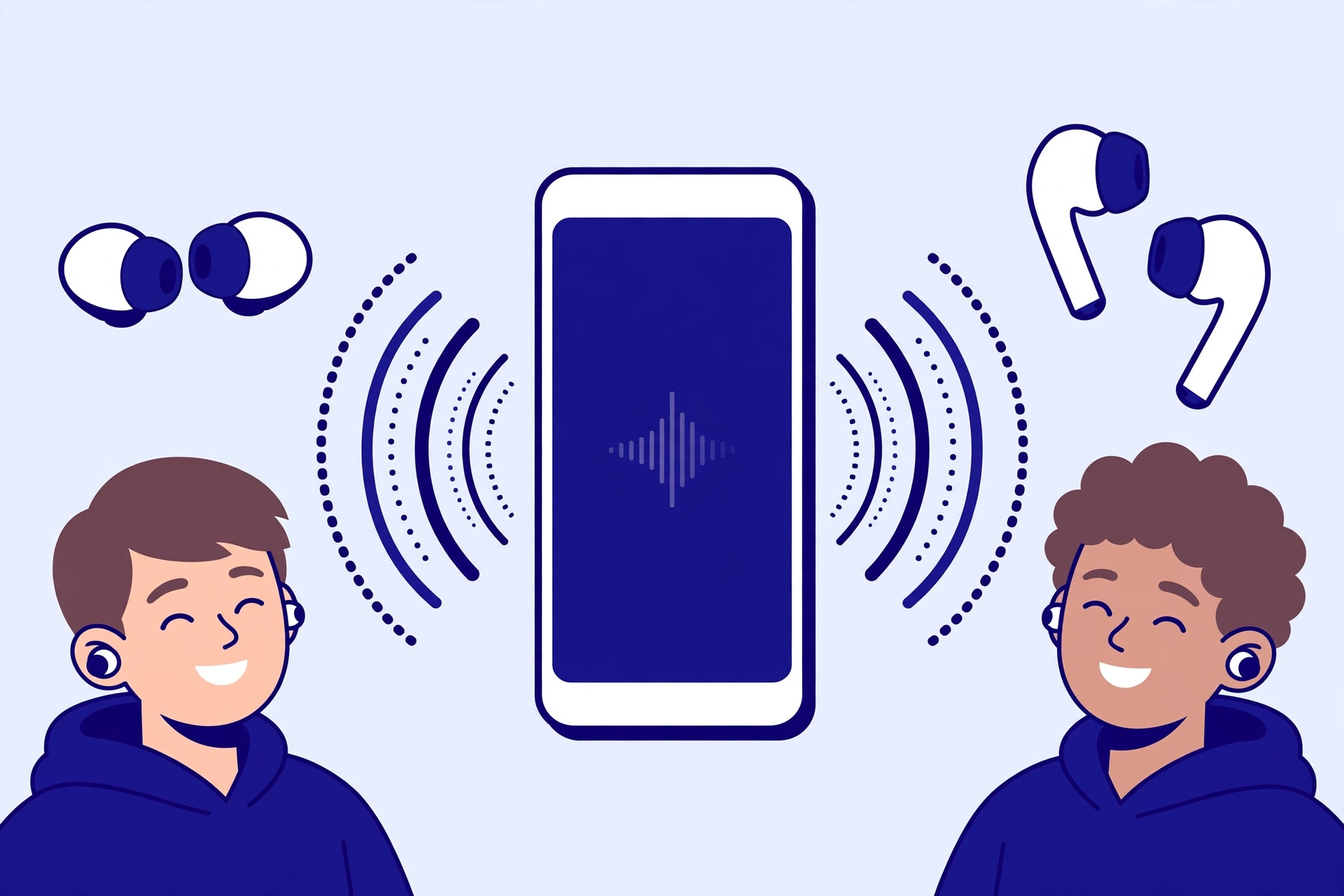
This is for listening with a friend: two pairs of earbuds or headphones, one phone. Your phone sends the same audio to both.
How to Use Samsung Dual Audio
Samsung’s Dual Audio works on certain Galaxy phones with Bluetooth 5.0. Menus can look a little different on each model and software version.
- Go to Settings, then Connections, then Bluetooth, and turn Bluetooth on.
- Pair your first headphones or speaker, then pair the second one.
- Swipe down to open the Quick Panel and tap Media.
- Choose both devices as outputs.
If you don’t see the Media button, turn on Show Devices and Media buttons in the Quick Panel layout settings.
You can change the volume for each device on its own, which is handy when one person likes it louder.
How to Share Audio on iPhone and iPad
Apple’s version is called Audio Sharing, or Share Audio. It works with compatible AirPods and Beats headphones. Other brands won’t work here, even if they connect to your iPhone normally. Check Apple’s support page to see which iPhone and iPad models and which headphones are supported, since the list changes with each new software version.
- Connect your AirPods or Beats to your iPhone or iPad.
- Open Control Center, or the Now Playing screen, and tap the audio icon.
- Tap Share Audio.
- Bring your friend’s headphones close to your phone. You may need to put them in pairing mode.
- Follow the prompts to confirm.
Each listener can control their own volume from Control Center. To stop sharing, tap Share Audio again and select your friend’s headphones.
What About Two Speakers Instead of Two Headsets?
Speakers work a little differently. Many speaker brands have their own party mode or stereo pairing, set up in the speaker’s app or with a button combo. That links the speakers to each other, and your phone connects to just one of them. This is a speaker feature, not a phone feature, so check your speaker’s manual.
What About Other Phones?
Not every phone has this feature. A newer Bluetooth technology called LE Audio and Auracast is designed to make sharing audio easier on any brand, but it needs support on both the phone and the headphones.
what Bluetooth LE Audio and Auracast are
Scenario 3: Connecting Multiple Devices to a PC or Mac
Yes, you can connect a keyboard, a mouse, and a headset to the same computer at the same time. This is how most desks work.
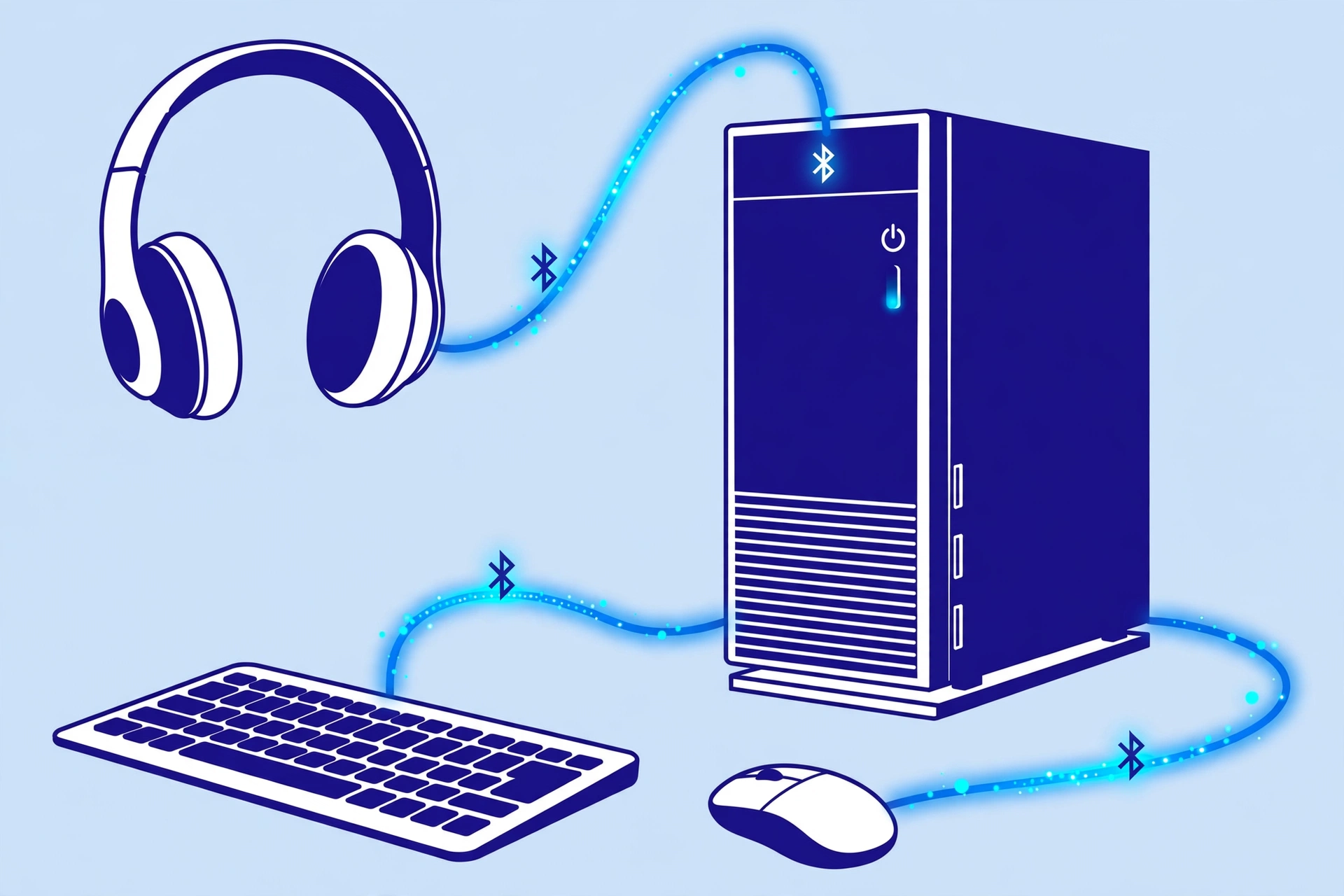
The reason is what we can call the audio vs. data rule.
- Data devices like keyboards, mice, and gamepads send tiny bits of information. A computer can handle several at once without trouble.
- Audio devices like headphones and speakers send a constant, heavy stream of sound. Most PCs handle one active audio device well, and they often struggle with a second one.
On paper, Bluetooth allows up to 7 active connections at once. In real life, the number depends on your PC’s Bluetooth adapter and drivers, and many computers manage fewer.
| Device combo | Usually works? |
|---|---|
| Keyboard + mouse + one headset | Yes |
| Keyboard + mouse + gamepad | Yes |
| Two headsets playing the same sound | Not on most PCs |
| Two Bluetooth speakers playing at once | Not on most PCs |
On Windows, you pick one audio output at a time in Sound settings. That’s why connecting two speakers to a laptop often ends with sound coming from just one.
There’s good news for newer PCs. Microsoft has started rolling out a Shared Audio feature for Windows 11 that lets two people listen on separate Bluetooth headsets. It uses LE Audio, it’s reaching PCs gradually, and it needs compatible hardware, so you might not see it yet.
which Windows PCs support Bluetooth LE Audio today
If you want two headphones on a TV, that’s a different setup with its own options.
how to connect two Bluetooth headphones to one TV
Why Can’t I Connect Multiple Devices? (Troubleshooting)
If it’s not working, one of these is usually the reason:
- Your headphones don’t support multipoint. It’s a feature of the headset’s chip and software. A device can have a newer Bluetooth version and still not have it, and a pair of headphones sold as “Bluetooth 5” may still be single-device only.
- Your phone doesn’t support Dual Audio or Audio Sharing. Samsung’s feature needs certain Galaxy phones with Bluetooth 5.0. Apple’s needs compatible AirPods or Beats.
- Your devices are old. Older Bluetooth 4.x hardware usually can’t do dual audio. Check which version you have and what it supports.
- One headset is “stealing” the connection. If your earbuds keep jumping to the wrong device, turn Bluetooth off on the device you’re not using.
- Two devices show as connected, but only one works. That’s normal for audio. Only one source plays at a time.
how to check what Bluetooth version your device has
what to do when two Bluetooth devices are connected but only one works
Frequently Asked Questions
What is Bluetooth multipoint?
It lets one headset stay connected to two devices, like a phone and a laptop. Only one plays audio at a time, and calls usually take priority.
Can I connect 2 Bluetooth headphones to one phone?
Yes, on supported phones. Samsung Galaxy has Dual Audio, and iPhone has Audio Sharing for compatible AirPods and Beats. Many other phones can’t do it.
How many Bluetooth devices can connect to a PC at once?
Bluetooth allows up to 7 on paper. In real life, a PC handles several keyboards, mice, and similar devices easily, but usually just one active audio device.
Why can’t I connect two Bluetooth speakers to my laptop?
Most laptops send sound to one output at a time. Two speakers need either a feature built for it, like Windows Shared Audio on supported PCs, or a speaker with its own pairing mode that links two of the same model.
