

Bluetooth error codes are short numbers, like 0x08 or 0x13, that tell you why a Bluetooth connection failed or ended. You’ll usually see them in a log, a diagnostic app, a car stereo screen, or an Android bug report. The official names sound technical, but most of them point to a few simple problems: the devices are too far apart, the pairing data doesn’t match, or one device simply hung up.
The table below translates each common code into plain English and tells you how to fix it. You don’t need to be a developer to use it.
Are You Looking for a Windows Device Manager Error?
If your error says Code 10, Code 43, or another “Code” number in Windows Device Manager, you’re on the wrong page. Those are Windows hardware and driver errors, not Bluetooth connection codes, and they need different fixes.
If Windows says the Bluetooth Support Service won’t start and shows Error 1079 or Error 5, that has its own fix too.
In this article:
- Understanding Bluetooth HCI Status Codes (Hex Errors)
- The Most Common Bluetooth Error Codes (Translated)
- Common Text-Based Bluetooth Error Messages
- Frequently Asked Questions
Understanding Bluetooth HCI Status Codes (Hex Errors)
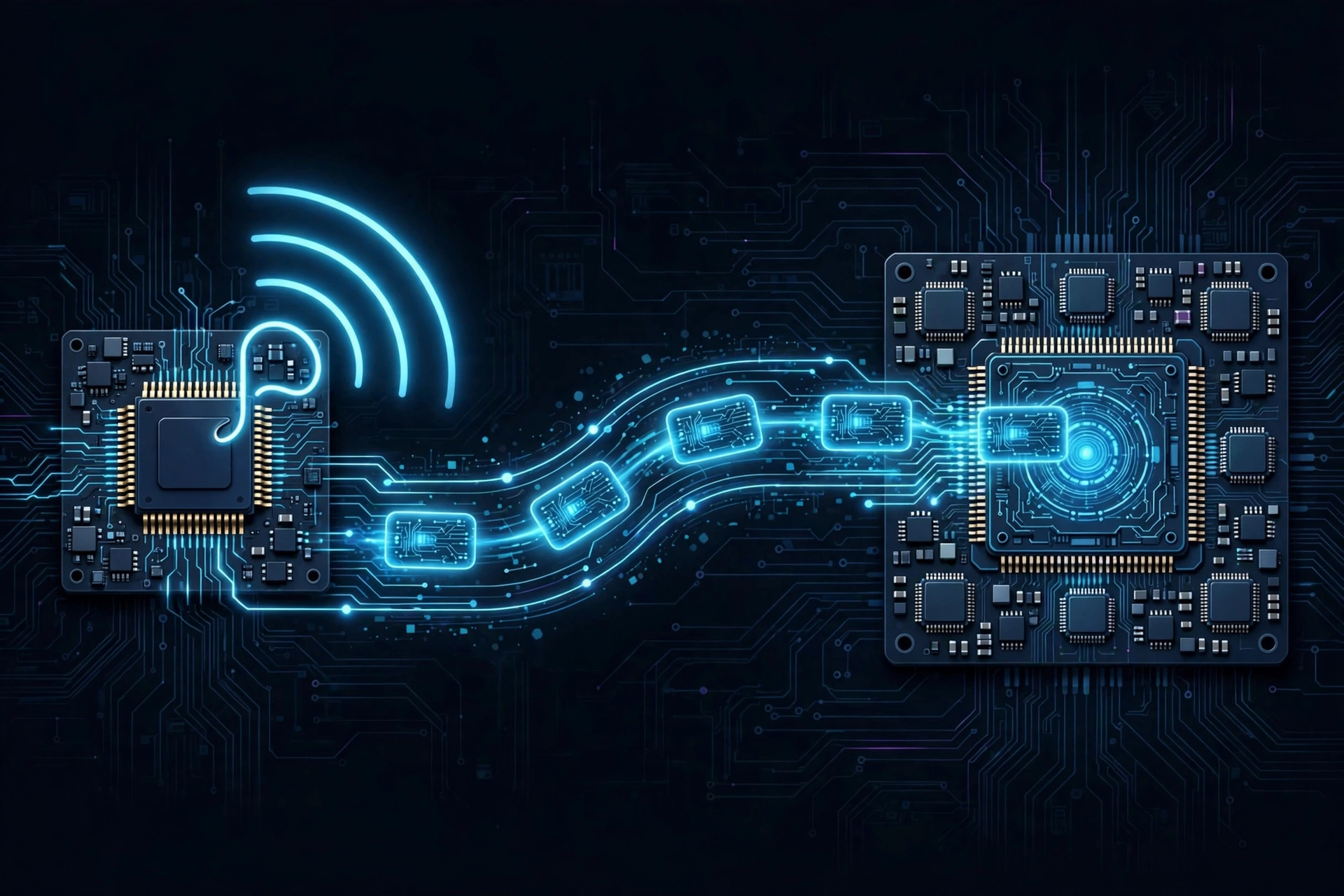
Inside every phone, PC, and pair of headphones, two parts talk to each other: the software (your operating system) and the Bluetooth chip. The link between them is called the HCI, short for Host Controller Interface.
When something goes wrong, the Bluetooth chip sends back a status code through the HCI. These codes are written in hexadecimal, which is why they start with 0x. So “0x08” is simply error number 8.
The same list of codes is used by every Bluetooth device, because it comes from the official Bluetooth standard. That’s good news. A 0x08 on your car stereo means the same thing as a 0x08 in an Android log.
The Most Common Bluetooth Error Codes (Translated)
| Code | Official name | What it means | How to fix it |
|---|---|---|---|
| 0x02 | Unknown Connection Identifier | A device tried to use a connection that no longer exists | Turn Bluetooth off and on, then reconnect |
| 0x04 | Page Timeout | Your device called the accessory, and it never answered | Turn the accessory on, move closer, try again |
| 0x05 | Authentication Failure | The two devices’ saved pairing info doesn’t match | Forget the device on both sides and re-pair |
| 0x06 | PIN or Key Missing | One device lost its pairing key | Forget the device and pair again from scratch |
| 0x08 | Connection Timeout | The signal was lost for too long | Move closer, remove obstacles, charge the accessory |
| 0x0E | Connection Rejected due to Security Reasons | The other device refused the connection for security reasons | Re-pair, and check that security settings match |
| 0x13 | Remote User Terminated Connection | The other device ended the connection | Usually normal. Only fix it if it keeps happening |
| 0x16 | Connection Terminated by Local Host | Your own device ended the connection | Usually normal. Check power-saving settings if it repeats |
| 0x18 | Pairing Not Allowed | The accessory isn’t accepting new pairings right now | Put the accessory into pairing mode, then try again |
| 0x22 | LMP / LL Response Timeout | The other device stopped replying in the middle of a connection | Move closer, check for interference, update firmware |
| 0x3E | Connection Failed to be Established | The connection started but never finished setting up | Move closer and try again. Check for interference |
0x04: Page Timeout
“Paging” is how your phone or PC calls a device it already knows. A page timeout means it called and got no answer. The accessory is usually off, out of range, or connected to a different device. Turn it on, bring it closer, and disconnect it from any other phone or laptop nearby.
0x05: Authentication Failure
This often gets blamed on a wrong PIN. But most modern devices pair without a PIN at all. More often, one device deleted the pairing and the other still remembers it, so their saved keys don’t match. Forgetting the device on your phone only fixes one side. Reset the accessory’s pairing memory too, then pair again.
0x06: PIN or Key Missing
Your device expected a saved pairing key and couldn’t find it. This often happens after a software update, a reset, or clearing Bluetooth settings. The fix is the same as for 0x05: remove the device on both sides and pair fresh.
0x08: Connection Timeout
The two devices were connected, then the signal disappeared for too long and the connection dropped. Distance, walls, a low battery, and 2.4GHz interference from Wi-Fi routers or USB 3.0 ports are the usual causes.
0x0E: Rejected Due to Security Reasons
The other device refused to connect because the security check didn’t pass. Usually it’s still holding an old pairing record, or it needs a stronger security level than your device offered. Remove the pairing on both devices and pair again. If it’s a car stereo or older accessory, check whether it’s already paired to the maximum number of phones.
0x13: Remote User Terminated Connection
This means the other device hung up. When you switch off your headphones or they go to sleep, you’ll see 0x13. That’s normal. It only matters if it keeps happening while nobody touched anything, which usually points to the accessory’s battery saver or auto-off setting.
0x16: Connection Terminated by Local Host
This is the opposite of 0x13: your phone or PC ended the connection. Again, this is often normal, for example when you turn off Bluetooth. If it repeats on its own, a power-saving setting on your device is the likely cause, such as Windows turning off the Bluetooth adapter or Android’s battery optimization.
0x18: Pairing Not Allowed
The accessory is refusing new pairings. Most of the time, it isn’t in pairing mode. Hold the pairing button until the light flashes, then try again. Some devices also block new pairings once their list of saved devices is full, so clear old pairings if yours has that option.
Common Text-Based Bluetooth Error Messages
Not every device shows a number. Many just show a message. Here’s what the most common ones mean.
“Pairing Rejected by Target Device”
The accessory said no. It’s usually still connected to another device, or it’s holding an old pairing record. This matches the 0x05 and 0x0E codes above.
“Incorrect PIN or Passkey”
The code you entered didn’t match. Older accessories without a screen often use 0000 or 1234. Newer devices usually show a code on both screens for you to confirm instead.
“Make sure the device is turned on and in range”
Your phone or PC couldn’t reach the accessory, the same problem as 0x04. On Windows, a similar message says “Make sure your Bluetooth device is still discoverable.” That one usually means the accessory left pairing mode before you clicked it.
For error messages that come from specific accessories, like headphones, speakers, or smartwatches, see our device error guide.
Frequently Asked Questions
Are these hex codes the same as Windows Device Manager errors?
No. Hex codes like 0x08 come from the Bluetooth standard and describe connection problems. Device Manager codes like Code 43 describe problems with your PC’s Bluetooth hardware or driver.
What is HCI error 0x13?
It means the other device ended the connection. It’s usually normal, like when headphones turn off. It’s only a problem if it happens repeatedly on its own.
Do I need to be a developer to fix a Page Timeout error?
No. A page timeout usually means the accessory is off, too far away, or connected to something else. Turn it on, move closer, and disconnect it from other devices.
What should I do if nothing fixes my error?
Reset your Bluetooth settings to clear all saved pairing data, then pair again.
