
Close Menu

    Subscribe to Updates

    Get the latest creative news from FooBar about art, design and business.

    What's Hot
    A pair of sleek black Creative XF1 desktop speakers beside a computer monitor on a clean desk

    Creative XF1 Hi-Res Desktop Speakers Launch With Bluetooth 6.0 and LDAC

    November 28, 2026
    Xiaomi Sound INF Bluetooth speaker with glowing lights on a living room table

    Xiaomi Sound INF Brings 150W Power and Bluetooth 6.0 to Europe

    November 28, 2026
    Three portable Bluetooth speakers side by side on a wooden table outdoors

    JBL Flip 7 Wins TechRadar Test Against Beats Pill and Sony ULT Field 3

    November 27, 2026
    Facebook X (Twitter) Instagram
    pairexa.com
    • Home
    • Pairing
    • Troubleshooting
    • Devices
    • Windows
    • Android
    • iPhone& Apple
    • Basics & Tech
    • Guides
      • How to Pair a Bluetooth Device on Windows 7 (Legacy Guide)
    • Bluetooth Tools
    • Blog
      • How to Pair Bluetooth on Samsung Galaxy (One UI)
      • Bluetooth Not Working After Android Update: How to Fix It
      • Bluetooth LE Audio Support on Windows: What’s Coming and What Works Today
    Subscribe
    pairexa.com
    Home»Bluetooth Tools»Bluetooth Version Checker
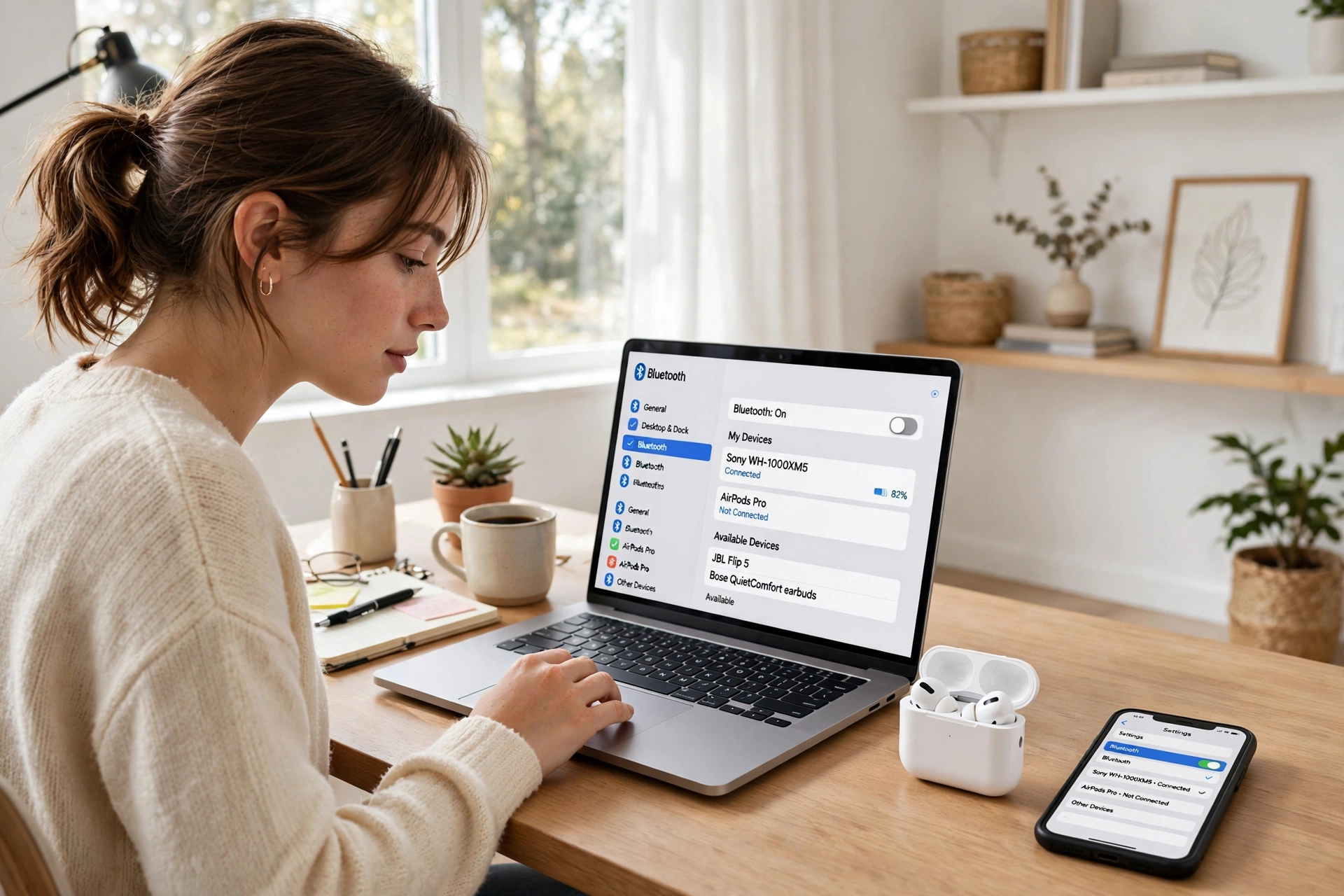
    Woman checking Bluetooth settings on a laptop with wireless earbuds beside her

    Bluetooth Version Checker

    Bluetooth Version Checker

    Find out which Bluetooth version your phone, laptop, or headphones really run. Type in the LMP number from your device settings, and we will tell you the version, the year it came out, and the features you get.

    Your LMP number

    Common numbers: LMP 9 means Bluetooth 5.0, LMP 11 means 5.2, LMP 12 means 5.3, and LMP 14 means 6.0. If your number has a decimal point, like 12.512, just enter the whole part, 12.

    Your Bluetooth version

    What this version brought:

      How to find your LMP number: on Windows, open Device Manager, expand Bluetooth, right click your Bluetooth adapter, choose Properties, open the Advanced tab, and read the LMP number next to Firmware Version. On a Mac, open System Information, click Bluetooth in the sidebar, and look for LMP Version. On Android, free apps such as Bluetooth LE Scanner show the LMP version of your phone. The LMP number is the highest Bluetooth specification your radio fully supports.

      What Bluetooth version does your phone or laptop actually run? Our free bluetooth version checker gives you the answer in seconds. Just type in the LMP number from your device settings, and the tool tells you the Bluetooth version, the year it came out, and the features you get with it.

      The LMP number is short for Link Manager Protocol version. It is the number your Bluetooth radio reports to the system, and it maps directly to a Bluetooth version. LMP 9 means Bluetooth 5.0, LMP 11 means Bluetooth 5.2, LMP 12 means Bluetooth 5.3, and LMP 14 means Bluetooth 6.0. If your number has a decimal point, like 12.512, use only the whole part, 12. That whole part is the number that matters.

      Man holding a smartphone showing Bluetooth device settings

      Finding your LMP number takes less than a minute. On Windows, open Device Manager, expand Bluetooth, right click your Bluetooth adapter, choose Properties, open the Advanced tab, and read the LMP number next to Firmware Version. On a Mac, open System Information, click Bluetooth in the sidebar, and look for LMP Version. On Android, free apps such as Bluetooth LE Scanner show the LMP version of your phone. iPhones do not show an LMP number in settings, so check the model page on the maker website instead.

      Why does the version matter? The biggest jump for everyday use came with Bluetooth 5.2, which introduced LE Audio and Auracast. LE Audio uses a more efficient codec called LC3, so earbuds can sound better while using less battery. Auracast lets one device broadcast audio to many listeners at once, like a gym TV that anyone can tune into. If your LMP number is 11 or higher, you have both. Bluetooth 6.0 adds Channel Sounding, which measures the distance between two devices down to centimeters, for more accurate item trackers and car keys that only unlock when you are truly close.

      One thing to remember: when two devices connect, they use the older version of the two. Your new Bluetooth 5.4 earbuds will still pair with an older laptop, but the connection will not include any feature introduced after that laptop’s version. So check both devices, not just one, before you blame a missing feature on a broken product.

      If you want the full story behind every version, read our guide on Bluetooth versions explained, which compares versions 1.0 to 6.0 side by side. To see how the version affects your sound, try our Bluetooth codec comparison and find the best codec for your setup. And if your device will not pair at all, our Bluetooth pairing troubleshooter walks you through the fix step by step.

      Try the bluetooth version checker above, and find out what your device can really do.

      Recent Posts
      A pair of sleek black Creative XF1 desktop speakers beside a computer monitor on a clean desk

      Creative XF1 Hi-Res Desktop Speakers Launch With Bluetooth 6.0 and LDAC

      November 28, 2026
      Xiaomi Sound INF Bluetooth speaker with glowing lights on a living room table

      Xiaomi Sound INF Brings 150W Power and Bluetooth 6.0 to Europe

      November 28, 2026
      Three portable Bluetooth speakers side by side on a wooden table outdoors

      JBL Flip 7 Wins TechRadar Test Against Beats Pill and Sony ULT Field 3

      November 27, 2026
      Blue JBL Tune 530BT foldable on-ear Bluetooth headphones on a clean light background

      JBL Tune 530BT Drops to $30 on Amazon, a Record Low With 76-Hour Battery

      November 27, 2026
      Black JBL Tune 510BT on-ear Bluetooth headphones on a clean light background

      JBL Tune 510BT Drops to $20 at Walmart, 60% Off for Black Friday

      November 27, 2026
      Categories
      • Blog
      • Bluetooth Basics & Technology
      • Bluetooth Buying Guides
      • Bluetooth Devices
      • Bluetooth on Android
      • Bluetooth on iPhone, iPad & Mac
      • Bluetooth on Windows
      • Bluetooth Pairing
      • Bluetooth Troubleshooting
      • iPhone& Apple
      • News
      About Us

      Pairexa is your trusted source for Bluetooth and wireless technology. Discover practical guides, device insights, troubleshooting tips, and the latest tech updates to make smarter choices and stay connected.

      Legal Pages
      • About Us
      • Privacy Policy
      • Disclaimer
      • Terms and Conditions
      • Contact Us
      • Blog
      FOLLOW US
      • Facebook
      • Pinterest
      • Instagram
      © 2026 ThemeSphere. Designed by ThemeSphere.

      Type above and press Enter to search. Press Esc to cancel.