

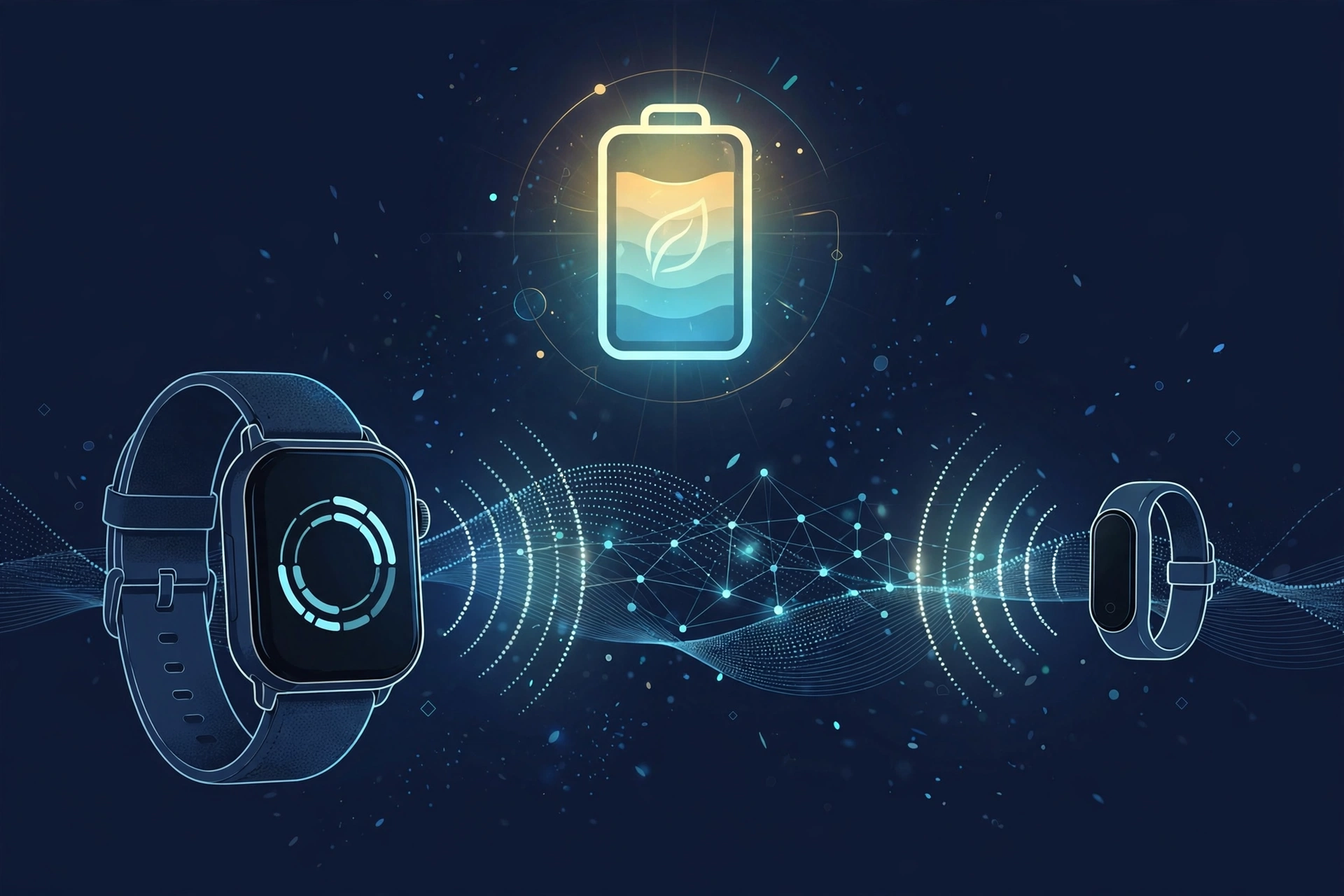
Bluetooth Low Energy, usually just called BLE, is a version of Bluetooth built to use as little battery power as possible. It is the reason a small fitness tracker or a wireless earbud case can run for months, sometimes a whole year, on a single tiny battery, while other wireless gadgets need charging every day or two.
BLE is not a separate wireless technology from Bluetooth. It is a mode built into Bluetooth itself, and most modern devices support both BLE and regular Bluetooth (often called Bluetooth Classic) at the same time. The rest of this guide breaks down exactly how BLE is different from Classic, how it actually saves power, and why some of your gadgets connect in ways that can feel confusing.
In this article:
- What Is Bluetooth Low Energy (BLE)?
- Bluetooth Classic vs. Bluetooth Low Energy: The Core Differences
- How BLE Actually Works (Without the Engineering Jargon)
- The Dual-Mode Reality: Why Your Phone Doesn’t Make You Choose
- Why BLE Devices Pair Differently (The App-Based Pairing Secret)
- Common Everyday Devices That Use BLE
- Frequently Asked Questions
What Is Bluetooth Low Energy (BLE)?
Bluetooth Low Energy is a low power mode of Bluetooth, introduced by the Bluetooth SIG (the organization that creates and manages the Bluetooth standard) as part of Bluetooth 4.0 in 2010. It was built for one main job: letting small devices with tiny batteries, like fitness trackers, sensors, and smartwatches, stay connected to your phone for a long time without draining power.
Here is the simplest way to think about it. Regular Bluetooth (Classic) was designed for things like audio, where a device needs to send data constantly and without interruption, like a nonstop stream of music. BLE was designed for the opposite job: sending small bits of information every so often, then going back to sleep.
This difference in design is exactly why a device like a fitness tracker, running on a coin-cell battery (the small round battery used in watches), can last for months or even a year before it needs a new one. It is not using a bigger battery. It is simply not asking that battery to do much work most of the time.
Bluetooth Classic vs. Bluetooth Low Energy: The Core Differences
The real difference between Bluetooth and Bluetooth Low Energy comes down to one thing: what the connection is built to do. Bluetooth Classic, also called BR/EDR (Basic Rate/Enhanced Data Rate), keeps a steady, always-on connection open, which makes it the right choice for continuous data like audio streaming. BLE keeps the connection mostly asleep and only wakes it up to send small bursts of data, which makes it the right choice for battery-powered accessories that only need to check in occasionally.
Neither one is simply “better” than the other. They are built for different jobs, and most modern devices use whichever one fits the task.
| Bluetooth Classic (BR/EDR) | Bluetooth Low Energy (BLE) | |
|---|---|---|
| Best for | Audio streaming, continuous data | Small sensors, fitness trackers, smart devices |
| Connection style | Continuous, always-on stream | Short bursts of data, then sleep |
| Power use | Higher, since the connection stays active | Very low, since the radio is off most of the time |
| Typical battery life | Hours to days, typical for rechargeable audio devices | Weeks to over a year (coin-cell devices) |
| Common examples | Wireless headphones, speakers, car audio | Fitness trackers, smartwatches, heart rate monitors, beacons |
So when someone asks whether Bluetooth Low Energy is better than Classic, the honest answer is that it depends on the job. For streaming music without any gaps or delay, Classic is still the better fit. For a device that just needs to send small pieces of data now and then while sipping as little power as possible, BLE wins by a wide margin.
How BLE Actually Works (Without the Engineering Jargon)
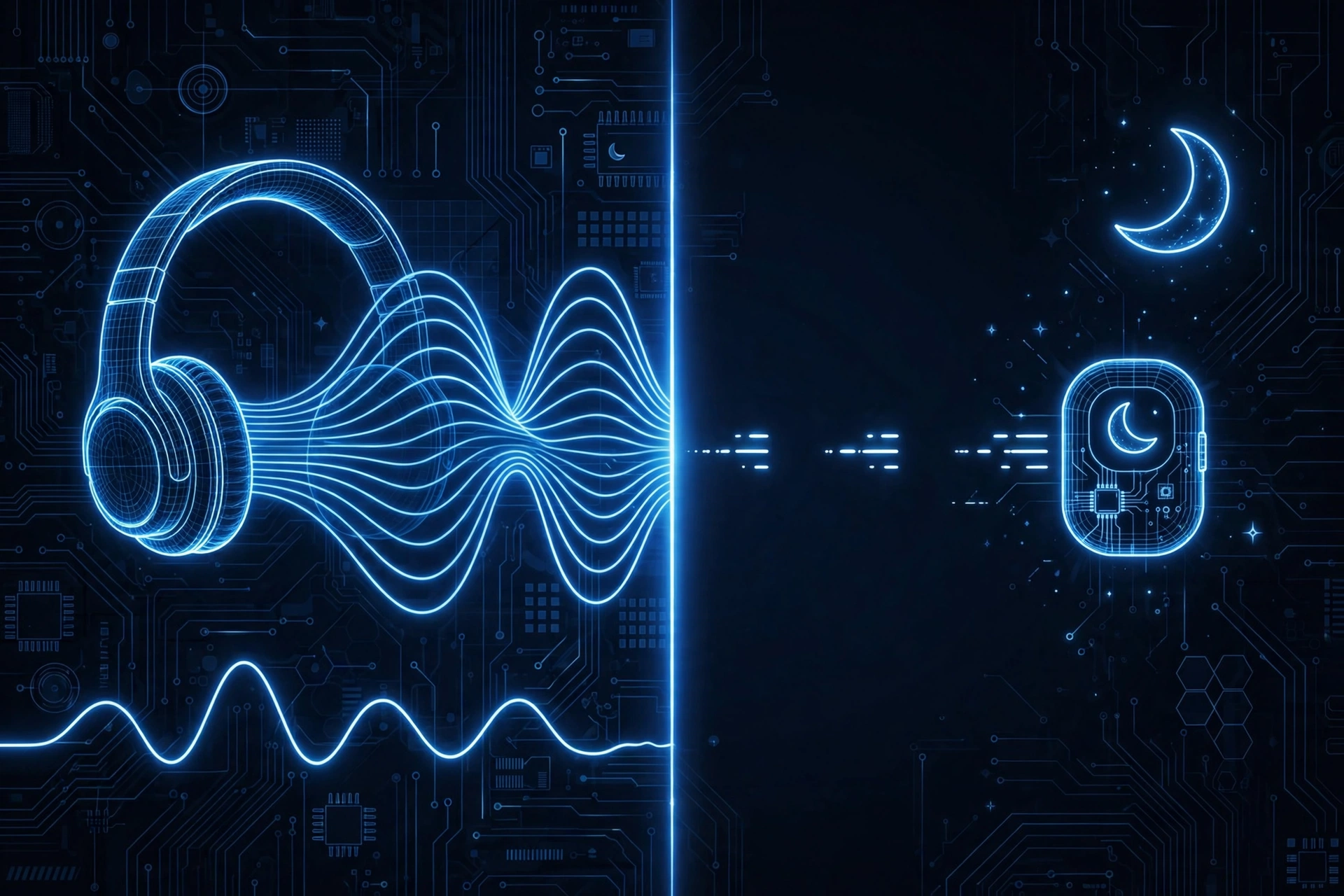
BLE saves battery through a simple idea: stay asleep unless there is something to say.
A BLE device spends most of its time in sleep mode, using almost no power at all. When it has something to report, like a new heart rate reading or a step count update, it briefly wakes up, sends that small piece of data, and goes right back to sleep. This is completely different from Bluetooth Classic, which keeps its connection active the whole time it is in use, similar to leaving a phone call open even during the quiet parts.
Both BLE and Classic operate on the same 2.4 GHz radio frequency band, but BLE’s “wake up, send, sleep” pattern is what actually makes the power savings possible. It is less about the frequency and more about how rarely the radio needs to switch on.
One thing worth knowing: BLE connections usually have a shorter practical range than Bluetooth Classic in real-world use. The exact distance depends on the specific chip, the antenna design, and obstacles like walls or furniture, so there’s no single number that applies to every device. If range matters a lot for your setup, like a smart lock on a front door versus a fitness tracker on your wrist, it’s worth checking the specific product’s stated range rather than assuming all BLE devices behave the same way.
GAP and GATT Explained Simply
Two terms come up a lot when people look deeper into how BLE works: GAP and GATT. They sound technical, but the idea behind each one is simple.
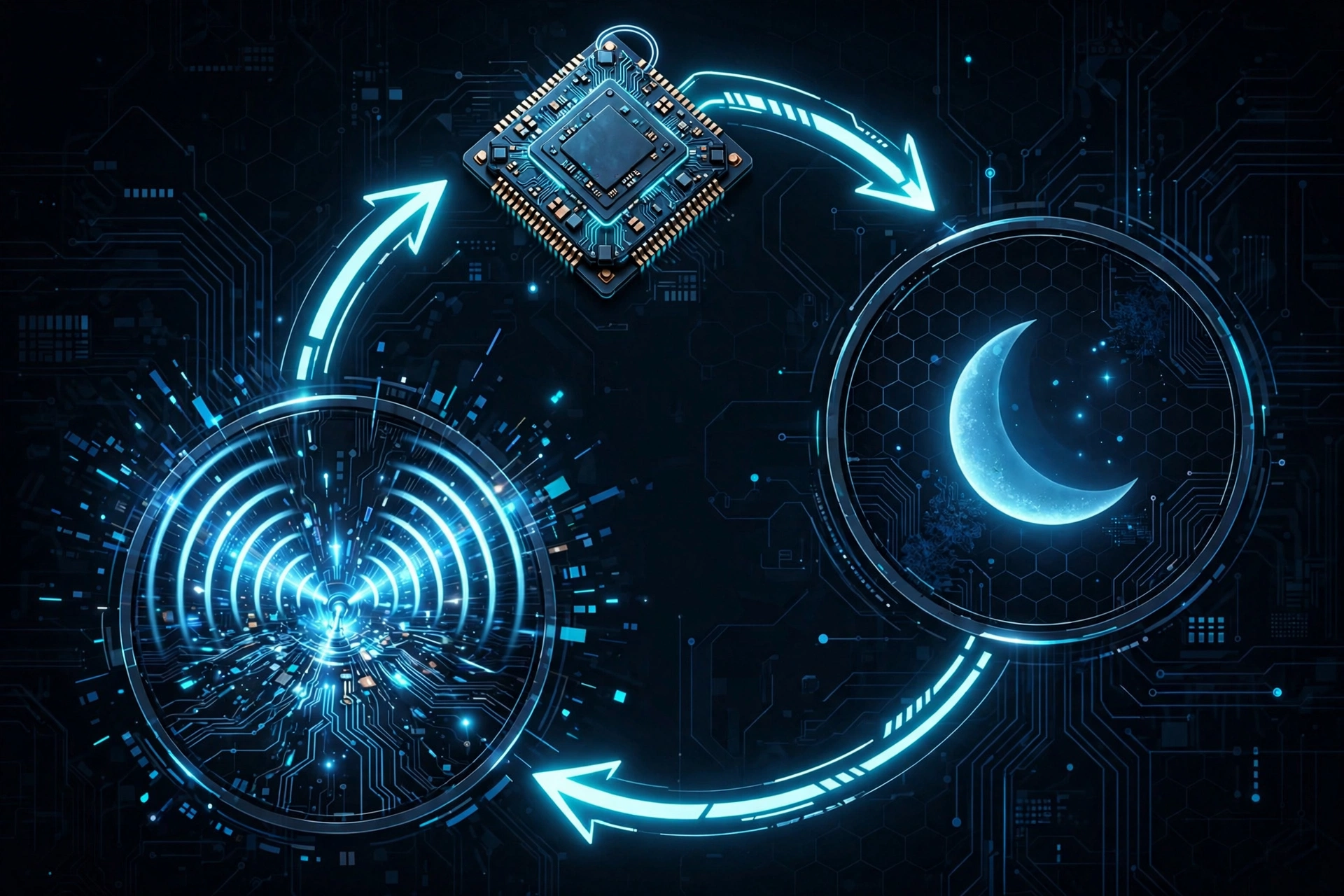
GAP (Generic Access Profile) controls how a BLE device announces itself to the world. Think of it like standing in a crowded room and calling out, “I’m here, and this is who I am.” This is how your phone finds a nearby BLE device in the first place, before any real connection is made.
GATT (Generic Attribute Profile) controls what happens after that first announcement, once two devices decide to actually connect and share data. This is more like a private conversation between just the two of them, where your fitness tracker quietly sends over your heart rate or step data, without broadcasting it to everyone else in the room.
In short: GAP is how a device says “I exist,” and GATT is how it actually shares information once it’s connected.
The Dual-Mode Reality: Why Your Phone Doesn’t Make You Choose
If you are wondering whether your phone supports BLE, the answer is almost certainly yes. Nearly every smartphone made in the last several years, along with most modern laptops and tablets, comes with a dual-mode Bluetooth chip. That means a single chip handles both Bluetooth Classic and Bluetooth Low Energy at the same time.
This is why you never have to pick one or the other. You can stream music to your Classic Bluetooth headphones while your BLE smartwatch sends step data to the same phone, at the same time, without any conflict. The phone’s Bluetooth chip is simply running both modes side by side.
You might come across the older term “Bluetooth Smart Ready,” which the Bluetooth SIG used years ago to market devices with this dual-mode support. It is not really used in current marketing anymore, but if you see it on an older product or an older article, it means the same thing: a device that supports both Classic and BLE at once.
Why BLE Devices Pair Differently (The App-Based Pairing Secret)
This solves one of the most common points of confusion with BLE devices: your phone’s Bluetooth settings menu is not always where you pair them.
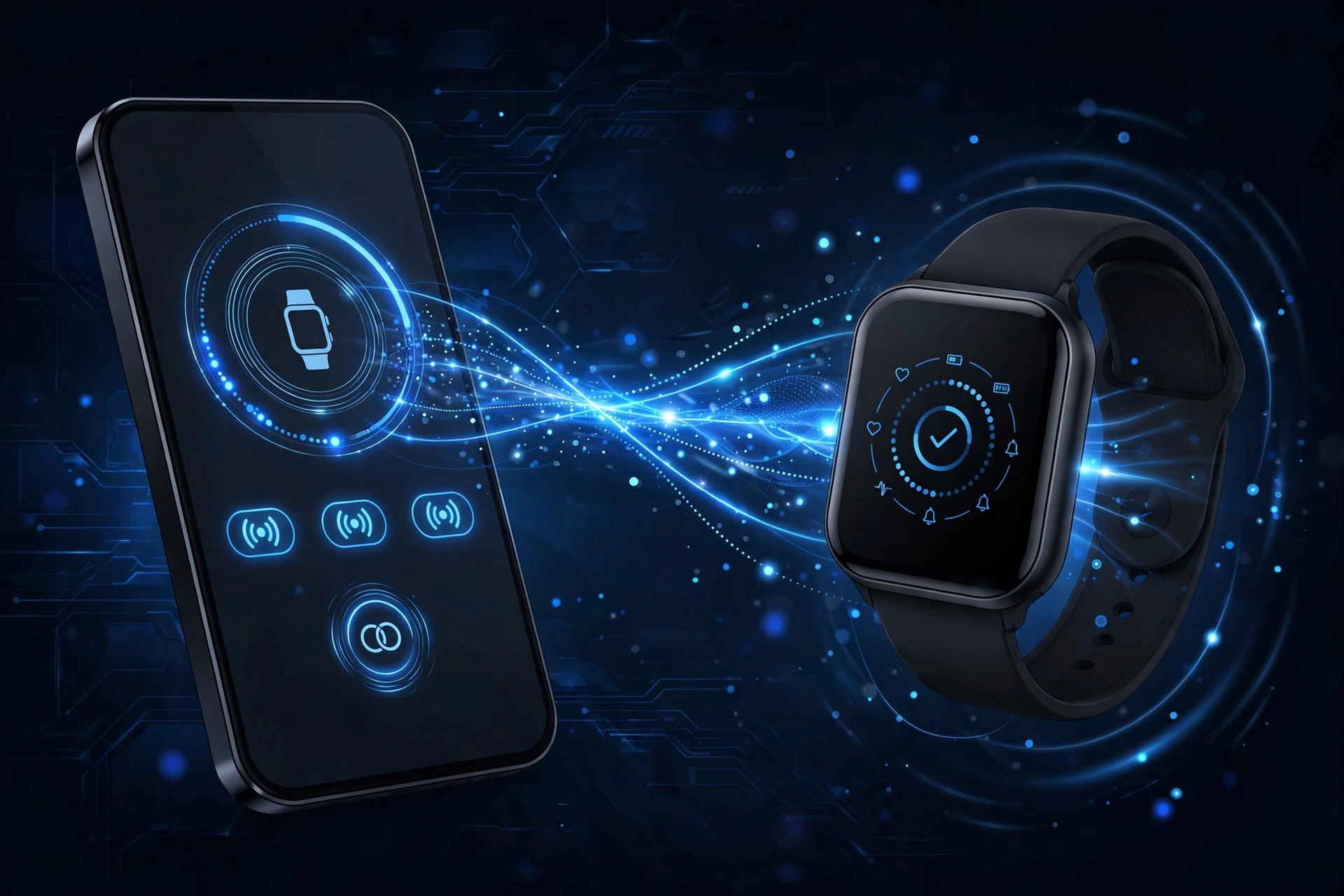
If you have ever bought a new smartwatch or fitness tracker and gone straight to your phone’s Bluetooth menu, only to find the device isn’t listed there, this is why. Many BLE devices are designed to be discovered and paired through their own companion app, like Fitbit, Samsung Health, or a fitness brand’s own app, instead of through your phone’s built in Bluetooth settings.
This is a deliberate design choice, not a bug. Since BLE devices often need to sync specific data, like heart rate history or step counts, the manufacturer’s app handles both the pairing and the ongoing data transfer together, rather than relying on your phone’s generic Bluetooth menu. So if your new smartwatch isn’t showing up under Bluetooth settings, the fix is usually simple: download the device’s official companion app first, and let the app handle discovery and pairing from there.
If a new device isn’t showing up in your phone’s Bluetooth settings, try this:
- Check the box, manual, or manufacturer’s website for the name of the official companion app
- Install that app and open it, most walk you through pairing automatically from there
- Keep the app installed even after pairing, since some devices rely on it for ongoing syncing, not just the initial setup
Common Everyday Devices That Use BLE
BLE shows up in far more everyday gadgets than most people realize, not just industrial sensors and warehouse tracking tags.
Common BLE devices include:
- Fitness trackers and smartwatches (Fitbit, Apple Watch, and similar wearables)
- Heart rate monitors and other health sensors
- Item trackers, like Tile or similar Bluetooth tags
- Smart home devices, such as smart locks, sensors, and some smart lighting
- Wireless keyboards and mice that prioritize long battery life
- Beacons used in stores and venues for location based notifications
One detail that trips people up: many wireless headphones and earbuds actually use Bluetooth Classic for the audio itself, since streaming continuous sound needs that steady, always-on connection. But the companion app for those same headphones, the one you use to adjust EQ settings or check battery levels, often uses BLE to talk to the earbuds in the background. So a single pair of headphones can genuinely use both Classic and BLE at once, just for different jobs.
So if you’re trying to figure out whether your own headphones use BLE or Classic: check the product page or box for “LE Audio” branding. If you don’t see it mentioned, your headphones are almost certainly using Classic for the audio itself, which is still true for most headphones on the market right now. Either way, the companion app (if there is one) is likely using BLE in the background regardless of which one handles the actual sound.
Frequently Asked Questions
What is the difference between Bluetooth and Bluetooth Low Energy?
Regular Bluetooth (Classic) keeps a constant, always-on connection, which is why it’s used for things like audio streaming. Bluetooth Low Energy (BLE) only wakes up briefly to send small pieces of data, then goes back to sleep, which uses far less battery. They’re both part of the same Bluetooth standard, just built for different jobs.
What devices use Bluetooth Low Energy?
Fitness trackers, smartwatches, heart rate monitors, item trackers like Tile, smart home devices such as locks and sensors, and many wireless keyboards and mice all use BLE. It’s built into almost every modern battery-powered accessory that needs to stay connected without constant charging.
Is Bluetooth Low Energy better than Classic?
Neither is better overall, they’re built for different tasks. Classic is better for continuous audio streaming. BLE is better for small accessories that only need to send data occasionally while saving battery.
Why doesn’t my new BLE smartwatch show up in my phone’s Bluetooth menu?
Many BLE devices are designed to be set up through their own companion app, like Fitbit or Samsung Health, instead of your phone’s built-in Bluetooth settings. Install the official app for your device first, and it will usually guide you through pairing from there.
Do I need an app to pair BLE devices?
Often, yes. Unlike regular Bluetooth headphones or speakers, many BLE accessories rely on a companion app to handle pairing and to keep syncing data afterward, not just for the initial setup.
Do my wireless headphones use BLE or Classic?
Check the box or product page for “LE Audio” branding. If it’s not mentioned, your headphones almost certainly use Classic for the actual audio, which is still true for most headphones sold today. The companion app for adjusting settings, if there is one, often uses BLE separately in the background.
Does my phone support Bluetooth Low Energy?
Almost certainly, yes. Nearly every smartphone made in the last several years has a dual-mode Bluetooth chip that supports both Classic and BLE at the same time, so you don’t need to check for BLE support separately in most cases.
