

In this article:
- Does Leaving Bluetooth On Drain Your Battery?
- How Much Battery Does Bluetooth Actually Use?
- Idle Bluetooth vs. Connected Devices
- Does Streaming Music Over Bluetooth Drain Battery?
- Why Bluetooth Battery Drain Is Mostly a Myth Today
- Are Your Bluetooth Apps Actually Draining Your Battery?
- When Should You Actually Turn Bluetooth Off?
- Why Do People Still Believe Bluetooth Kills Battery Life?
- Does Bluetooth Use Cellular Data?
- Does Bluetooth Drain iPhone Battery?
- Does Bluetooth Drain Android Battery?
- Does Bluetooth Drain Apple Watch Battery?
- Bluetooth vs. Wi-Fi: Which Uses More Battery?
- Should You Turn Bluetooth Off at Night?
- Is It Bad to Leave Bluetooth On All the Time?
- Does Turning Off Bluetooth Save Battery?
- Frequently Asked Questions
- The Bottom Line
If you keep Bluetooth turned on all day, you may wonder, does Bluetooth drain your battery?
The short answer is yes, but usually only a very small amount. Modern Bluetooth is designed to use little power, especially when it is on but not actively transferring data.
For most people, leaving Bluetooth on will not make a major difference to daily battery life. Active use, such as connecting headphones, a smartwatch, or a tracker, can use more power, but the Bluetooth connection itself is usually not the main reason a phone battery drops quickly.
Does Leaving Bluetooth On Drain Your Battery?
Leaving Bluetooth on uses some power, but the amount is generally very small.
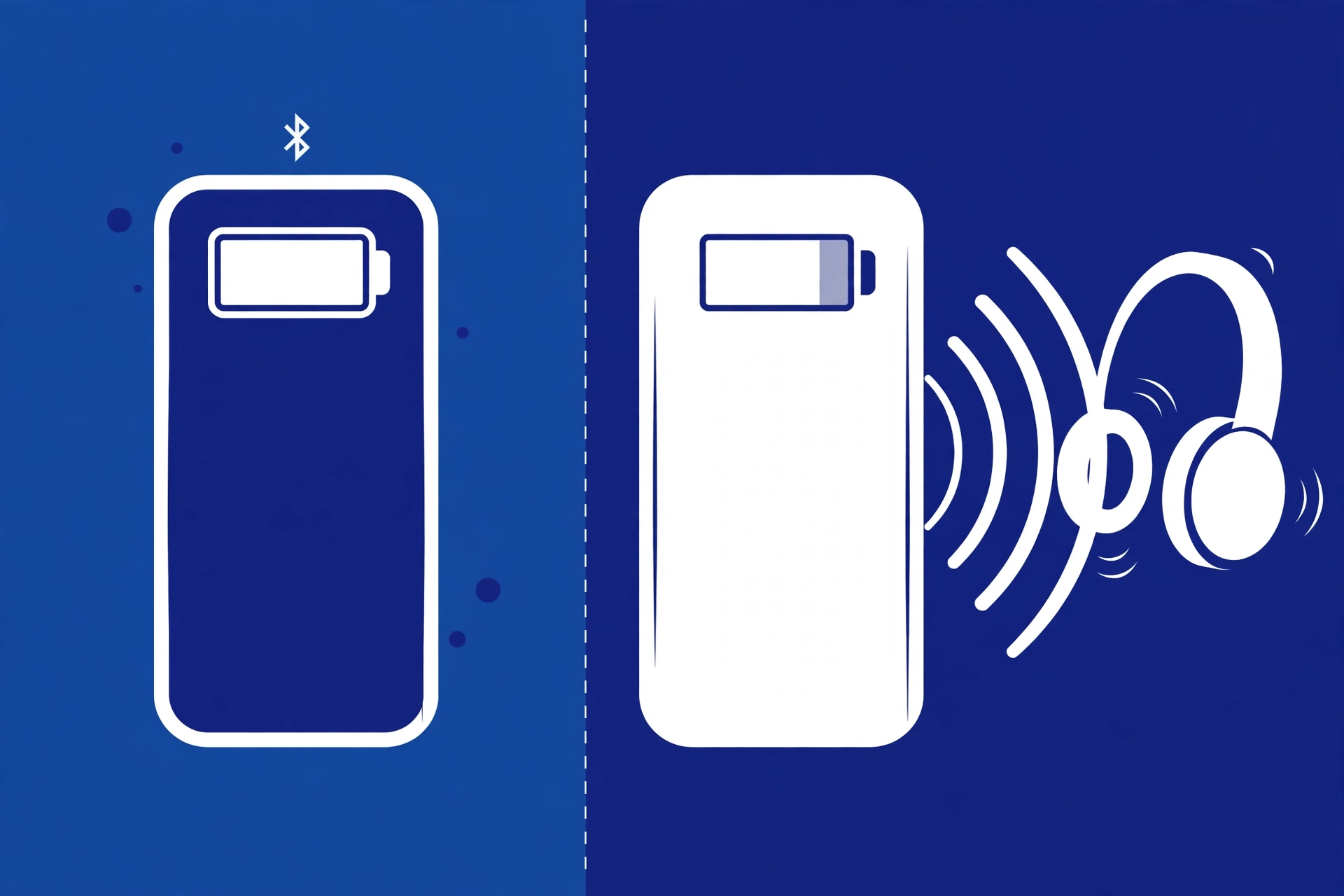
When Bluetooth is turned on but no device is actively communicating with your phone, the radio can stay in a low-power state. Your phone may still scan for or maintain nearby connections, but this is very different from constantly sending large amounts of data.
That means you usually do not need to turn Bluetooth off every night just to save battery.
A useful way to think about it is:
| Bluetooth situation | Battery impact |
|---|---|
| Bluetooth ON, no active connection | Very low |
| Connected to a nearby device | Low |
| Smartwatch or tracker syncing | Low to moderate |
| Bluetooth audio streaming | Higher than idle |
| Companion app constantly syncing | Can be significant |
The exact battery impact depends on your phone, Bluetooth hardware, connected devices, apps, signal conditions, and how you use them.
So, does turning off Bluetooth save battery? Yes, technically. But for many users, the savings from turning it off are too small to matter in normal daily use.
How Much Battery Does Bluetooth Actually Use?
Bluetooth battery use depends heavily on what the connection is doing.
There is a big difference between simply having Bluetooth enabled and actively transferring information.
For example, your phone may have Bluetooth turned on while sitting on a desk with no headphones connected. In this situation, there is little Bluetooth activity.
Now compare that with listening to music through wireless headphones for several hours. Your phone is continuously communicating with the headphones, processing audio, and maintaining the connection.
The second situation naturally uses more energy.
Idle Bluetooth vs. Connected Devices
One of the biggest misunderstandings about Bluetooth battery drain is the difference between Bluetooth being ON and Bluetooth being actively used.
When Bluetooth is ON:
- Your phone can detect nearby Bluetooth devices.
- It can maintain connections when needed.
- It may perform background scanning.
- It uses a small amount of power.
When Bluetooth is connected to a device:
- Your phone communicates with that device.
- Data can move between the devices.
- The connection may remain active for long periods.
- Power use can increase depending on the device and activity.
A smartwatch can regularly sync notifications, health information, and other data. A tracker may communicate periodically. Wireless headphones can continuously receive audio.
So if you are asking, does leaving Bluetooth on drain battery, the answer is different from asking whether actively using Bluetooth drains battery.
The first usually has a very small effect. The second can have a larger effect because the phone is actually doing more work.
Battery use changes depending on whether Bluetooth is idle or actively transferring data. Research discussed in the current search results generally shows that idle Bluetooth has only a small effect on smartphone battery life, while active uses such as audio streaming and connected wearables consume more power. The exact amount varies by phone, Bluetooth version, connected device, signal conditions, and background activity, so there is no single battery percentage that applies to every phone.
Does Streaming Music Over Bluetooth Drain Battery?
Yes, playing music over Bluetooth uses battery, but Bluetooth is only one part of the process.
When you stream music to wireless headphones, your phone needs to:
- Receive or access the audio.
- Process the audio.
- Prepare the audio for wireless transmission.
- Send the audio through Bluetooth.
- Keep the connection active.
The Digital Signal Processor (DSP) and other phone components also contribute to power use. This means you should not assume that every percentage of battery lost while listening to music is caused by Bluetooth. Screen-on time, mobile data, Wi-Fi, the music app, audio processing, and other background tasks can also affect battery life. For this reason, comparing Bluetooth audio directly with wired audio is not always a simple one-to-one battery test.
Why Bluetooth Battery Drain Is Mostly a Myth Today
The idea that Bluetooth destroys smartphone battery life comes partly from older Bluetooth technology and older mobile devices.
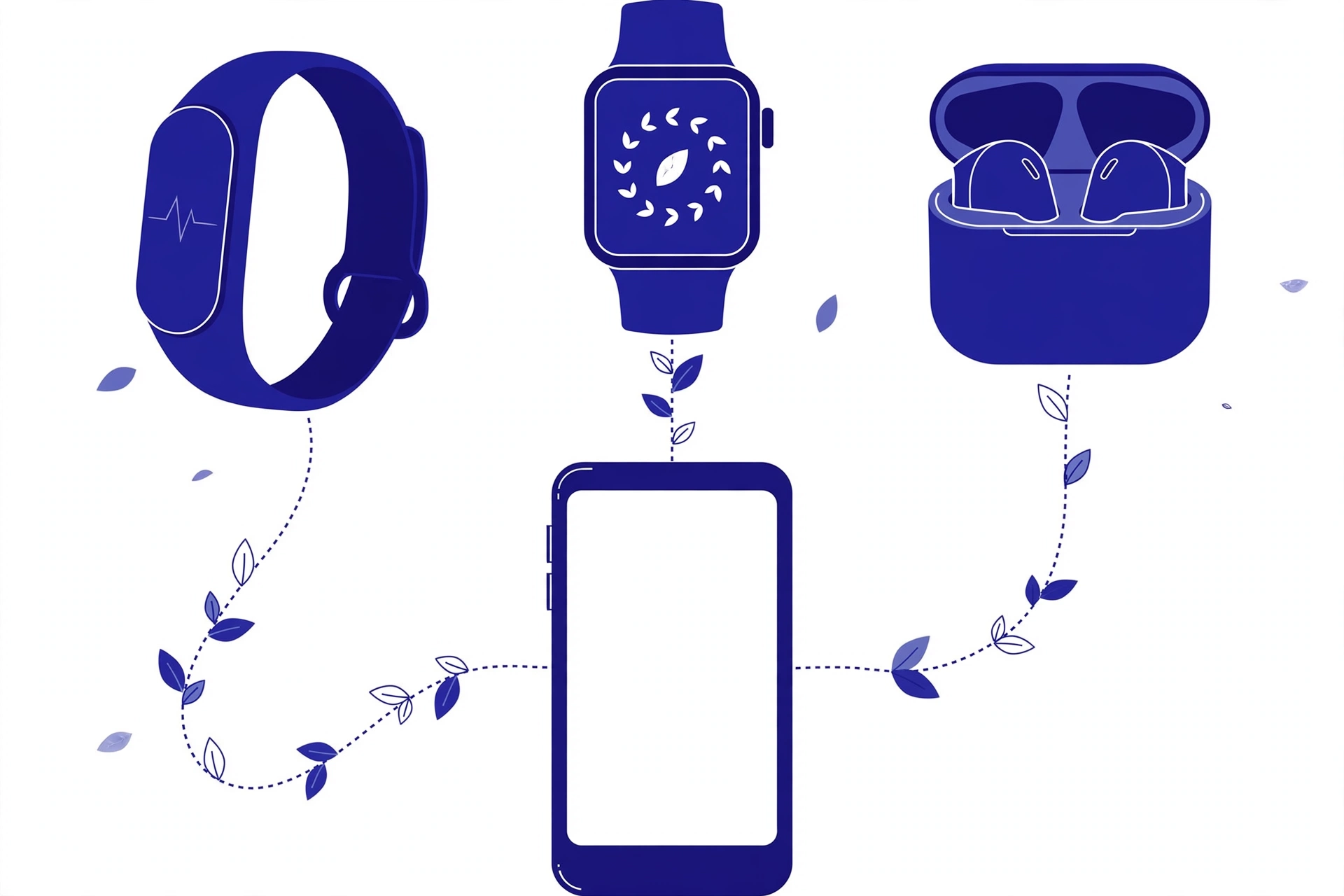
Modern Bluetooth includes more efficient ways to communicate with devices.
One important technology is Bluetooth Low Energy (BLE).
BLE is designed for low-power communication. It is especially useful for devices that need to communicate regularly while using very little energy.
Examples include:
- Fitness trackers
- Smartwatches
- Sensors
- Wireless accessories
- Small tracking devices
Modern Bluetooth versions also include improvements that help devices communicate efficiently.
This is why advice from older phones does not always apply to modern smartphones.
The important point is not that Bluetooth uses absolutely zero battery. It does not.
The important point is that modern Bluetooth is designed to keep power consumption low, especially when compared with the amount of work your phone performs for other everyday activities.
Available testing discussed in the search landscape suggests that idle Bluetooth has a relatively small effect on smartphone battery life. However, battery consumption varies by device and usage, so the result should be treated as a general pattern rather than a fixed percentage for every phone.
Are Your Bluetooth Apps Actually Draining Your Battery?
Sometimes the Bluetooth connection gets blamed when the real problem is an app.
A phone may connect to a smartwatch, tracker, headphones, or another accessory through Bluetooth. But that device may also have a companion app installed on the phone.
The app can perform background tasks such as:
- Synchronizing information
- Checking device status
- Sending notifications
- Updating location information
- Collecting activity data
- Scanning for connected devices
If an app is poorly optimized or constantly running in the background, it may use more battery than the Bluetooth radio itself.
This creates an important distinction:
Bluetooth connection ≠ all battery usage caused by a Bluetooth device.
For example, if your smartwatch app constantly syncs information, turning Bluetooth off may reduce some activity, but the bigger issue may be the app’s background behavior.
If your battery is dropping unusually fast, check your phone’s battery settings to see which apps are actually using the most power.
Background scanning and paired devices can also affect battery use. A smartwatch, tracker, or other paired accessory may regularly communicate with your phone, while its companion app may continue syncing information in the background. In these cases, the total battery use comes from the Bluetooth connection, the accessory, and the software working with it, not from the Bluetooth radio alone.
When Should You Actually Turn Bluetooth Off?
If battery savings are your only reason, you usually do not need to turn Bluetooth off every time you stop using it.
However, there are situations where turning it off can make sense.
- You Need Every Bit of Battery
If your phone is close to shutting down and you need it to last as long as possible, disabling Bluetooth can remove another source of power use. It is a small optimization, but when your battery is critically low, every little saving can help. - You Are Not Using Bluetooth Devices
If you are traveling, have no Bluetooth accessories with you, and want to reduce unnecessary wireless activity, you can turn Bluetooth off. This is a personal preference rather than a requirement for normal battery management. - You Have Privacy or Security Concerns
Battery life is not the only reason people may choose to disable Bluetooth. Bluetooth can be involved in communication between nearby devices. Depending on the device and its settings, wireless connections can create privacy or security concerns. Keeping your devices updated, avoiding unknown pairing requests, and using trusted accessories are important security habits. If you do not need Bluetooth in a particular situation, turning it off can also reduce unnecessary wireless activity.
Why Do People Still Believe Bluetooth Kills Battery Life?
The belief comes partly from older phones and older Bluetooth technology, when wireless connections could have a more noticeable effect on battery life. Modern smartphones and Bluetooth devices are designed to manage wireless connections much more efficiently. The result is that older battery advice does not always match the experience of current devices.
- You Are Troubleshooting a Battery Problem
If you suspect Bluetooth is causing unusual battery drain, temporarily turning it off can help you compare your phone’s battery behavior. You can test your phone for a period with Bluetooth enabled and then compare it with a similar period with Bluetooth disabled. This is more useful than assuming Bluetooth is automatically responsible for the drain. Battery drain is usually not a strong reason to disable Bluetooth. Security and privacy can be a separate consideration. Avoid accepting unknown pairing requests, keep your phone and Bluetooth accessories updated, and disconnect devices you no longer use. If you are in a situation where you do not need Bluetooth, turning it off can reduce unnecessary wireless activity.
Does Bluetooth Use Cellular Data?
No. Bluetooth and cellular data are different technologies.
Bluetooth creates a short-range wireless connection between compatible devices.
Cellular data uses your mobile network to connect your phone to the internet.
For example:
Phone → Bluetooth → Wireless headphones
This connection does not mean your headphones are using your mobile data.
However, if you are streaming Spotify, YouTube, or another online service, that app may use Wi-Fi or cellular data to get the content.
Bluetooth simply handles the wireless connection between your phone and the accessory.
Does Bluetooth Drain iPhone Battery?
Bluetooth can use some battery on an iPhone, just as it can on other smartphones.
But having Bluetooth enabled does not automatically mean your iPhone will experience major battery drain.
The actual effect depends on how Bluetooth is being used.
If you are only leaving Bluetooth enabled with no active Bluetooth activity, the impact is generally small.
If you are continuously using wireless headphones, a smartwatch, or another connected accessory, power use can be higher.
If your iPhone battery is draining unusually quickly, check the battery usage information to identify which apps and activities are responsible.
Does Bluetooth Drain Android Battery?
The same basic principle applies to Android phones.
Simply leaving Bluetooth enabled usually has a much smaller effect than demanding activities such as prolonged screen use, video playback, gaming, navigation, or intensive background activity.
Android phones can also connect to many Bluetooth accessories, including:
- Earbuds
- Headphones
- Smartwatches
- Fitness trackers
- Cars
- Keyboards
- Speakers
If you notice unusual battery drain, check your battery settings and look for apps that are using excessive background power.
Does Bluetooth Drain Apple Watch Battery?
Bluetooth communication can contribute to the overall power use of connected devices, including an Apple Watch.
However, the watch’s battery is affected by many other factors too.
These can include:
- Screen activity
- Notifications
- Apps
- Workouts
- Sensors
- Cellular connectivity
- Background activity
So it would be inaccurate to blame Bluetooth alone for Apple Watch battery drain.
Bluetooth vs. Wi-Fi: Which Uses More Battery?
There is no single answer for every situation because power consumption depends on what each connection is doing.
Bluetooth is designed for short-range communication and many Bluetooth Low Energy devices are designed specifically for low-power operation.
Wi-Fi is generally used for higher-bandwidth activities such as:
- Web browsing
- Video streaming
- Large downloads
- Cloud synchronization
If your phone is streaming a high-quality video over Wi-Fi, the overall power demand can be much greater than simply keeping Bluetooth enabled.
The key factor is activity, not just whether a wireless setting is turned on.
Bluetooth and Wi-Fi are designed for different jobs, so their battery impact depends on what your phone is doing. Keeping Bluetooth available for a low-power connection is different from using Wi-Fi for high-bandwidth activities such as video streaming or large downloads. The amount of data being transferred and the work your phone performs usually matter more than simply having either wireless setting turned on.
Should You Turn Bluetooth Off at Night?
For most people, there is no strong battery-related reason to turn Bluetooth off every night.
If your phone is sitting idle and Bluetooth is simply enabled, the power use is generally small.
However, you may still choose to turn it off if:
- You do not use Bluetooth overnight.
- You want to reduce wireless activity.
- You are troubleshooting battery drain.
- You want to disconnect from nearby accessories.
There is no need to treat turning Bluetooth off at night as a mandatory battery-saving habit.
Is It Bad to Leave Bluetooth On All the Time?
For battery life, leaving Bluetooth enabled is generally not a major problem.
Modern Bluetooth technology is designed around efficient wireless communication, especially Bluetooth Low Energy.
The more useful question is what is happening while Bluetooth is enabled.
If a smartwatch is continuously syncing, an app is performing background tasks, or you are streaming audio for hours, your phone is doing more work.
But if Bluetooth is simply enabled and not actively doing much, the battery impact is usually small.
Does Turning Off Bluetooth Save Battery?
Yes, turning Bluetooth off can save some battery because the phone no longer needs to perform Bluetooth-related activity.
But the amount saved may be small.
For someone trying to improve battery life, bigger factors may include:
- Screen brightness
- Screen-on time
- Mobile signal strength
- GPS usage
- Gaming
- Video streaming
- Background apps
- High-performance settings
This is why turning Bluetooth off may not be the first battery-saving step to try.
Frequently Asked Questions
Does Bluetooth drain battery when it is on but not connected?
Yes, but usually only a small amount. An idle Bluetooth connection requires much less activity than continuous data transfer.
Does leaving Bluetooth on drain battery overnight?
It can use some power, but the impact is generally small. You do not normally need to disable Bluetooth every night just to preserve battery.
Does playing music over Bluetooth drain battery?
Yes. Active Bluetooth audio requires communication and audio processing. However, the total battery drain also comes from the phone, music app, screen, network connection, and other components.
Does Bluetooth use mobile data?
No. Bluetooth itself does not use your cellular data plan. An app using the internet while connected through Bluetooth may still use Wi-Fi or cellular data.
Does Bluetooth drain iPhone battery?
Bluetooth uses some power on an iPhone, but simply leaving it enabled generally does not cause major battery drain.
Does Bluetooth drain Android battery?
It can use some power, especially during active connections, but modern Bluetooth is designed to be energy efficient.
Is Bluetooth Low Energy really better for battery life?
BLE is specifically designed for low-power wireless communication. It is commonly used by devices such as trackers, sensors, and wearables.
Should I turn Bluetooth off to save battery?
You can, especially when your battery is critically low, but the savings from simply turning Bluetooth off may be small compared with larger battery-saving changes.
Why does my battery drain when I use a Bluetooth device?
The device itself may not be the only cause. Companion apps, background synchronization, screen activity, location services, mobile data, and other phone processes can contribute to battery use.
The Bottom Line
So, does Bluetooth drain your battery?
Yes, Bluetooth uses some power, but modern Bluetooth generally does not drain enough battery to make leaving it on a major concern for most users.
The biggest difference is between idle Bluetooth and active Bluetooth use.
Having Bluetooth enabled with no active activity usually has a small impact. Connecting headphones, smartwatches, trackers, and other devices can increase power use. Companion apps and background synchronization can also contribute to battery drain.
If your goal is better battery life, do not focus only on the Bluetooth toggle. Check your screen time, apps, network activity, location services, and other major sources of power consumption.
In short, you usually do not need to turn Bluetooth off just because you are worried about battery drain. Use it when you need it, and focus your battery-saving efforts on the activities that actually consume significant power.
