

Most phones and Bluetooth headphones reach about 10 meters (33 feet) in open space. That’s the standard range for Class 2 devices, the most common type. In a real home, with walls and other people’s Wi-Fi, you’ll often get less.
Some devices reach much further, and some much less. It depends on the device’s power class, what’s in the way, and what else is using the same radio band. Below you’ll see what to expect and what to do when your signal drops early.
In this article:
- What Is the Standard Range of Bluetooth?
- Theoretical vs. Real-World Range: What to Actually Expect
- The 2 Main Technical Factors Defining Range
- 4 Real-World Things That Shorten Your Bluetooth Range
- How to Increase Your Bluetooth Range and Signal Strength
- Frequently Asked Questions
Learn how Bluetooth works before diving into range, if you’d like a refresher on the basics.
What Is the Standard Range of Bluetooth?
For everyday phones, earbuds, headphones, and speakers, the usual answer is about 10 meters, or 33 feet, with a clear line of sight. Line of sight just means nothing solid sits between the two devices.
Other devices are built for different distances:
- A tiny Bluetooth tag or sensor may be designed for only a few meters.
- A PC adapter or industrial device built for more power can reach about 100 meters in open space.
These numbers are the rated range. They describe the best case, not what you’ll get walking around your house.
Theoretical vs. Real-World Range: What to Actually Expect
Why does your headphone drop at 15 feet when the box says 30? Because the box number was measured with no walls, no people, and no crowded airwaves.
Here’s a practical guide. These are general expectations, not lab test results, so your own devices may do better or worse.
| Where you are | What to expect |
|---|---|
| Open space, clear line of sight | Close to the rated range. About 10 m (33 ft) for most phones and headphones |
| Same room with furniture | Usually fine inside the rated range |
| Next room, drywall or wood wall | Weaker signal. May work near the doorway and drop further in |
| Concrete, brick, or metal in the way | Much shorter range. Drops are common |
| Inside a car | Steady inside the cabin. The metal body blocks the signal quickly once you step away |
| Crowded Wi-Fi area | Shorter range, or choppy audio, even at short distances |
A simple way to test your own range: play music, then walk away slowly in a straight line and note where the sound first stutters. Try again with a wall in the way. That gives you real numbers for your setup.
The 2 Main Technical Factors Defining Range
Two specs decide how far a Bluetooth signal can go: how strong the transmitter is, and which Bluetooth features the devices support.
Bluetooth Power Classes (Class 1, 2, and 3)
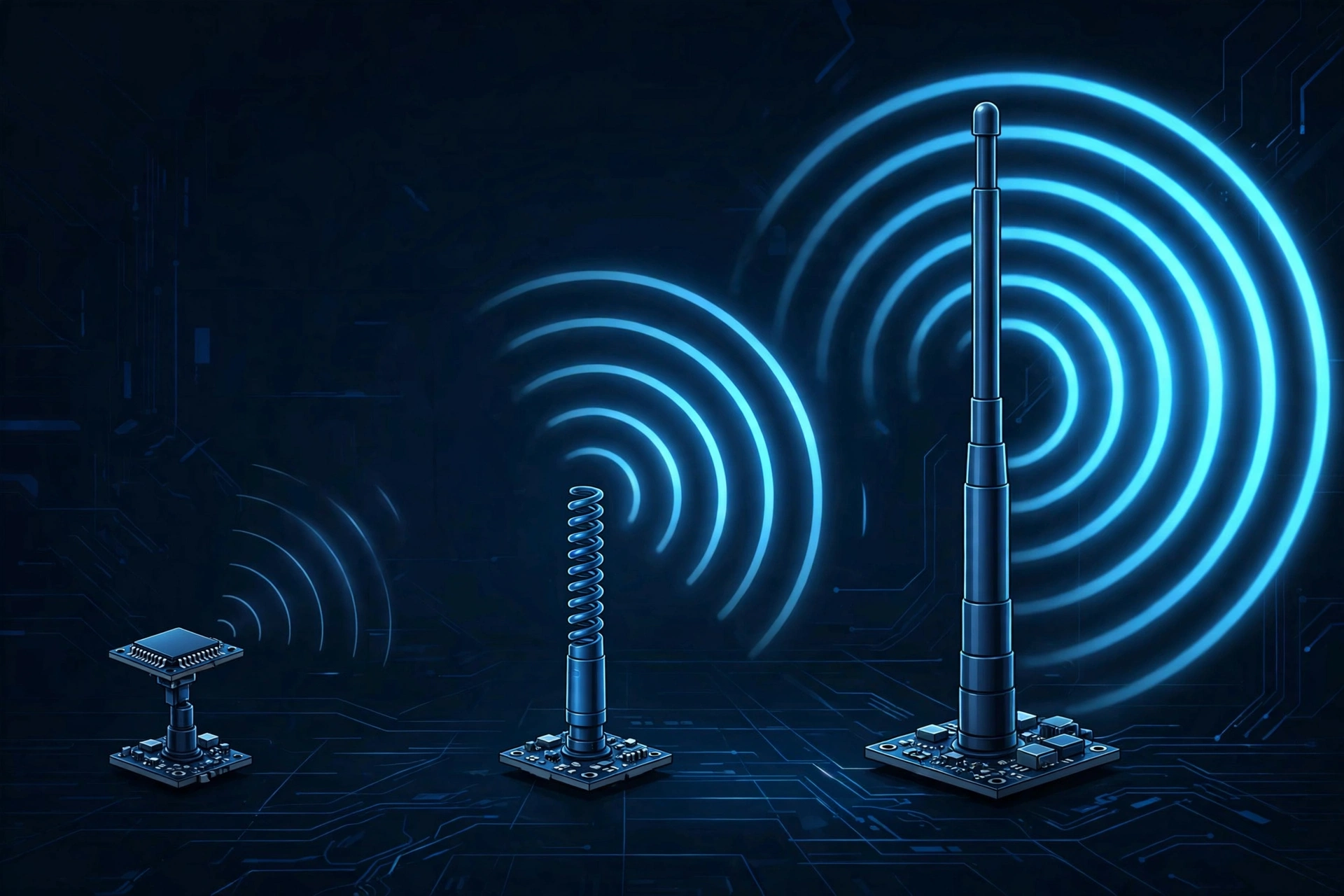
A power class is a rating for how strongly a device sends its signal. More power usually means a longer range.
| Class | Power | Typical range |
|---|---|---|
| Class 1 | Up to 100 mW (20 dBm) | About 100 m (330 ft) |
| Class 2 | About 2.5 mW (4 dBm) | About 10 m (33 ft) |
| Class 3 | About 1 mW | About 1 m (3 ft) |
Most phones, earbuds, and headphones are Class 2. Class 1 shows up in some PC adapters and specialty gear. Class 3 is rare in devices you’d buy today. Battery-powered devices avoid high power because it drains the battery faster.
Bluetooth Versions (4.0 vs 5.0 vs 6.0)
“Bluetooth 5.0 has more range” is one of the most repeated claims about Bluetooth, and it’s only partly true.
Bluetooth 5.0 added an optional long-range mode called Coded PHY. It can extend range up to about four times compared with the standard Low Energy mode. But there are catches:
- It’s a Bluetooth Low Energy (BLE) feature. It doesn’t apply to standard Bluetooth music streaming.
- Both devices need to support it, and the maker has to turn it on.
- Seeing “Bluetooth 5.0” on a pair of headphones does not promise a longer range.
So long-range mode mostly helps things like trackers, sensors, and smart locks. Bluetooth 6.0’s main new feature, Channel Sounding, is about measuring the distance between two devices more accurately. It doesn’t make the signal reach further.
See Bluetooth versions from 1.0 to 6.0 compared.
4 Real-World Things That Shorten Your Bluetooth Range
Physical Barriers (Walls, Metal, and Concrete)
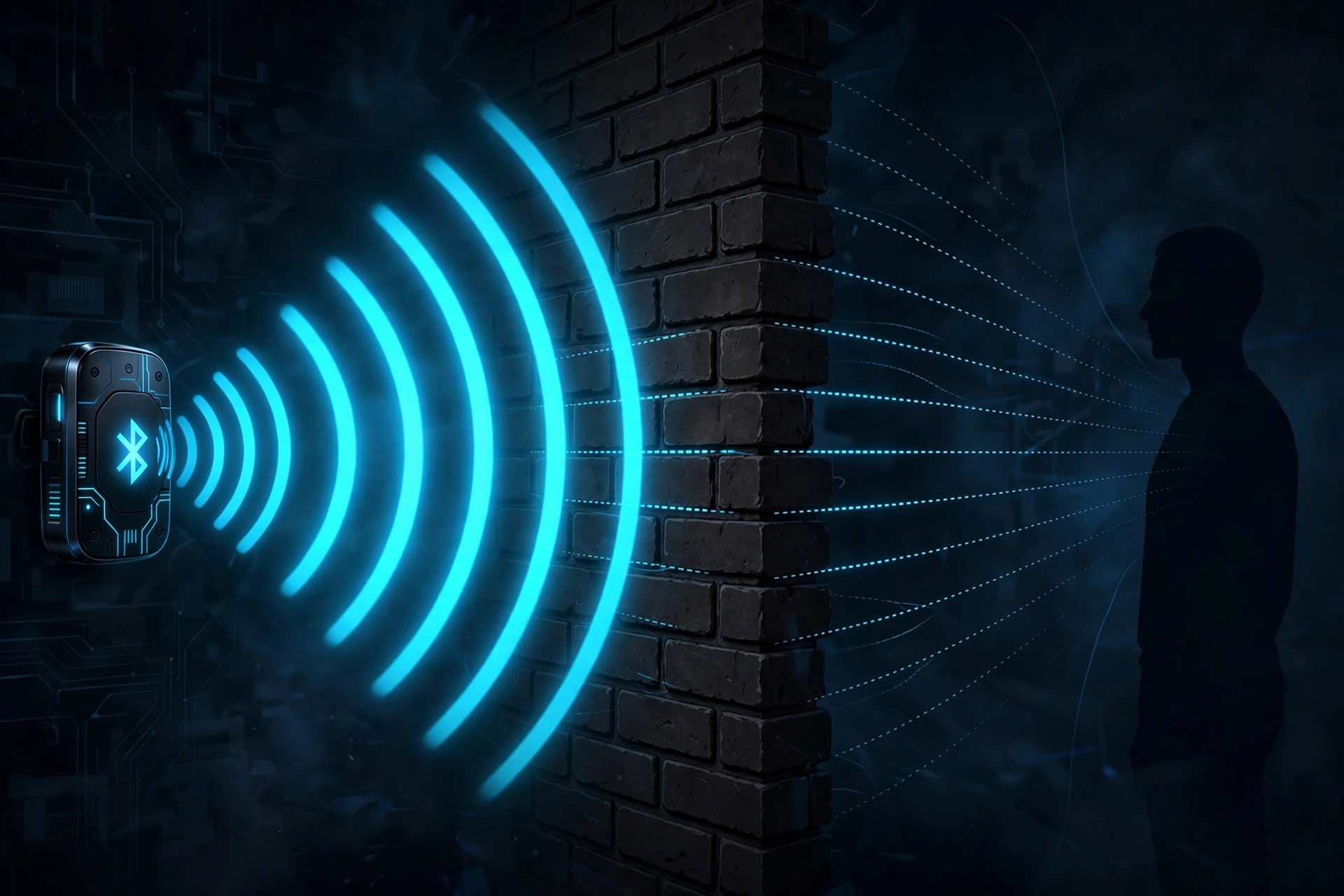
Radio waves lose strength as they pass through objects. Thin drywall barely matters. Brick, concrete, and anything with metal inside, like a fridge or a steel door, can cut the signal a lot.
The Human Body (“Pocket Dropouts”)
Your body is mostly water, and water absorbs 2.4 GHz radio waves, the frequency Bluetooth uses. That’s why audio can cut out when your phone is in a back pocket, or when you hold it against your body.
If one earbud keeps cutting out, try moving your phone to the same side of your body as that earbud. Some earbuds connect to the phone through one main bud and pass the sound to the other, so which side your phone sits on can matter. This isn’t true for every model, but it’s a quick test.
2.4 GHz Interference (Wi-Fi and Other Devices)
Bluetooth shares the 2.4 GHz band with most Wi-Fi routers, microwaves, and many other gadgets. When the band gets crowded, Bluetooth has to work harder, and the effective range shrinks. USB 3.0 ports and hubs can also add noise close to a PC adapter.
Weak Hardware or a Low Battery
Small earbuds have small antennas and may reach less than their rating suggests. On some devices, a very low battery can also hurt performance. It’s a smaller factor than walls or your body, but worth checking if nothing else explains a poor signal.
How to Increase Your Bluetooth Range and Signal Strength
Start with the easy fixes, and go further only if you need to.
- Keep a clear line of sight. Move furniture, doors, or your own body out of the path between the two devices.
- Carry your phone on the right side. Try a different pocket, or a bag or armband, if audio drops when you walk.
- Move your router to 5 GHz. If your router supports it, put your devices on the 5 GHz Wi-Fi band. This clears space on the crowded 2.4 GHz band.
- Move USB 3.0 devices away from your adapter. A short USB extension cable often helps.
- Match your devices. Both ends need to support a feature for it to work. A new phone can’t give an old accessory a longer range.
- Try a Class 1 adapter for your PC. A higher-power adapter can help on the PC side, but the accessory still has to send its signal back, so it won’t turn a Class 2 headphone into a 100-meter device.
If your connection drops even when the devices are close together, the problem may not be range at all. See why Bluetooth keeps disconnecting and how to fix it.
Frequently Asked Questions
What is the maximum range of Bluetooth?
It depends on the device. About 10 meters (33 feet) for most phones and headphones. Up to about 100 meters for Class 1 devices in open space. Some Bluetooth Low Energy devices can go further when both ends support long-range mode.
Can Bluetooth go through walls?
Yes, but the signal gets weaker. Drywall and wood cause small losses. Brick, concrete, and metal cause much bigger ones.
Does Bluetooth 5.0 have better range?
Only for devices that support its long-range mode, which is a Bluetooth Low Energy feature. A pair of headphones labeled 5.0 won’t necessarily reach further than one labeled 4.2.
Does Wi-Fi affect Bluetooth distance?
It can. Bluetooth and most Wi-Fi routers share the 2.4 GHz band, so a busy router nearby can shorten range or make audio stutter. Switching Wi-Fi to 5 GHz often helps.
Can a repeater extend my Bluetooth range?
Products sold as Bluetooth extenders exist, but results vary, and both devices still need a good link. For a PC, a Class 1 adapter is usually the more reliable choice.
How far can I walk from my phone with wireless headphones?
About 10 meters in open space is a safe guide. Indoors, expect less, especially with walls in between.
