

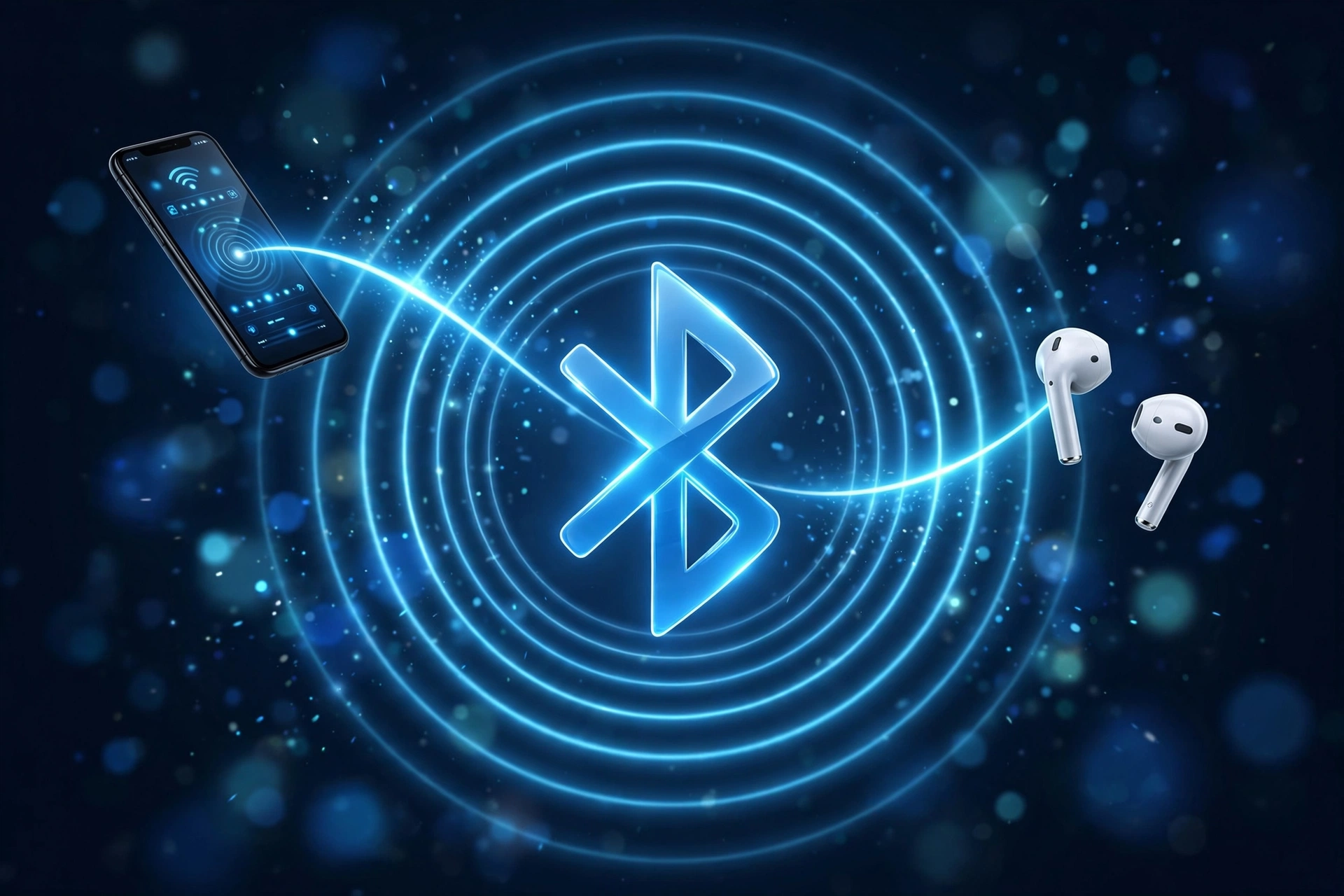
Bluetooth lets two devices exchange data over a short distance without any cable connecting them. At a basic level, three things happen in sequence: the devices talk to each other using radio waves, they go through a one-time pairing process to confirm they’re allowed to connect, and then they transfer data back and forth over that connection.
None of this depends on Wi-Fi or the internet. Bluetooth builds its own direct radio link between two devices, which is why a pair of headphones keeps playing music even in airplane mode or somewhere with zero cell signal. This guide walks through what’s actually happening at each stage: the radio band Bluetooth uses, how pairing works, how multiple devices stay connected at once, and what actually limits range and battery life.
In this article:
- 1. What Is Bluetooth and How Does It Work?
- 2. How Bluetooth Uses the 2.4 GHz Radio Band
- 3. Bluetooth Classic vs. Bluetooth Low Energy (BLE)
- 4. How Bluetooth Pairing Works
- 5. How Bluetooth Connects Multiple Devices
- 6. How Bluetooth Software Communicates With the Radio
- 7. Bluetooth Range, Obstacles and Battery Life
- 8. Is Bluetooth Secure and Safe?
- 9. Frequently Asked Questions
1. What Is Bluetooth and How Does It Work?
Bluetooth is a short-range wireless standard built for direct, device-to-device communication. It’s managed by the Bluetooth SIG (Bluetooth Special Interest Group), the industry body that maintains the standard so that devices from different manufacturers can reliably talk to each other.
Technically, Bluetooth creates what’s called a Personal Area Network (PAN), a small wireless network centered on one person’s devices rather than a whole building or office. That’s a useful way to think about the difference between Bluetooth and other wireless technologies:
- Bluetooth connects a small number of nearby devices directly to each other (phone to headphones, laptop to mouse).
- Wi-Fi connects devices to a router, which then connects to the internet, and is built for longer range and higher data volume.
- Cellular connects a phone directly to a mobile network tower, independent of any local router or device.
Because Bluetooth doesn’t route through a router or a cell tower, it works the same whether you’re at home, on a plane, or somewhere with no signal at all. For a fuller side-by-side comparison, see Bluetooth vs. Wi-Fi: What’s the Real Difference?
At a high level, a Bluetooth connection happens in three stages: the devices communicate using radio waves in a specific frequency band, they pair to establish trust, and then they transfer data in whatever form the connection is meant to carry (audio, keystrokes, sensor readings, and so on). The rest of this guide breaks down each stage.
2. How Bluetooth Uses the 2.4 GHz Radio Band
The 2.4 GHz Band and Bluetooth Channels
Bluetooth operates in the 2.4 GHz ISM band (Industrial, Scientific, and Medical band), a slice of radio spectrum that’s unlicensed, meaning any manufacturer can build a device that uses it without needing special government approval. That’s also why Wi-Fi, many baby monitors, and even some microwave ovens operate in roughly the same range.
Within that band, Bluetooth doesn’t use one fixed frequency. It splits the band into channels:
- Bluetooth Classic uses 79 channels, spaced 1 MHz apart.
- Bluetooth Low Energy (BLE) uses 40 channels, spaced 2 MHz apart. Three of those are reserved as “advertising” channels that devices use to announce themselves before a connection is made, and the rest carry the actual data once connected.
The wider spacing on BLE channels is one of the reasons it handles interference differently from Classic, which matters for the frequency hopping explained next.
Frequency-Hopping Spread Spectrum (FHSS)
Instead of staying on one channel for the whole conversation, Bluetooth Classic constantly jumps between channels, a technique called frequency-hopping spread spectrum (FHSS). Two paired devices agree on a hopping pattern in advance, so they jump to the same channel at the same moment, and can do this as often as 1,600 times per second.
This rapid switching is timed with precision on both sides: each device’s internal clock stays synchronized with the other’s, so neither one has to guess which channel to listen on next. That tight timing is what keeps the connection stable even though the devices are technically never staying on one frequency for more than a fraction of a millisecond.

Adaptive Frequency Hopping (AFH) and Wi-Fi Coexistence
Hopping alone doesn’t fully solve the problem of a crowded radio band. If a Wi-Fi router is heavily using a particular slice of the 2.4 GHz band, a Bluetooth device that happens to hop onto that same frequency at the same moment could lose a small amount of data, which shows up as a brief audio glitch or a momentary lag.
Adaptive Frequency Hopping (AFH) solves this by having Bluetooth devices monitor which channels are noisy or busy and simply remove those channels from their hopping pattern. The devices keep re-evaluating this in the background, so if a channel clears up later, it can be added back in. This is the main reason Bluetooth and Wi-Fi can run in the same room, even on the same device, without constantly interfering with each other.
3. Bluetooth Classic vs. Bluetooth Low Energy (BLE)
“Bluetooth” isn’t one single radio technology. It’s actually two related standards that behave very differently, and knowing which one a device uses explains a lot about its battery life and what it’s capable of.
| Feature | Bluetooth Classic | Bluetooth Low Energy |
|---|---|---|
| Main use | Audio and continuous data | Sensors and low-power devices |
| Communication style | Continuous, ongoing connection | Short bursts |
| Channels | 79 | 40 |
| Power behavior | Higher power during active use | Designed for low power |
| Typical examples | Headphones, speakers | Trackers, sensors, wearables |
Bluetooth Classic (BR/EDR)
Bluetooth Classic is formally called BR/EDR, short for Basic Rate and Enhanced Data Rate. Basic Rate is the original data transfer method, and Enhanced Data Rate is a faster mode added later for applications that need more bandwidth. In practice, this is the version of Bluetooth used for continuous audio streaming, which is why it powers most headphones and speakers: audio needs an uninterrupted stream of data, not short intermittent bursts. For more on how audio specifically travels over this connection, see Bluetooth Audio Explained.
Bluetooth Low Energy (BLE)
BLE was built for the opposite priority: minimizing power use rather than maximizing bandwidth. Instead of holding a continuous connection open, a BLE device typically advertises its presence periodically, connects briefly to send or receive a small amount of data, and then goes back to a low-power sleep state. That start-stop pattern is why a fitness tracker or a smartwatch can run for days or weeks on a small battery, while continuously streaming audio over the same kind of connection would drain it quickly. For the full breakdown of when and why devices use BLE instead of Classic, see What Is Bluetooth Low Energy (BLE)?
4. How Bluetooth Pairing Works
Step 1: Device Discovery and Scanning
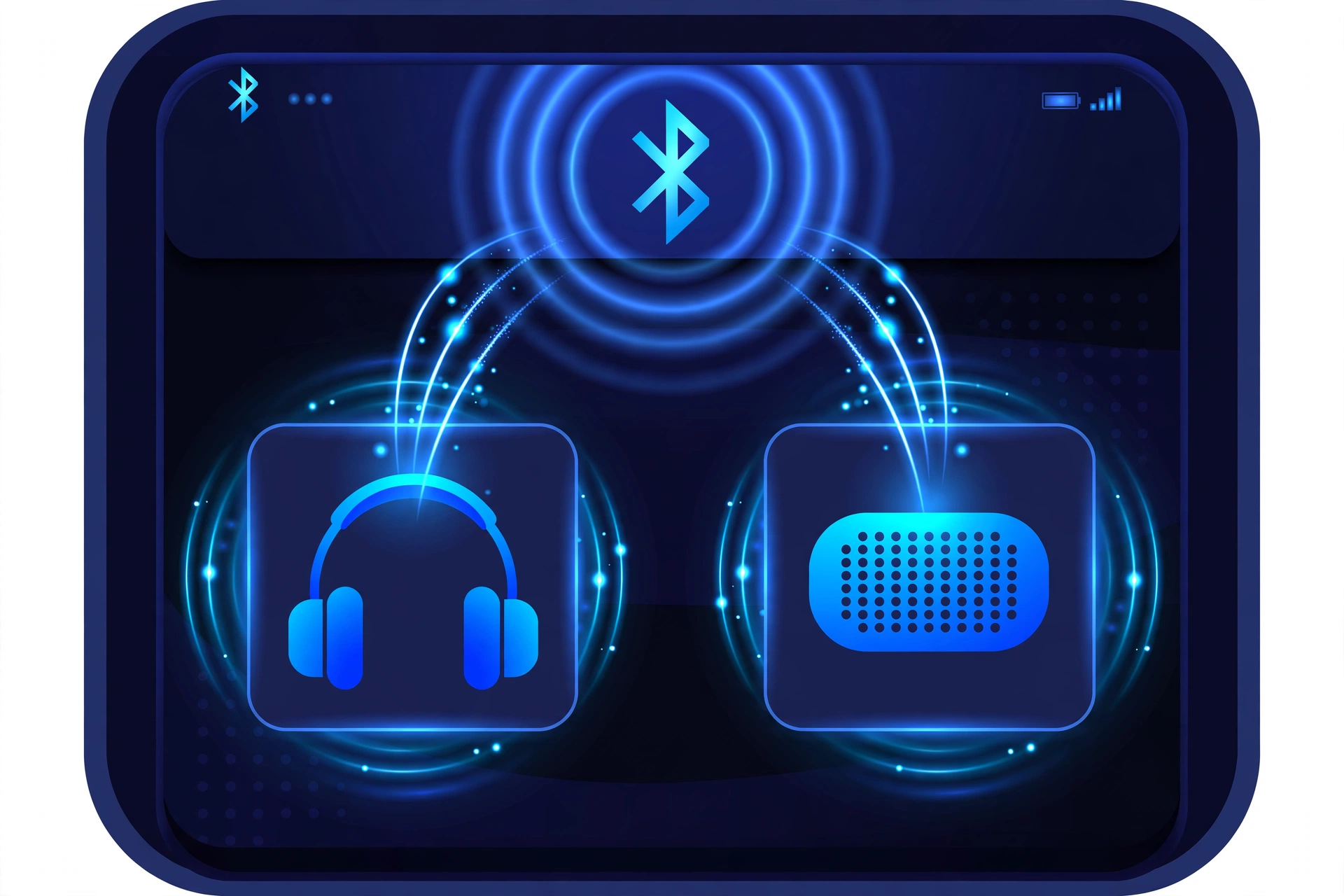
Before two devices can connect, one needs to be discoverable (actively broadcasting that it’s available to pair) while the other scans for nearby devices. Every Bluetooth radio has a unique hardware identifier called a Bluetooth address, similar in concept to how a network card has a MAC address, and this is what lets a scanning device tell one nearby gadget apart from another.
Step 2: Authentication and Key Exchange
Once a device is found, the two sides need to confirm they’re allowed to talk to each other. Modern Bluetooth devices generally use a process called Secure Simple Pairing, which handles this using encrypted key exchange rather than requiring the older method of typing in a shared PIN on both devices. Depending on the device type, this might still involve a passkey confirmation (matching a code shown on both screens) or happen automatically with no visible prompt at all, particularly for accessories like headphones with no screen. For step-by-step instructions across different device types, see our complete guide to pairing Bluetooth devices.
Step 3: Bonding and Automatic Reconnection
Once authentication succeeds, the devices typically move into bonding: they store the security credentials from that exchange so they don’t have to repeat the full pairing process every time. This is why your headphones reconnect automatically to your phone each morning without you doing anything. The devices recognize each other from the stored bond and skip straight to establishing the connection.
If a device won’t reconnect the way it should, that’s usually a separate troubleshooting issue rather than a normal part of this process. See our guide to fixing Bluetooth connection problems if that happens.
5. How Bluetooth Connects Multiple Devices
Piconets and Active Connection Limits
When Bluetooth Classic devices connect, they form what’s called a piconet, a small network with one device acting as the central (sometimes called master) and up to seven other devices actively connected to it at once. The central device manages the timing schedule that all the connected devices follow, which is part of what keeps the frequency hopping described earlier synchronized across every device in the piconet. This active-connection limit is a real constraint of Classic Bluetooth, which is one reason some multi-device features (like connecting several accessories to one phone simultaneously) depend on how a specific manufacturer has implemented multipoint support, not just on Bluetooth itself.
How Wireless Earbuds Stay Synchronized
True wireless earbuds raise a specific coordination problem: the left and right earbuds need to play audio in near-perfect sync, or the listener notices an echo or an off-balance stereo image. Manufacturers solve this a few different ways, but the underlying challenge is the same in each case: the two earbuds need their internal clocks aligned, and any tiny difference in when each earbud receives its audio data has to be corrected using small memory buffers and latency compensation, so that both sides output sound at effectively the same instant. This synchronization work happens continuously in the background for as long as the earbuds are playing audio.
6. How Bluetooth Software Communicates With the Radio
This part doesn’t need to be understood at an engineering level to make sense of it: it’s really just about which piece of a device is responsible for what.
Bluetooth Protocol Stack
A Bluetooth device runs a stack of protocols that each handle a different job. Two of the most relevant to understand are:
- GAP (Generic Access Profile): controls how a device becomes discoverable, how it advertises itself, and how connections get established in the first place.
- GATT (Generic Attribute Profile): controls how BLE devices actually exchange data once connected, organizing information into “services” and “characteristics” that an app can read from or write to.
On top of these sit audio profiles and other application-specific profiles, which define what a particular type of connection is allowed to do (stream stereo audio, send keystrokes, transmit sensor data, and so on). An app or an operating system doesn’t talk to the Bluetooth radio directly. It talks to these protocols, which handle the details of the connection underneath.
Host Controller Interface (HCI)
Inside a device, there’s a practical split between the host (the software stack, running as part of the operating system) and the controller (the physical Bluetooth radio chip and its firmware). The Host Controller Interface (HCI) is the standardized bridge between the two: it’s how the operating system tells the radio chip what to do (start scanning, connect to this device, send this data) and how the chip reports back what’s happening. This separation is why the same operating system can work with Bluetooth chips from completely different manufacturers: as long as a chip speaks HCI correctly, the software side doesn’t need to know anything about that specific chip’s internal design.
7. Bluetooth Range, Obstacles and Battery Life
Transmission Power and Distance
How far a Bluetooth connection reaches depends on the power class of the radio inside each device, a category defined in the Bluetooth specification itself, along with the receiver sensitivity of the device on the other end (how weak a signal it can still pick up and correctly interpret). Class 2 radios, the most common type in phones, headphones, and laptops, have a nominal range of around 10 meters (33 feet) under ideal conditions. Real-world range is almost always shorter once walls, other radio traffic, and the physical orientation of the devices come into play. For the full breakdown of what actually affects everyday range, see Bluetooth Range Explained.
Physical Obstacles and Signal Attenuation
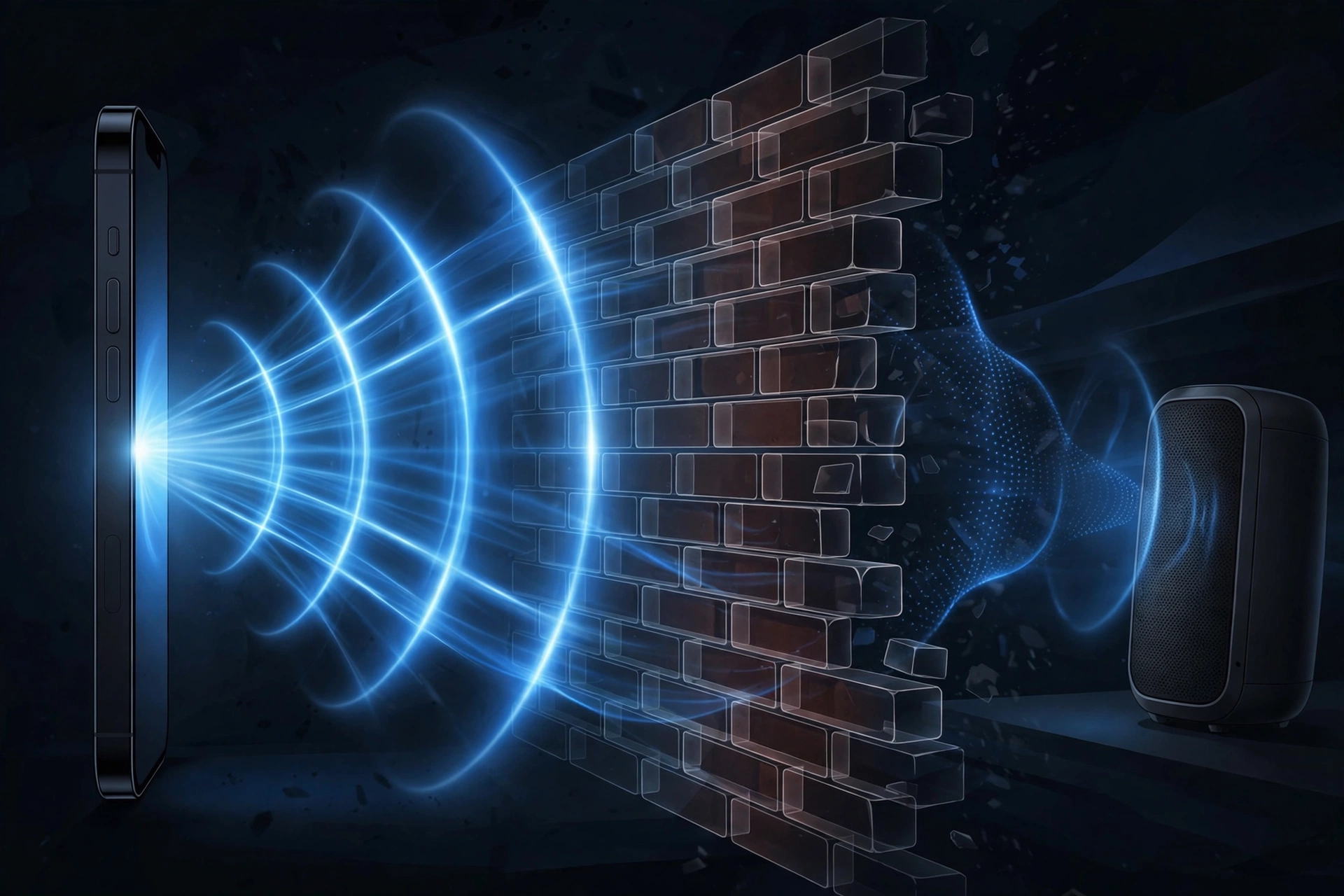
Because Bluetooth radios intentionally use very little transmit power to save battery, their signal weakens faster than Wi-Fi when it has to pass through solid material. Dense materials like concrete, brick, metal, and water absorb or block more of the signal than lighter materials like drywall or wood, and other 2.4 GHz devices operating nearby can add further interference on top of that. For specifics on how different building materials affect a connection, see Does Bluetooth Work Through Walls?
BLE Coded PHY and Extended Range
Bluetooth 5.0 introduced an optional BLE feature called Coded PHY, which trades data speed for range. It works by adding forward error correction (FEC), extra redundant data sent alongside the actual payload that lets the receiving device reconstruct a message even if part of the signal was lost or corrupted along the way. Because the receiver has this redundancy to fall back on, the transmission can tolerate a weaker signal, which extends usable range well beyond a standard BLE connection, at the cost of a slower data rate. There’s no single universal range figure that applies to every device using Coded PHY. Actual distance still depends on the device’s power class, its antenna, and its environment, the same variables that affect any Bluetooth connection.
8. Is Bluetooth Secure and Safe?
How Bluetooth Protects Your Data
Modern Bluetooth connections are protected by several layers working together: authentication (confirming a device is who it claims to be, covered in the pairing section above), encryption (scrambling the data in transit so it can’t be easily read if intercepted), and privacy features like address randomization, where a BLE device periodically changes the address it broadcasts so it’s harder for an outside party to track that specific device over time just by observing its radio signal.
Common Bluetooth Security Risks
Bluetooth has had real, documented security issues over the years, the same as any widely used wireless protocol. The most commonly referenced ones are:
- Bluejacking: sending unsolicited messages or data to a nearby Bluetooth device, generally more of a nuisance than a serious threat.
- Bluesnarfing: unauthorized access to information on a device through a Bluetooth vulnerability.
- Bluebugging: a more serious attack that gives an unauthorized party a level of control over the target device.
Modern devices and current Bluetooth versions have addressed many of the specific vulnerabilities these attacks originally relied on, but the realistic way to stay protected is the same regardless: don’t accept pairing requests you didn’t initiate, turn off discoverable mode when you’re not actively pairing something new, and keep your device’s software updated so security patches actually reach it. For a fuller look at real-world Bluetooth security risks and how they’re mitigated today, see Is Bluetooth Safe?
Bluetooth and RF Safety
Bluetooth radios transmit using non-ionizing radio frequency (RF) energy, the same general category of energy as Wi-Fi and FM radio, and a category that doesn’t carry enough energy to damage DNA the way ionizing radiation (like X-rays) can. Bluetooth’s transmit power is also very low compared to a phone’s cellular radio. Regulatory bodies evaluate wireless devices against established RF exposure limits before they can be sold, and specific exposure values (such as SAR ratings) vary by device and are published by manufacturers and regulators rather than being a fixed, universal number. If exact figures matter for your situation, the manufacturer’s documentation or your national regulator (such as the FCC in the US) is the accurate source, rather than a general claim that Bluetooth is “completely safe.”
9. Frequently Asked Questions
How does Bluetooth work without Wi-Fi or cellular service?
Bluetooth creates its own direct radio connection between two devices. It doesn’t rely on a router, a cell tower, or an internet connection at all, so it works the same with or without either of those available.
Why does Bluetooth use 2.4 GHz?
The 2.4 GHz band is part of the unlicensed ISM band, meaning device makers can use it freely without special regulatory approval, which is a major reason Bluetooth hardware is inexpensive and widespread.
What is frequency hopping in Bluetooth?
It’s a technique where paired devices rapidly switch between dozens of radio channels in a synchronized pattern, rather than staying on one fixed frequency, which helps the connection resist interference.
Does Bluetooth interfere with Wi-Fi?
Not meaningfully under normal conditions. Adaptive Frequency Hopping lets Bluetooth devices detect busy or noisy channels and avoid them, which is why Bluetooth and Wi-Fi can run in the same space without regularly disrupting each other.
What is the difference between Bluetooth Classic and BLE?
Classic is built for continuous, higher-bandwidth connections like audio streaming. BLE is built for short, infrequent bursts of data at very low power, which is why it’s used in trackers, sensors, and wearables.
How does Bluetooth pairing work?
Two devices discover each other, authenticate using an encrypted key exchange, and then bond, storing the security credentials so they can reconnect automatically in the future without repeating the full process. See our pairing guide for the practical steps.
How many devices can connect to Bluetooth at once?
A Bluetooth Classic piconet supports one central device with up to seven other devices actively connected at the same time. Whether a specific product lets you use several connected devices simultaneously also depends on how that manufacturer implemented multipoint support.
How do wireless earbuds stay synchronized?
The two earbuds keep their internal clocks aligned and use small memory buffers to correct for tiny timing differences, so both sides play audio at effectively the same instant.
Why does Bluetooth disconnect through walls?
Bluetooth intentionally uses low transmit power to save battery, so its signal weakens faster than Wi-Fi when passing through dense materials like concrete, brick, or metal. See Does Bluetooth Work Through Walls? for specifics.
How far can Bluetooth reach?
It depends on the power class of the radio involved. Most everyday devices use Class 2 radios with a nominal range of around 10 meters (33 feet), though real-world range is often shorter. See Bluetooth Range Explained for a full breakdown.
Can someone hack a phone through Bluetooth?
It’s possible in principle, the same as with any wireless protocol, though modern devices and current Bluetooth versions have closed off many of the specific vulnerabilities older attacks relied on. Basic habits like rejecting unexpected pairing requests and keeping software updated meaningfully reduce the risk. See Is Bluetooth Safe?
Does Bluetooth use a lot of battery?
Generally no, especially for BLE devices, which are specifically designed around minimizing power draw. Battery use rises when Bluetooth is actively doing something continuous, like streaming audio, compared to just sitting idle. See Does Bluetooth Drain Battery? for the full explanation.

1 Comment
Pingback: Bluetooth Range: Max Distance, Walls & How to Extend It